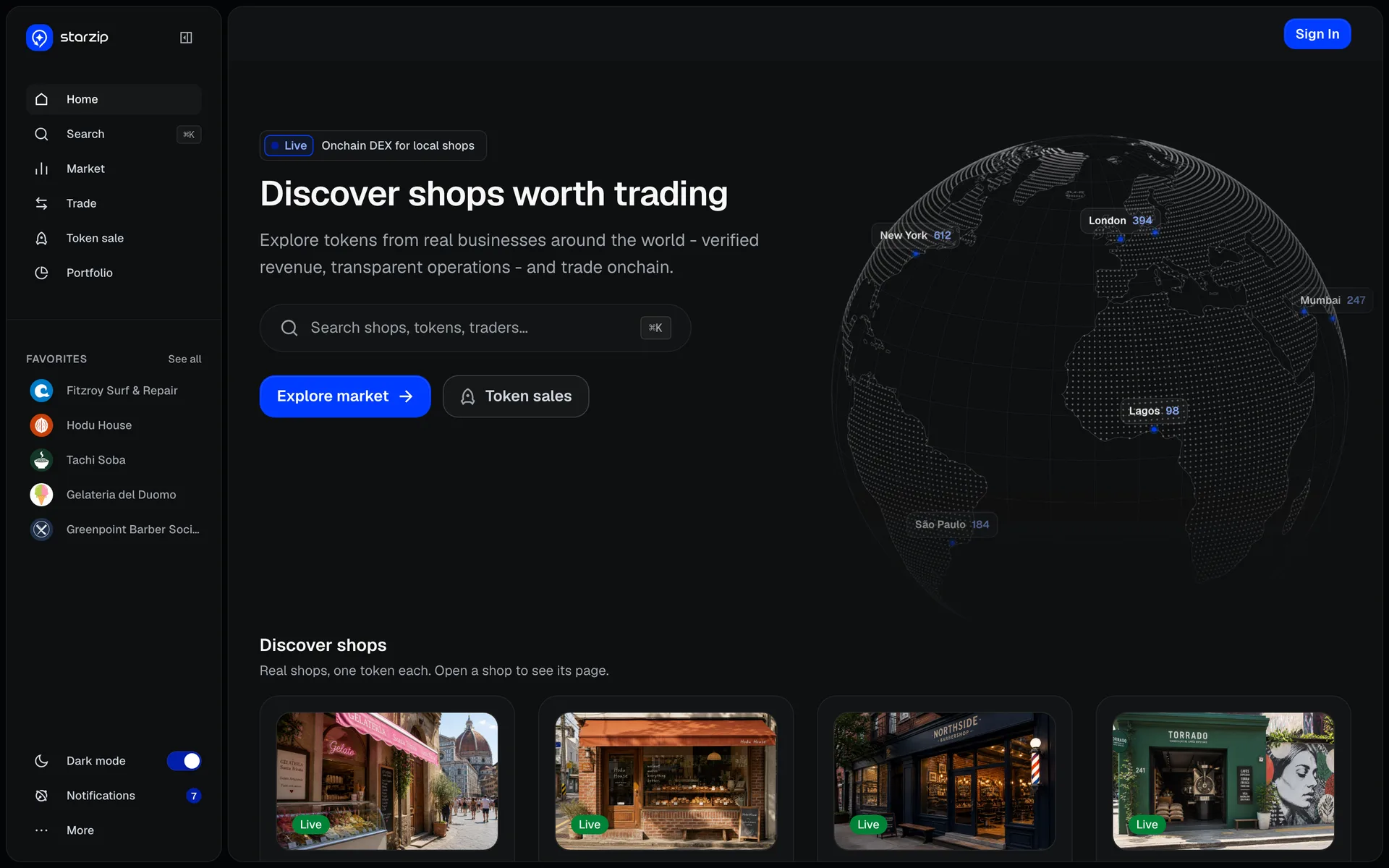
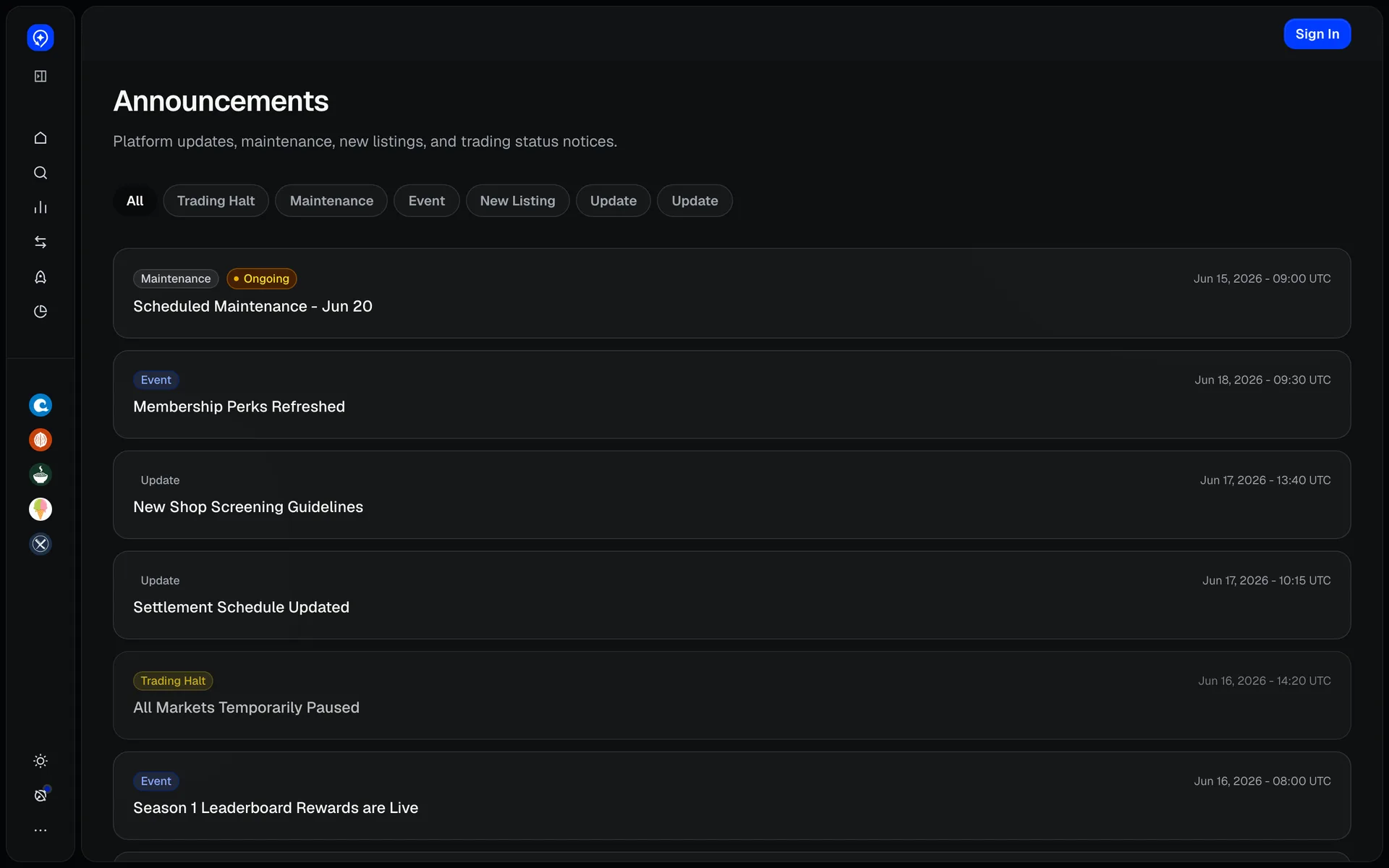
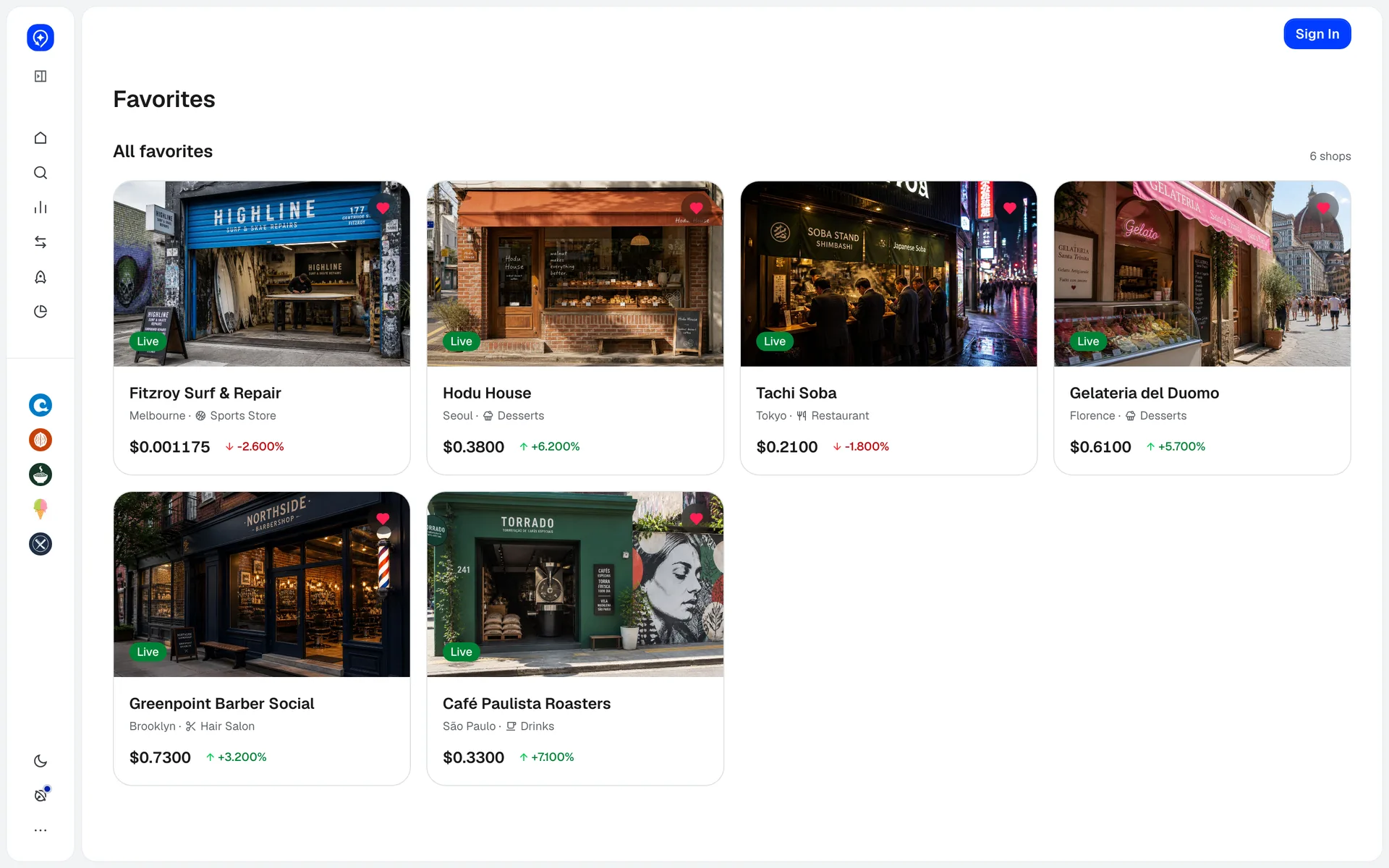
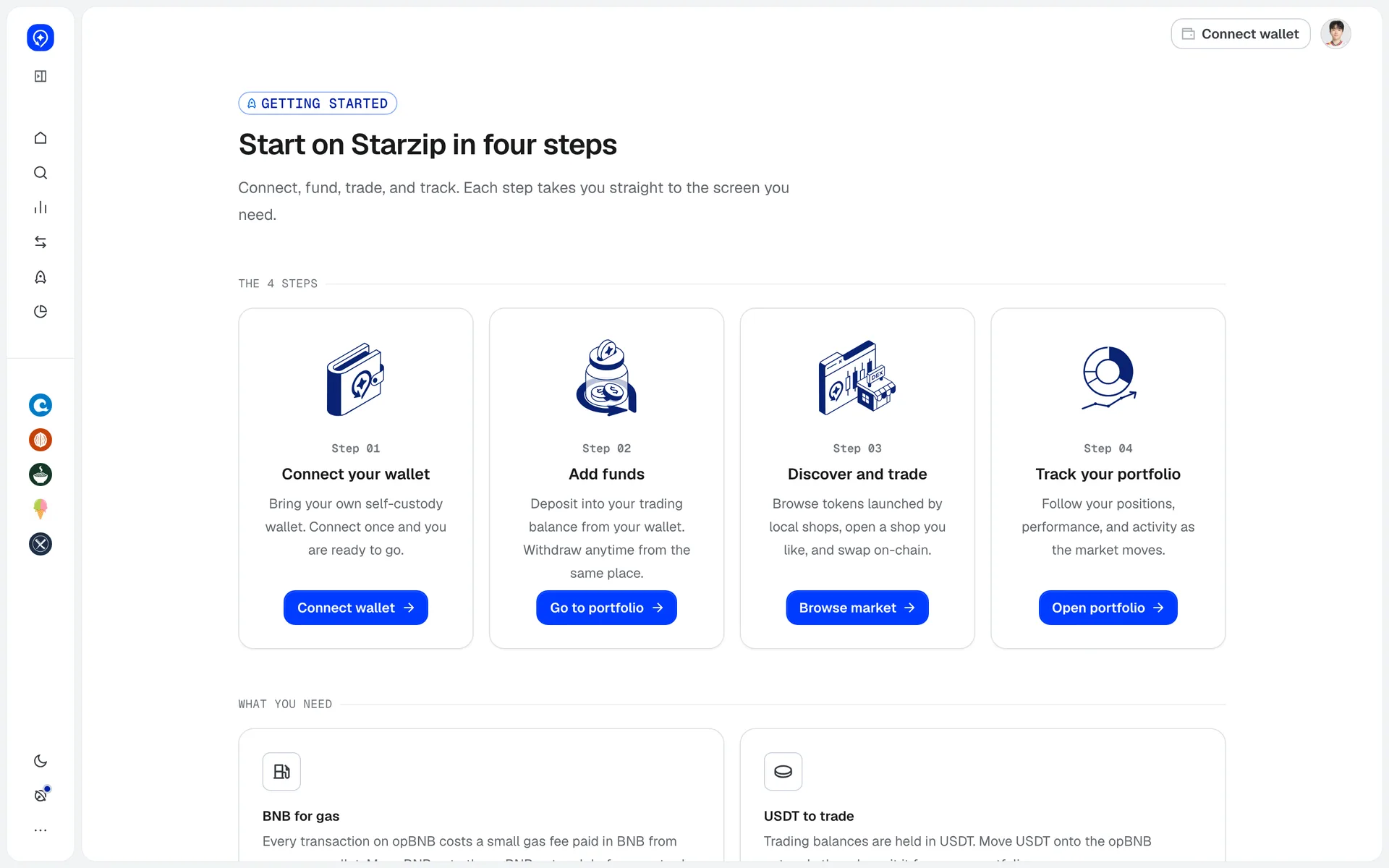
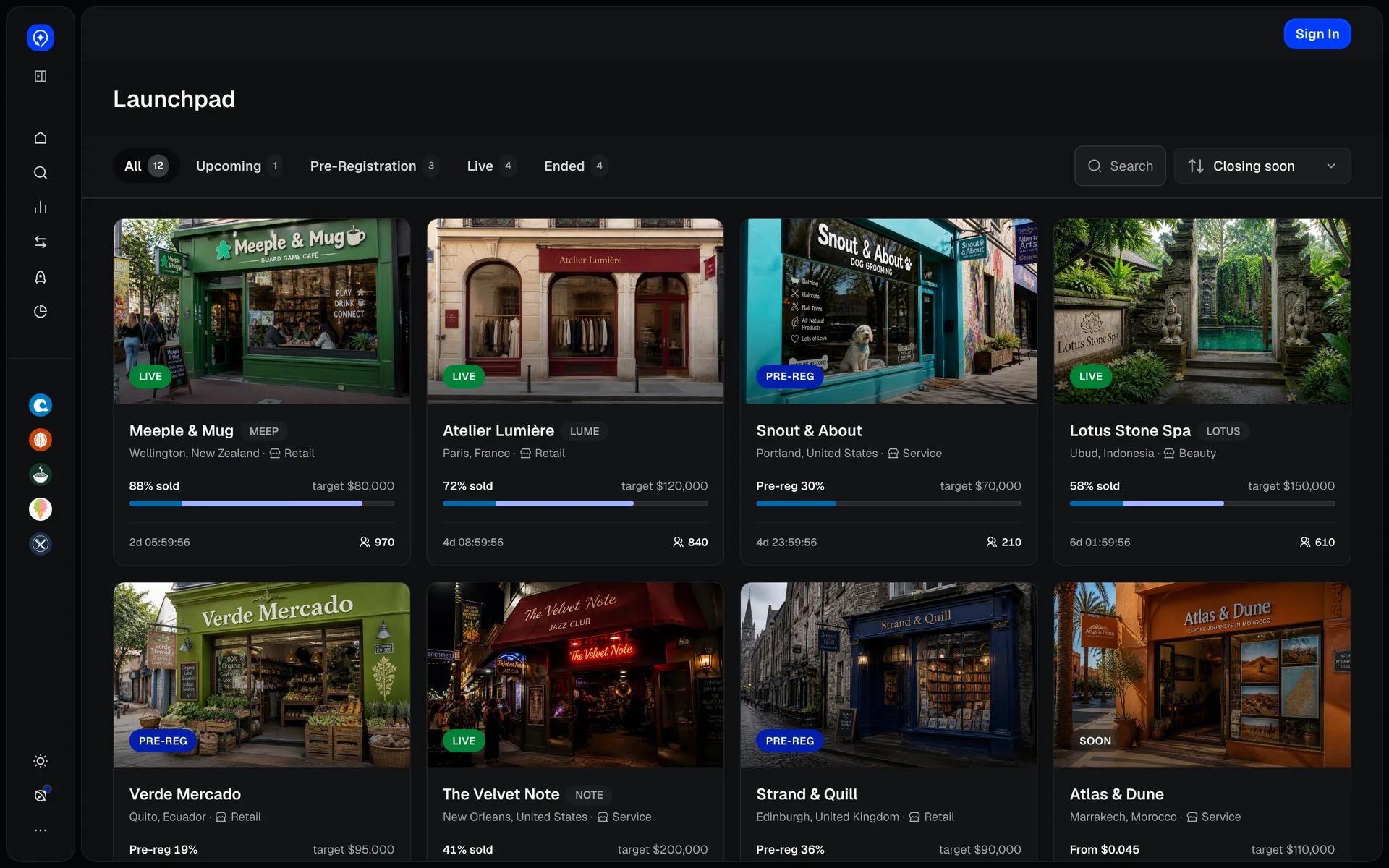
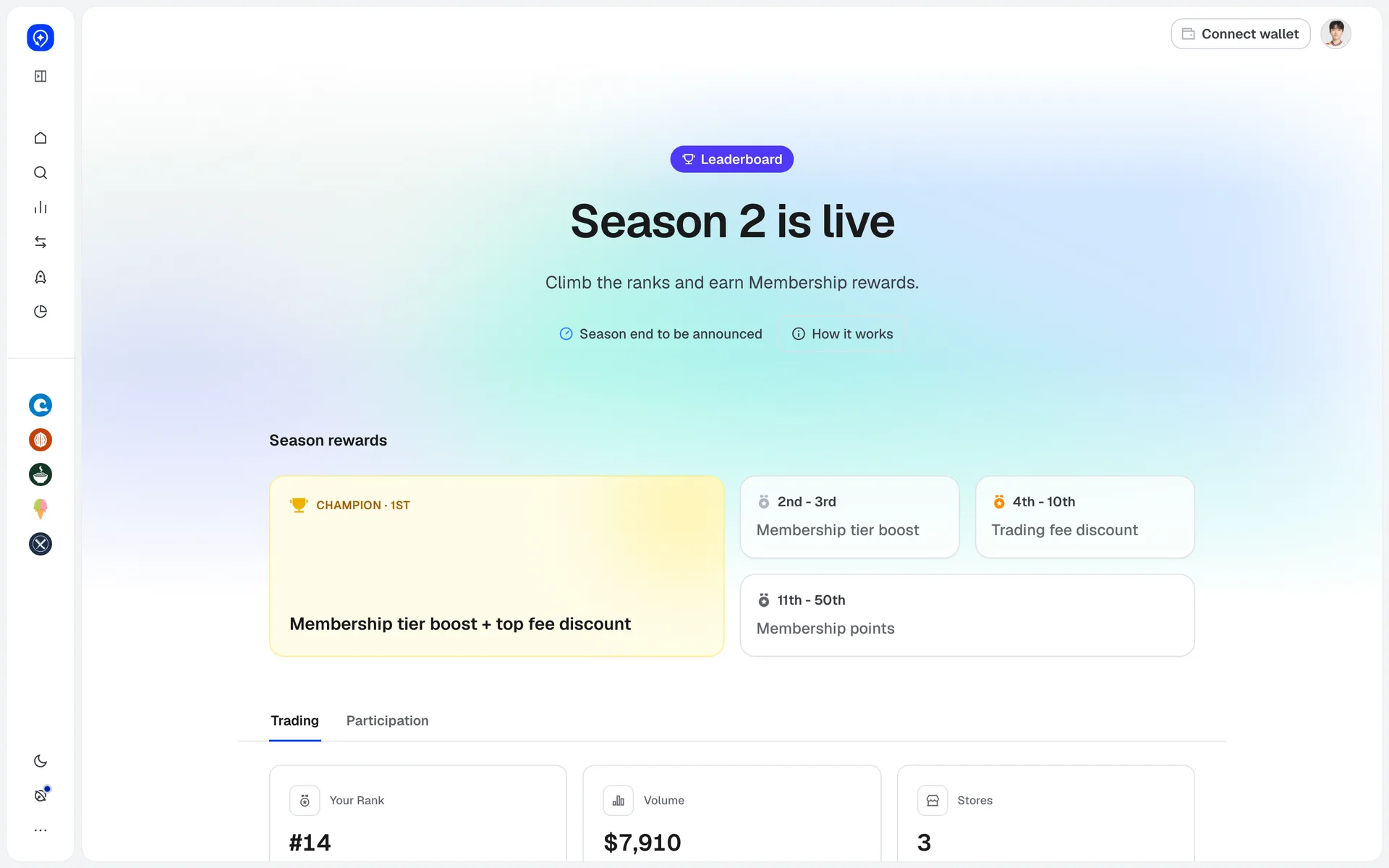
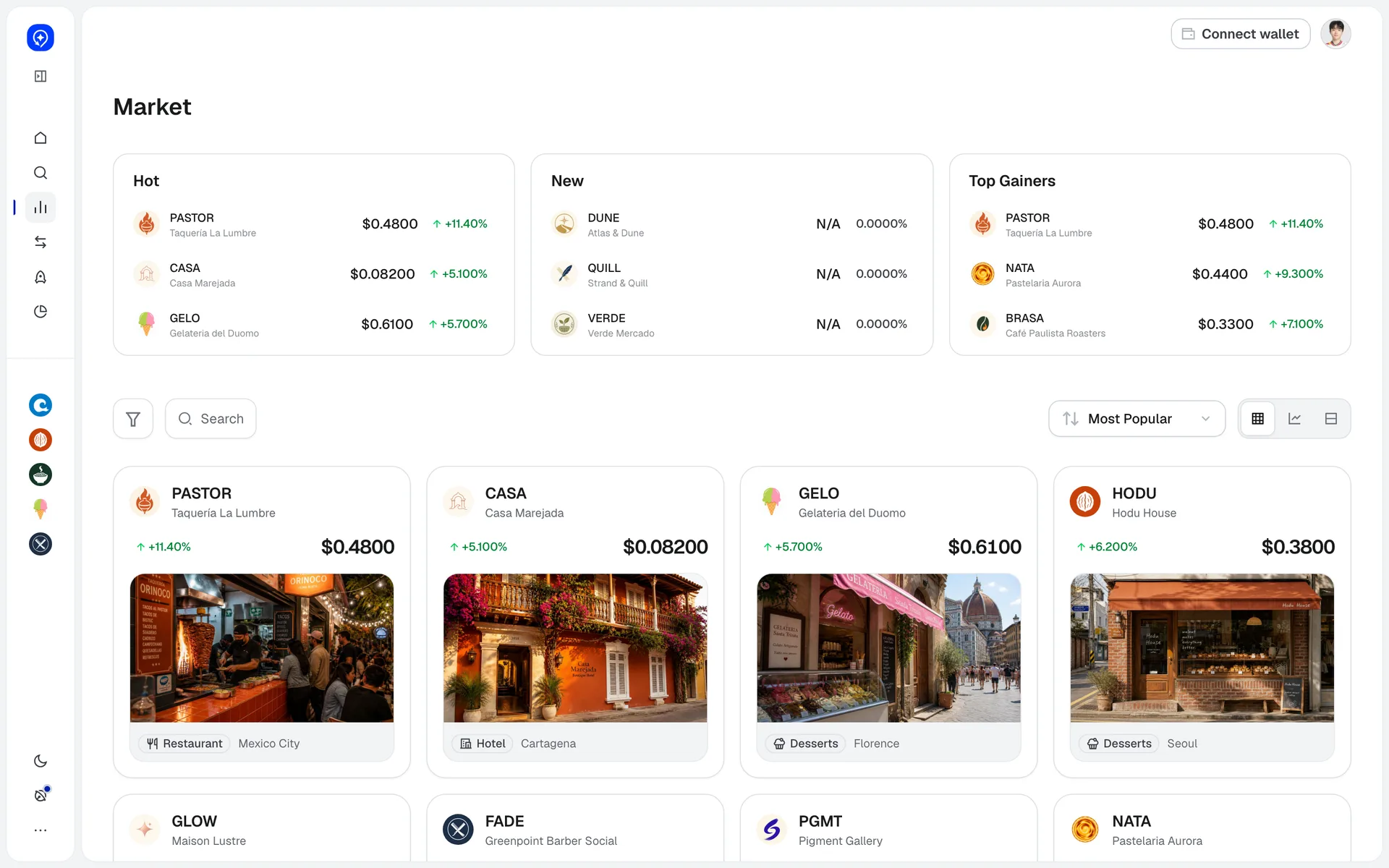
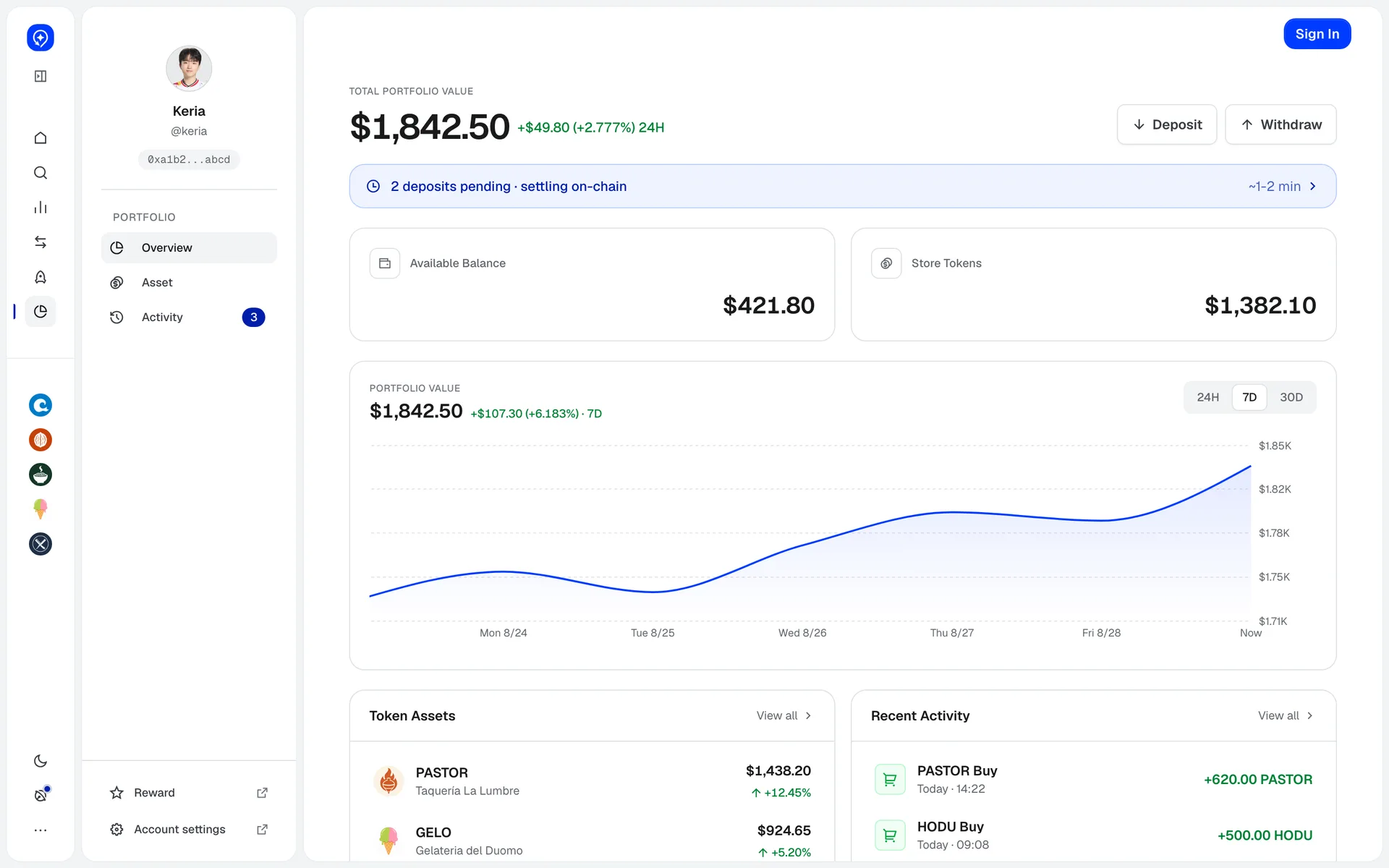
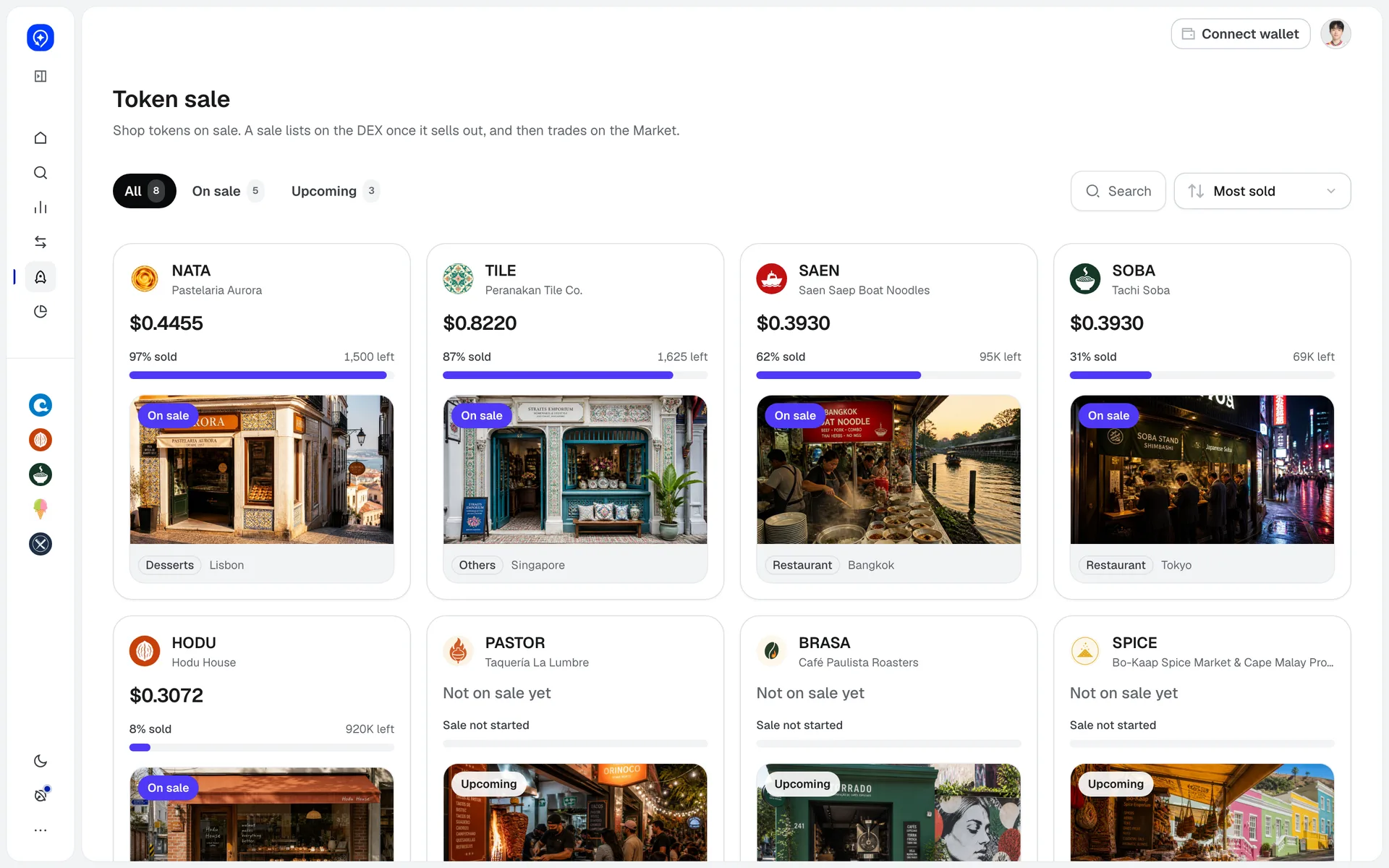
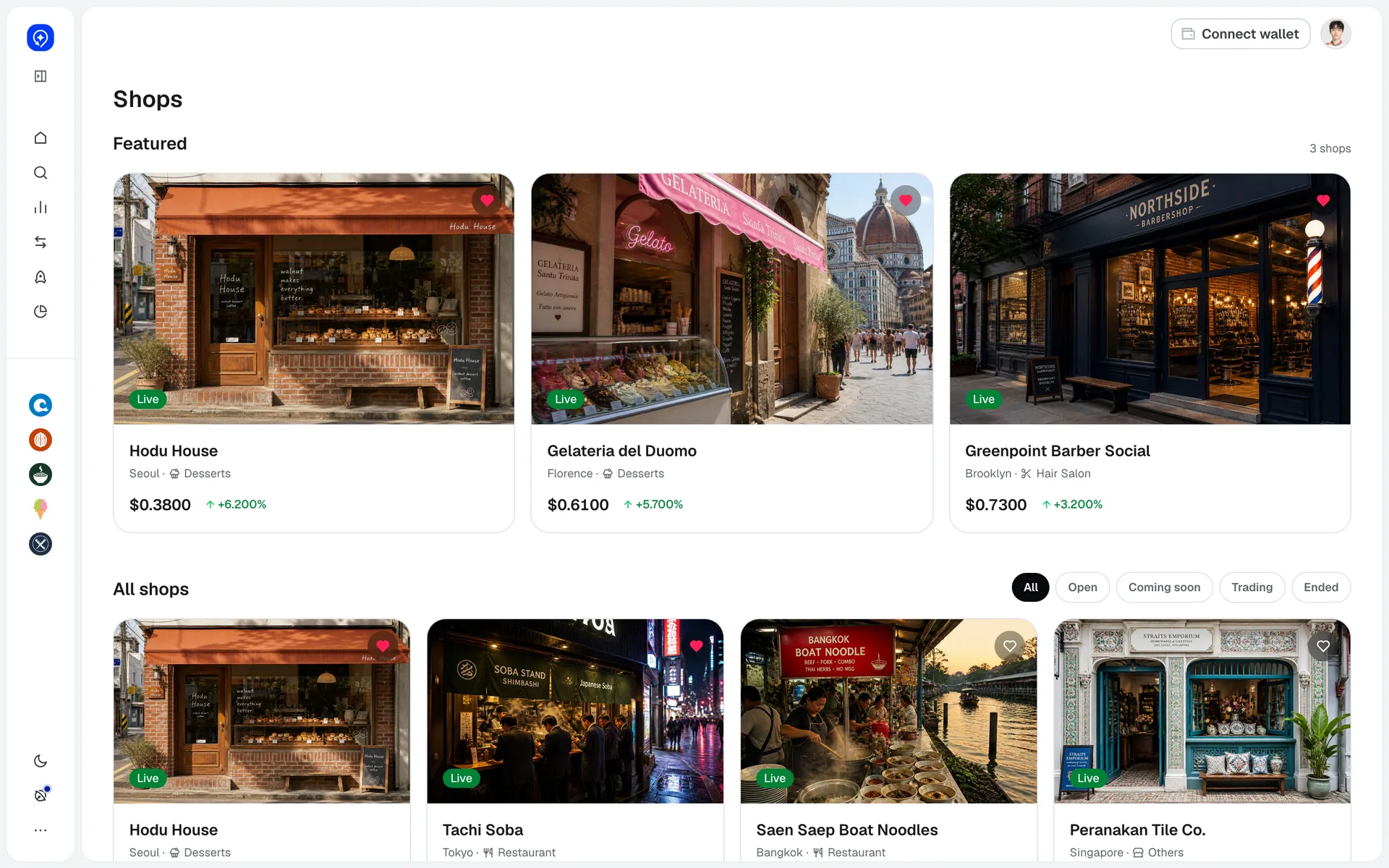
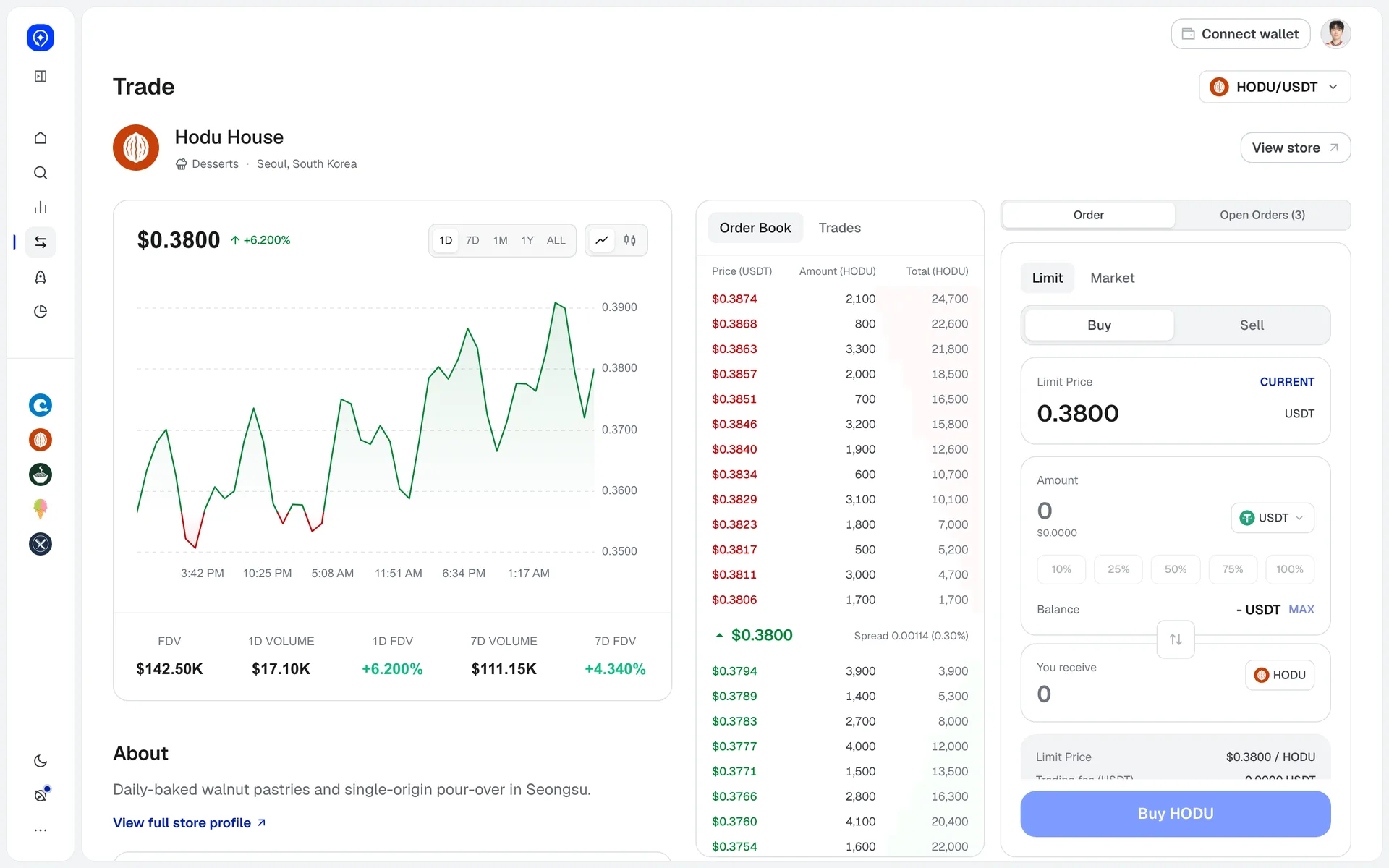
GA home - shops and your account side by sideAn icon rail with favorite-shop avatars on the left; three shop cards and token sales in the body, account summary and a deposit widget on the right. Deposit starts from home.Announcements filtered by typeType chips (maintenance, event, new listing, trading halt) sit on top, and an ongoing maintenance gets its own badge. Dark theme.Favorites - only the shops you heartedHearted shops gather in a four-column grid. Each card carries the Live badge and price change, the same card spec as the market.Getting started in four stepsConnect, fund, trade, track as four cards, each button jumping straight to that screen. Below, what you need: BNB for gas and USDT to trade.Launchpad - sales split by statusUpcoming, pre-registration, live and ended tabs carry counts; cards show a sold bar, time left and participants. Sorted by closing soon by default.Leaderboard - rewards before ranksReward cards per rank band come right under the season header, then Trading and Participation tabs with your rank and volume. Rewards before the table.Market - hot, new and top gainersThree panels on top (hot, new, top gainers), then a token card grid with search, sort and grid/chart/list toggles. Dark theme.Portfolio with a second sidebarA second column with profile and Overview, Asset, Activity sits next to the icon rail. Body: total value, pending-deposit banner, balances, 7-day chart, assets and activity.Token sale - progress bar on every cardTokens on sale show a sold bar and units left at the top of the card; unstarted ones keep the same slot with Not on sale yet. The subtitle explains a sold-out sale moves to the market.Shops - three featured, then everythingThree featured shops as large cards first; All shops below filters by Open, Coming soon, Trading, Ended. The heart on each card adds it to favorites.Trade - see the book before you connectChart, order book and order panel in three columns. With no wallet, only the order panel is replaced by a connect prompt; chart and book stay visible.