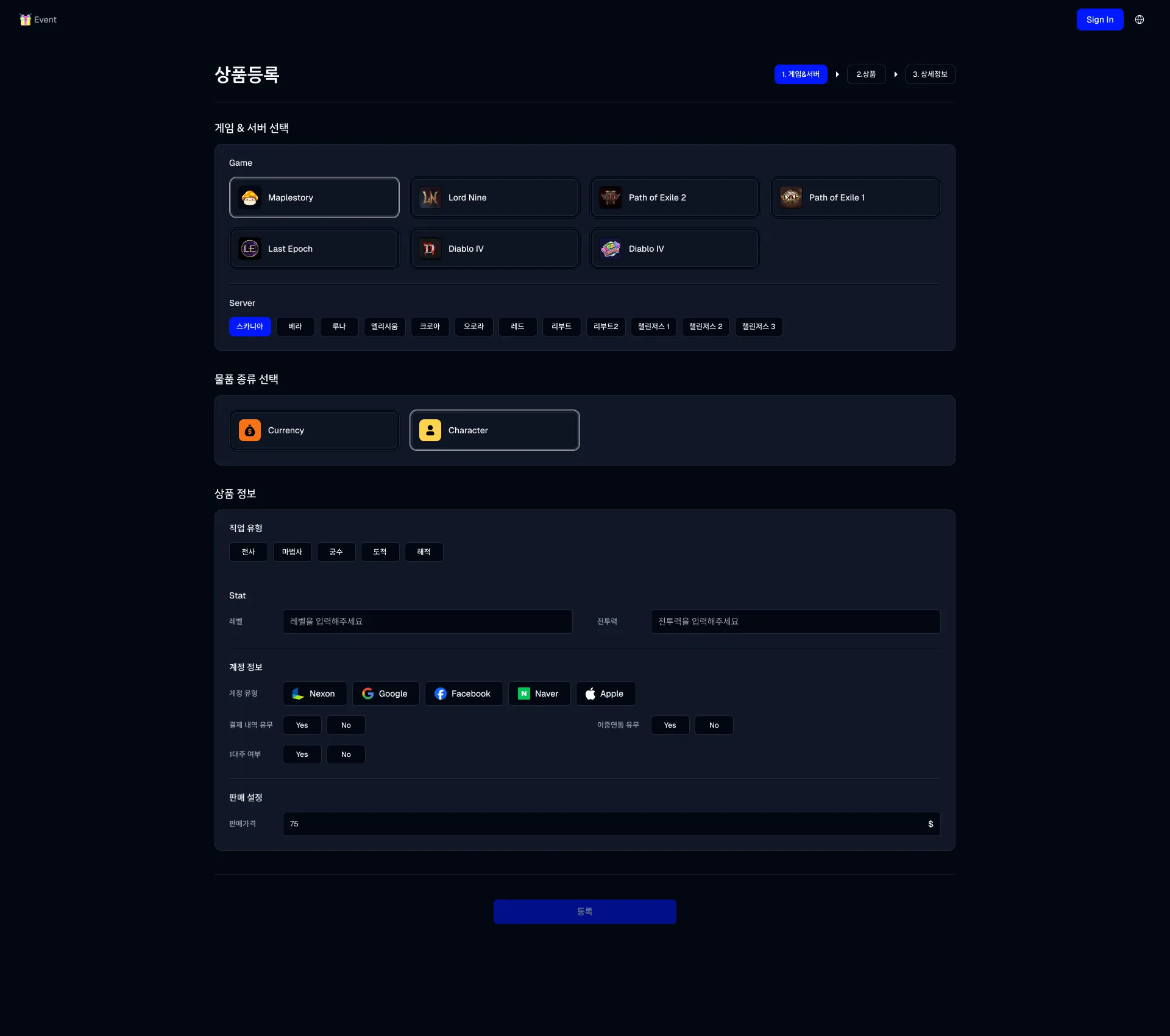
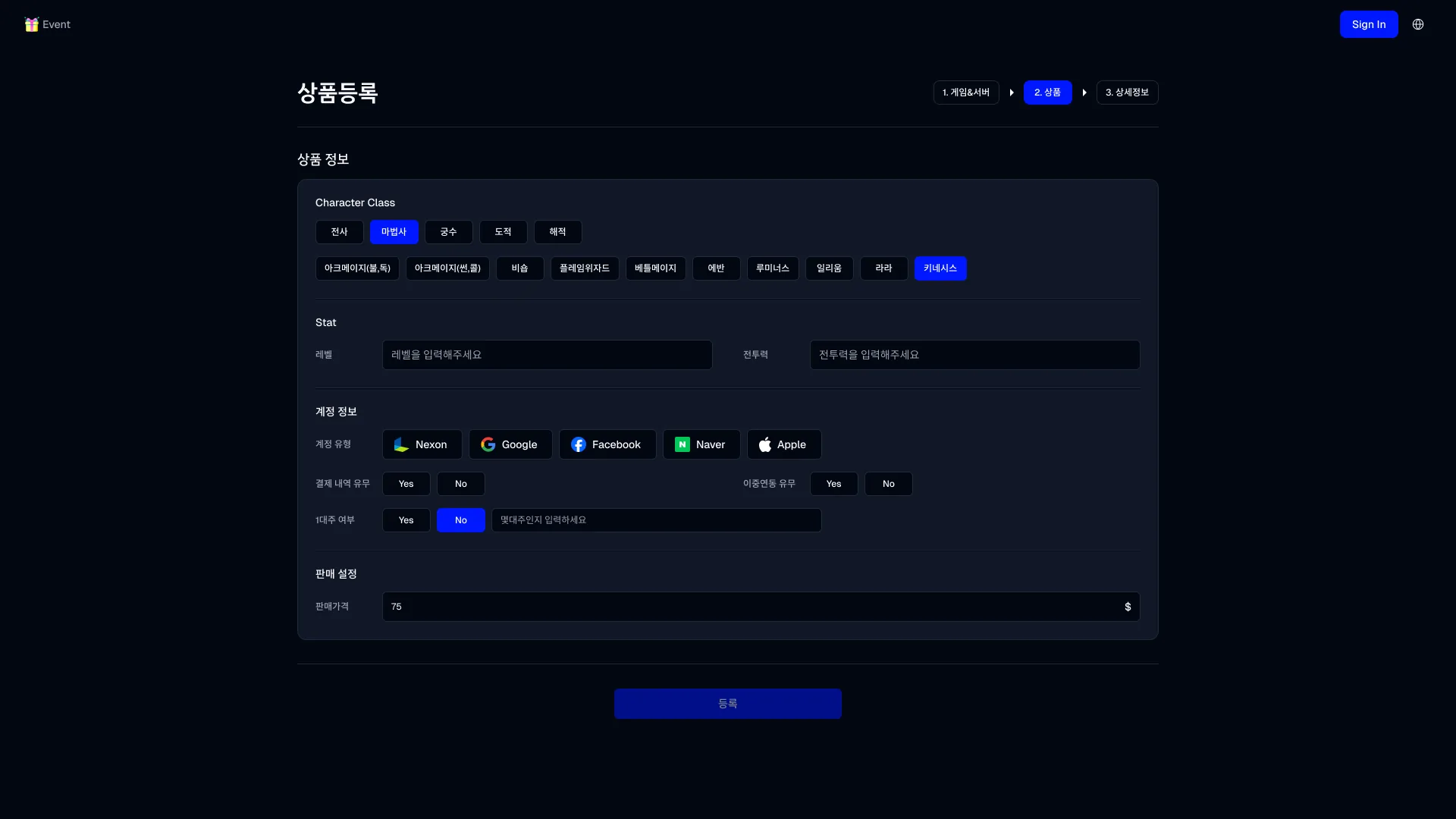
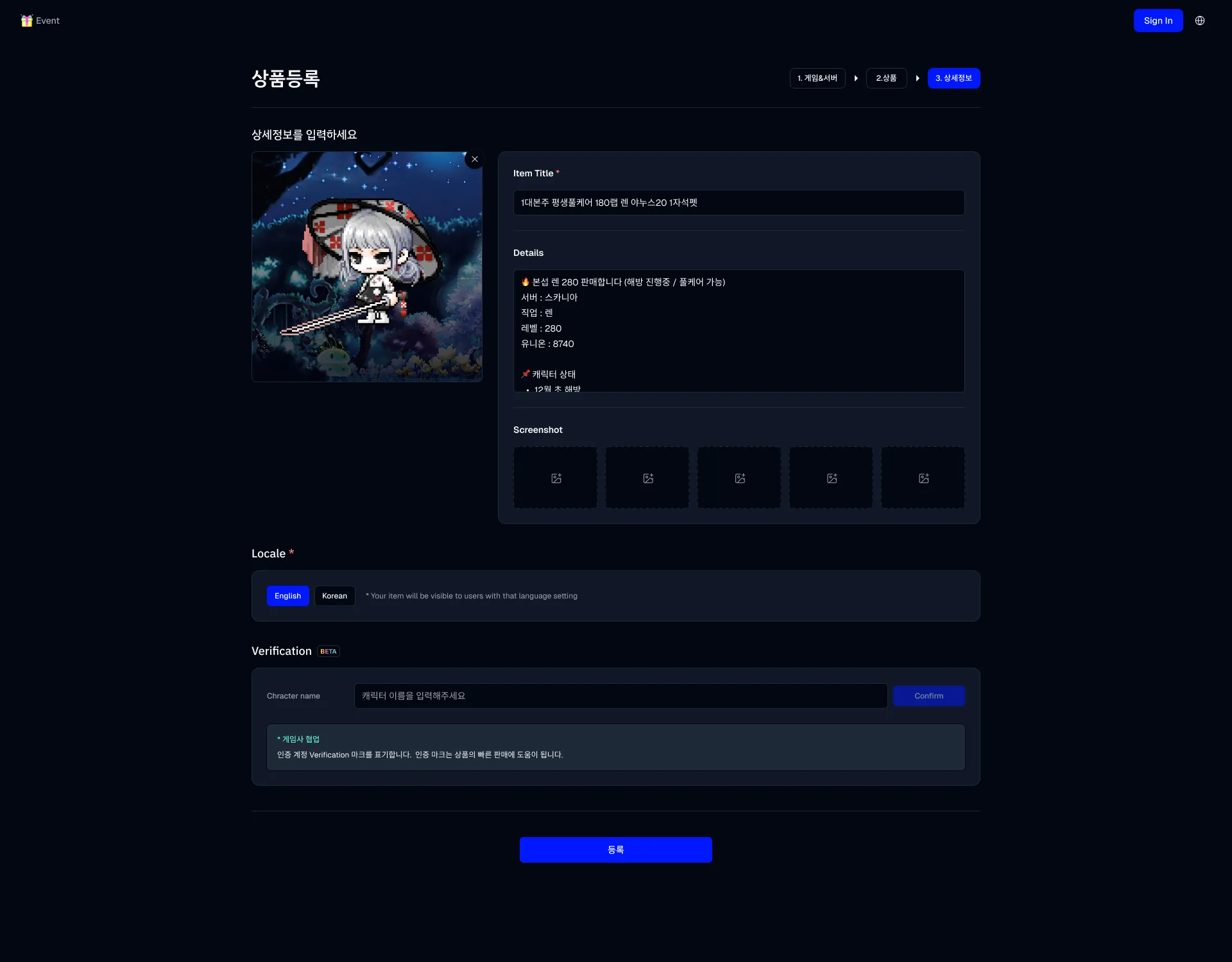
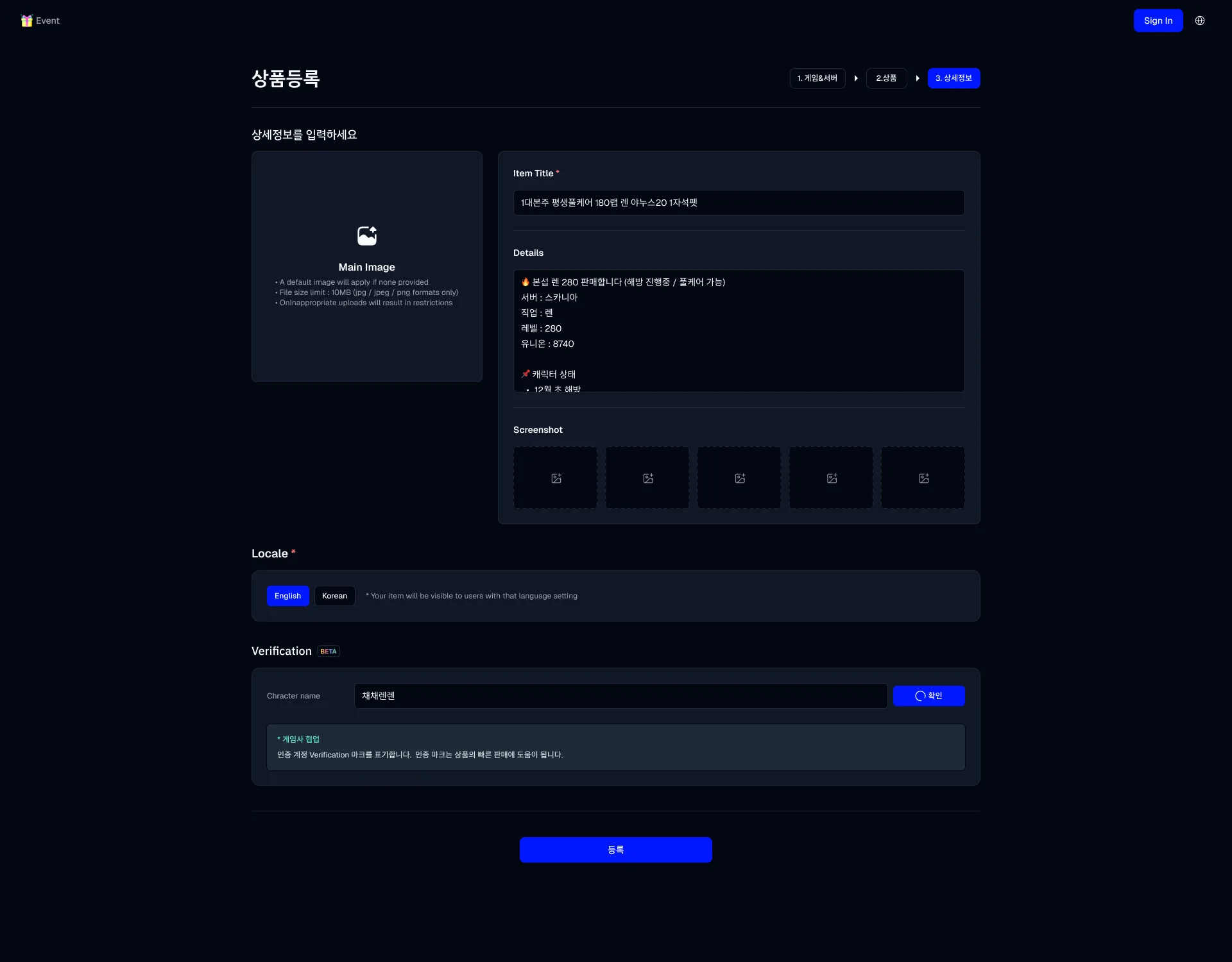
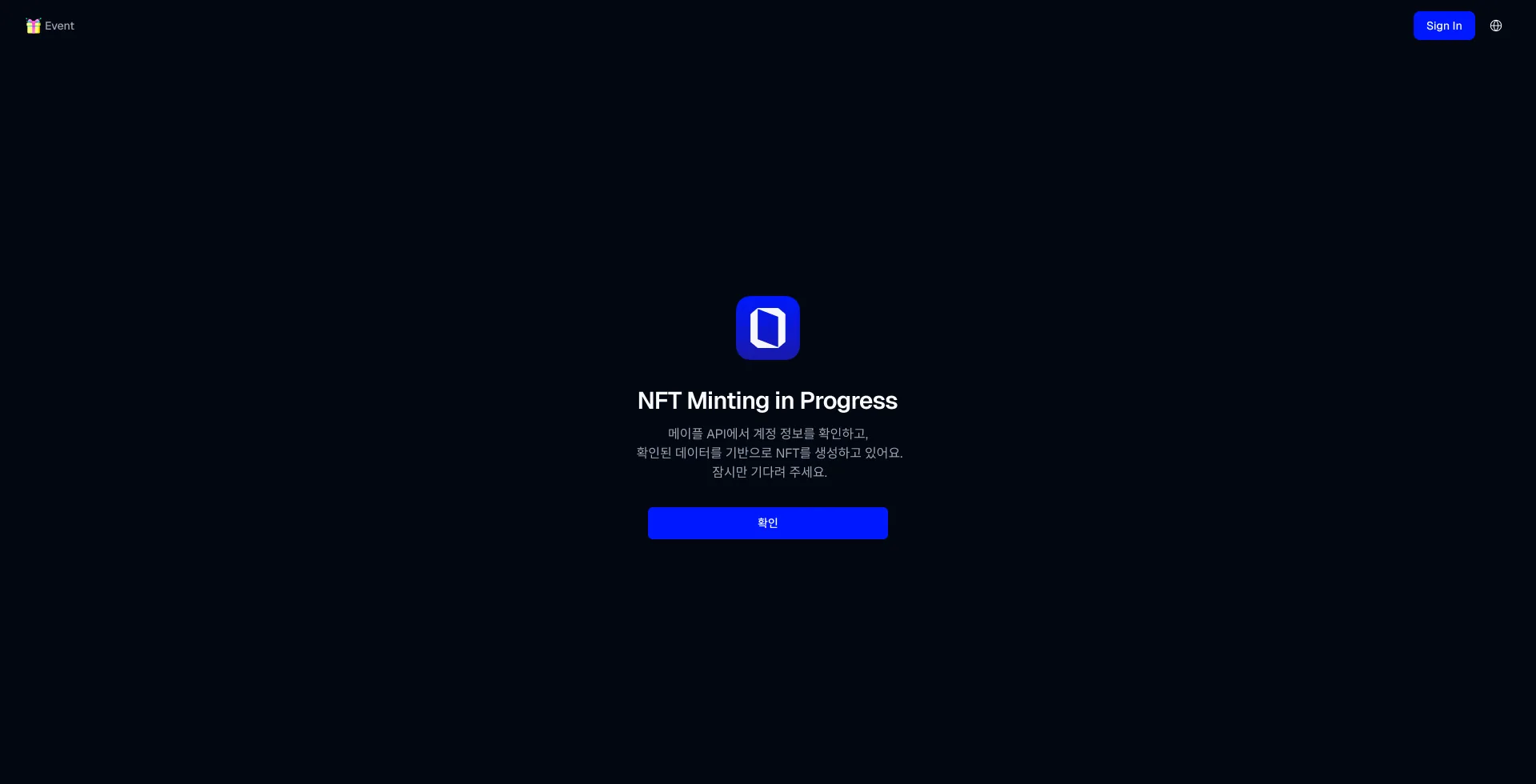
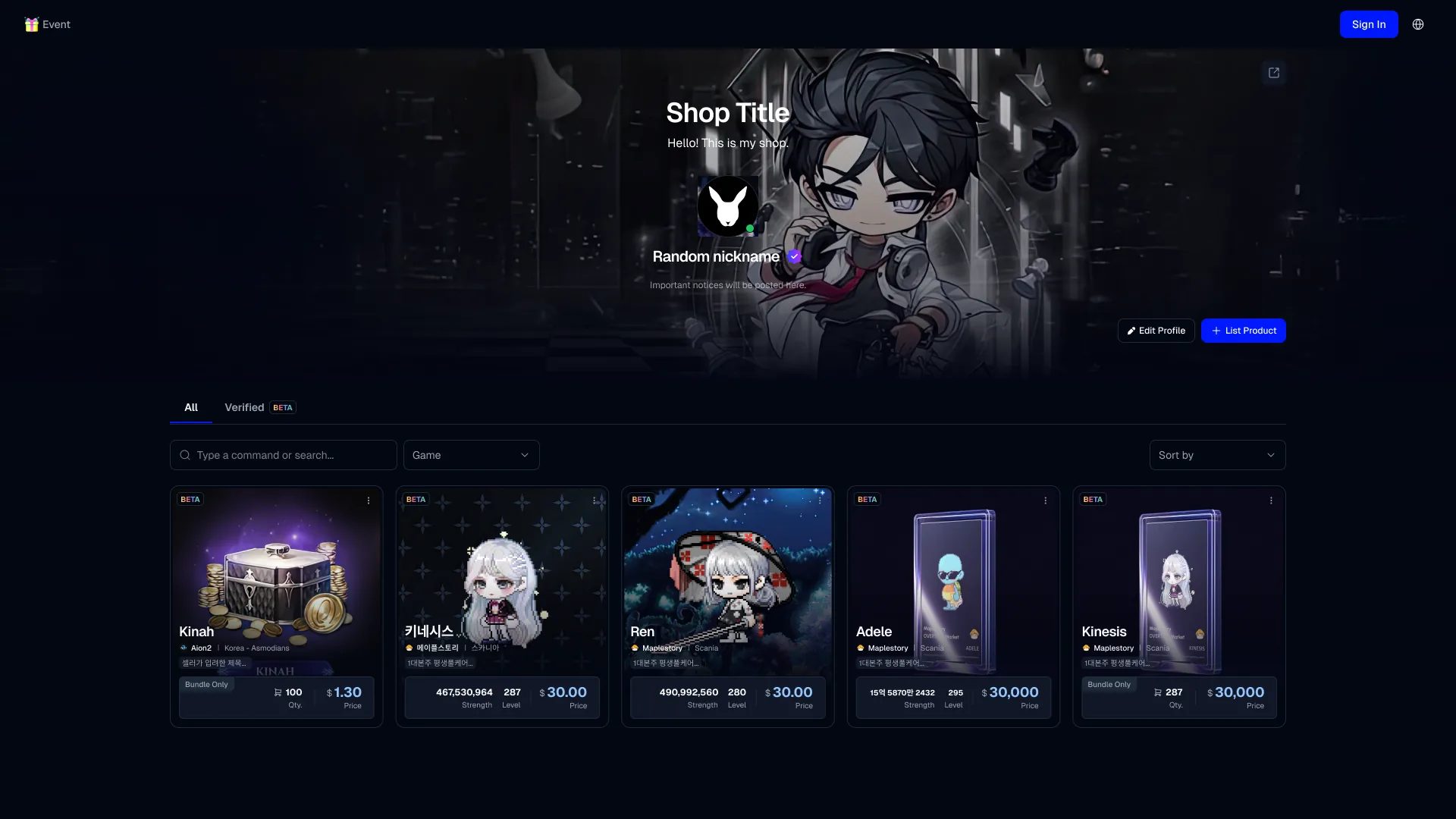
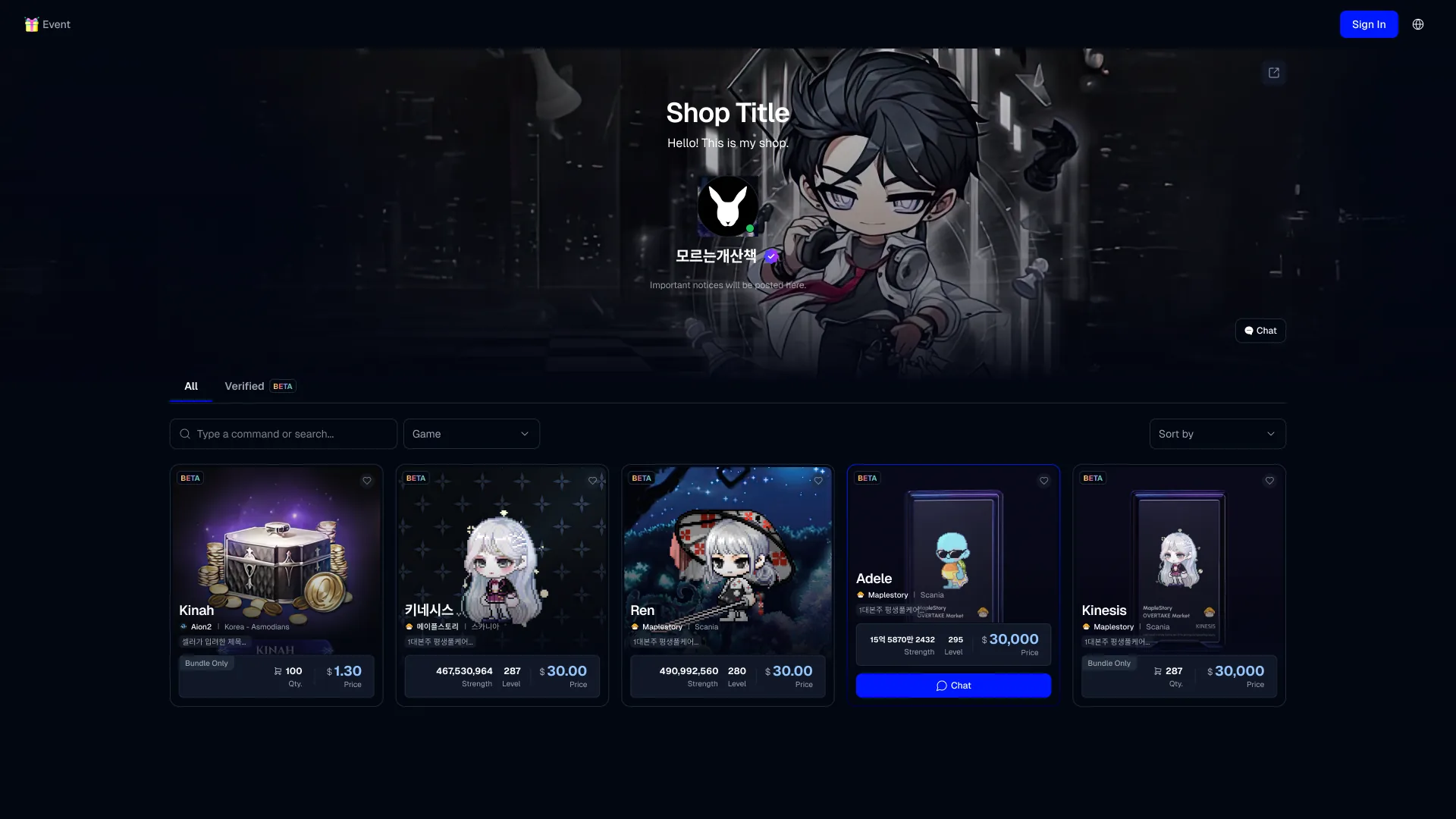
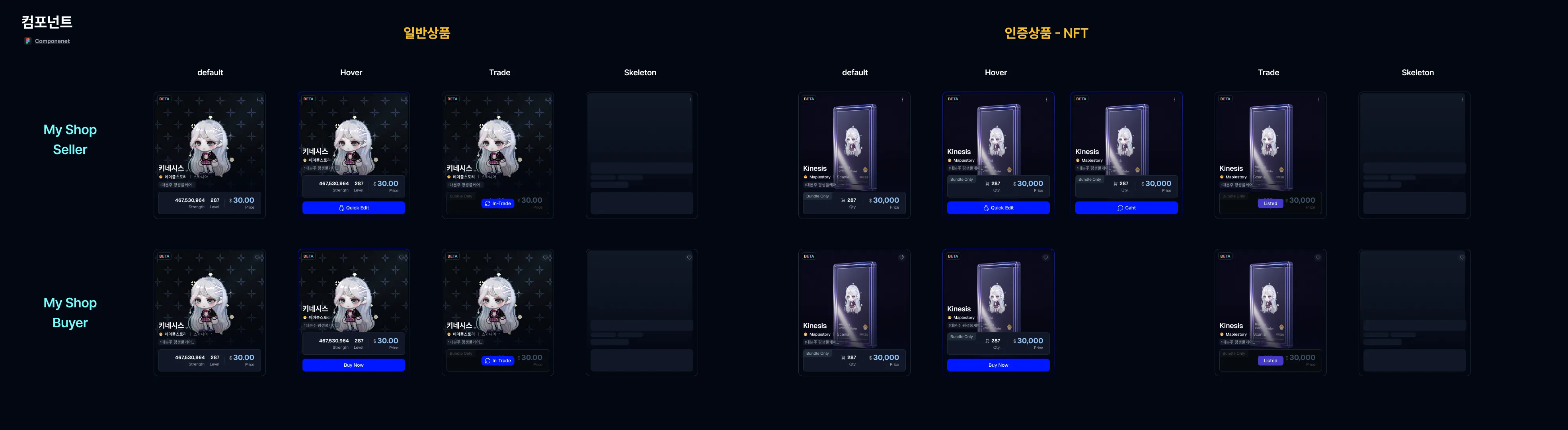
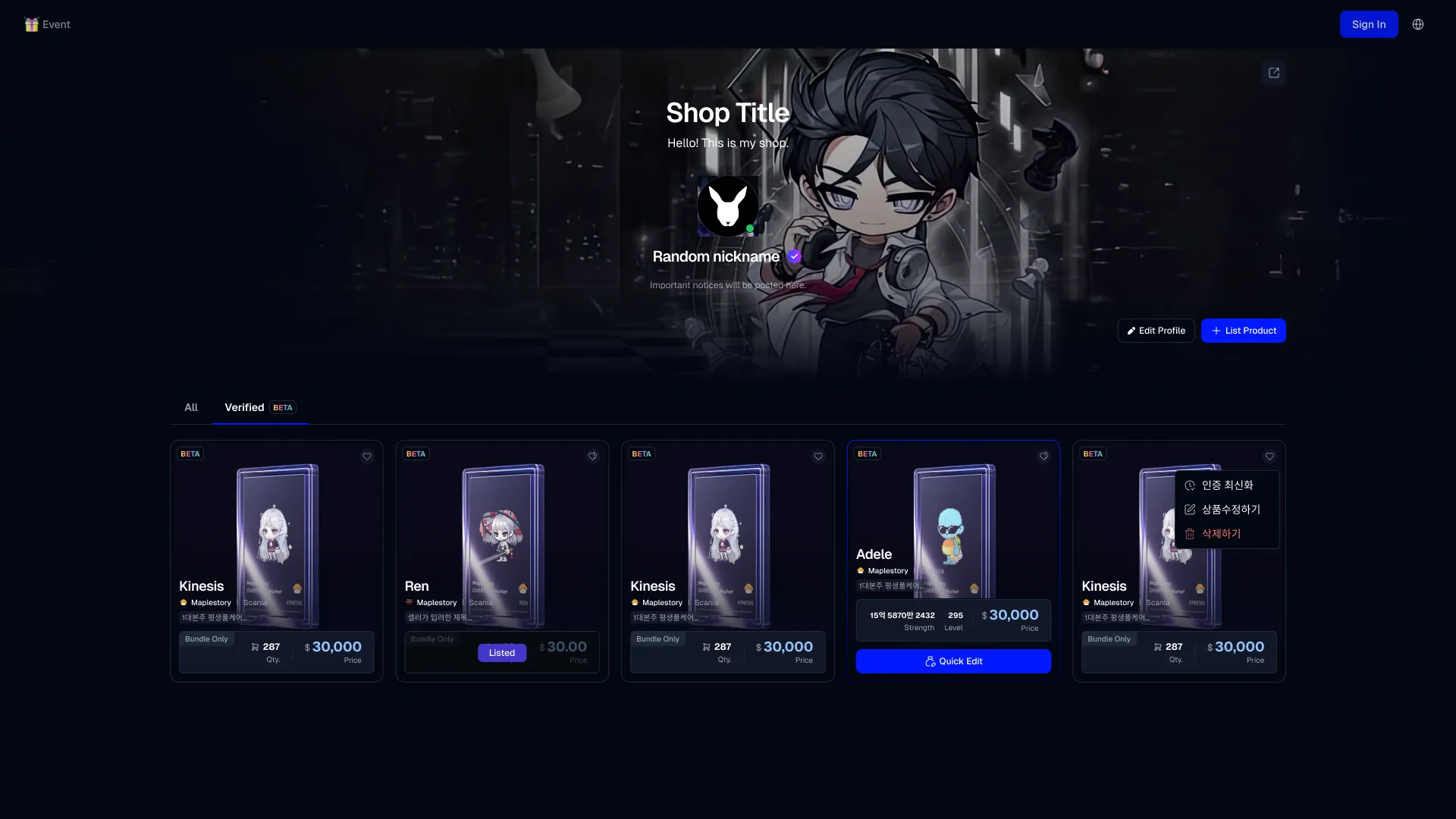
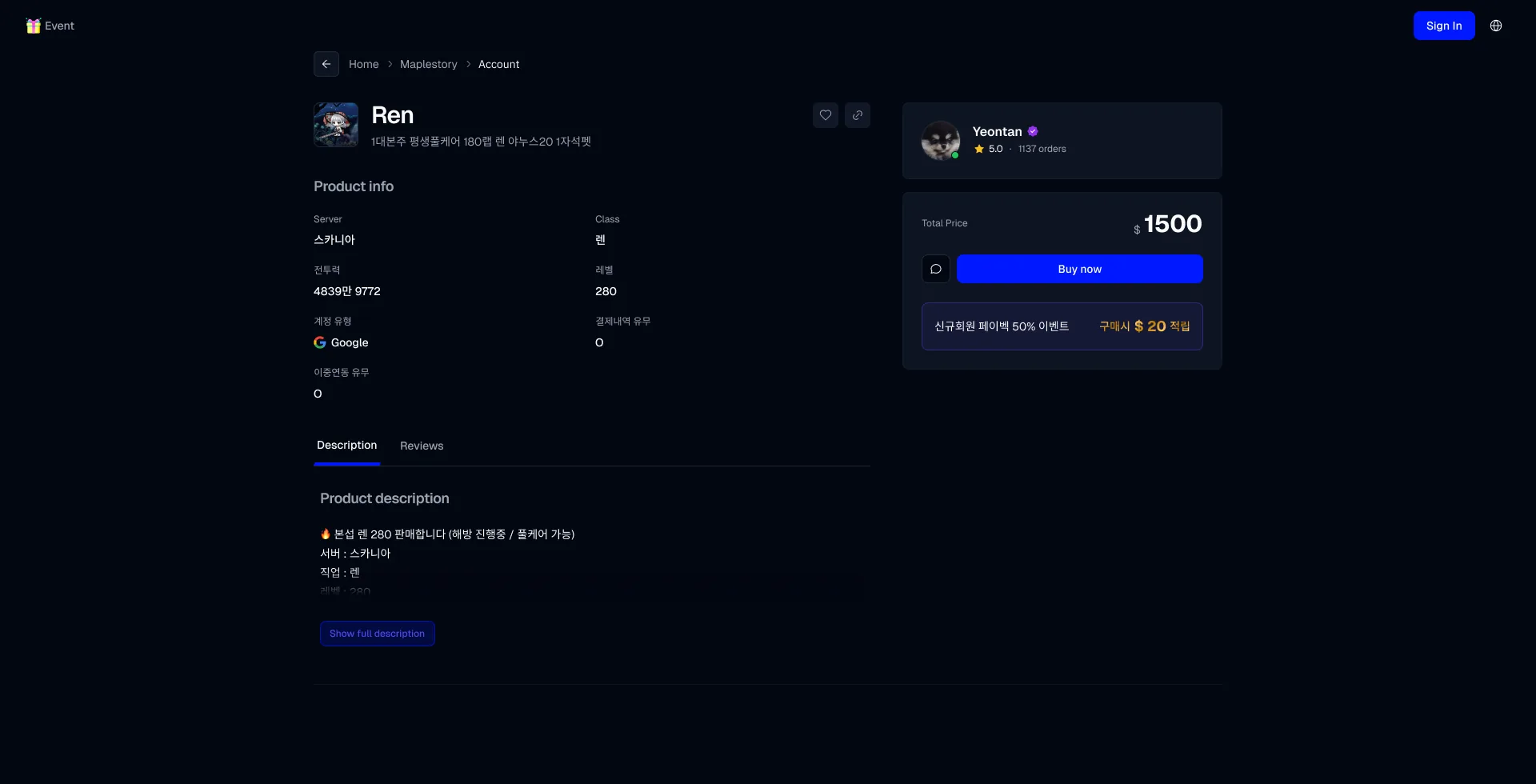
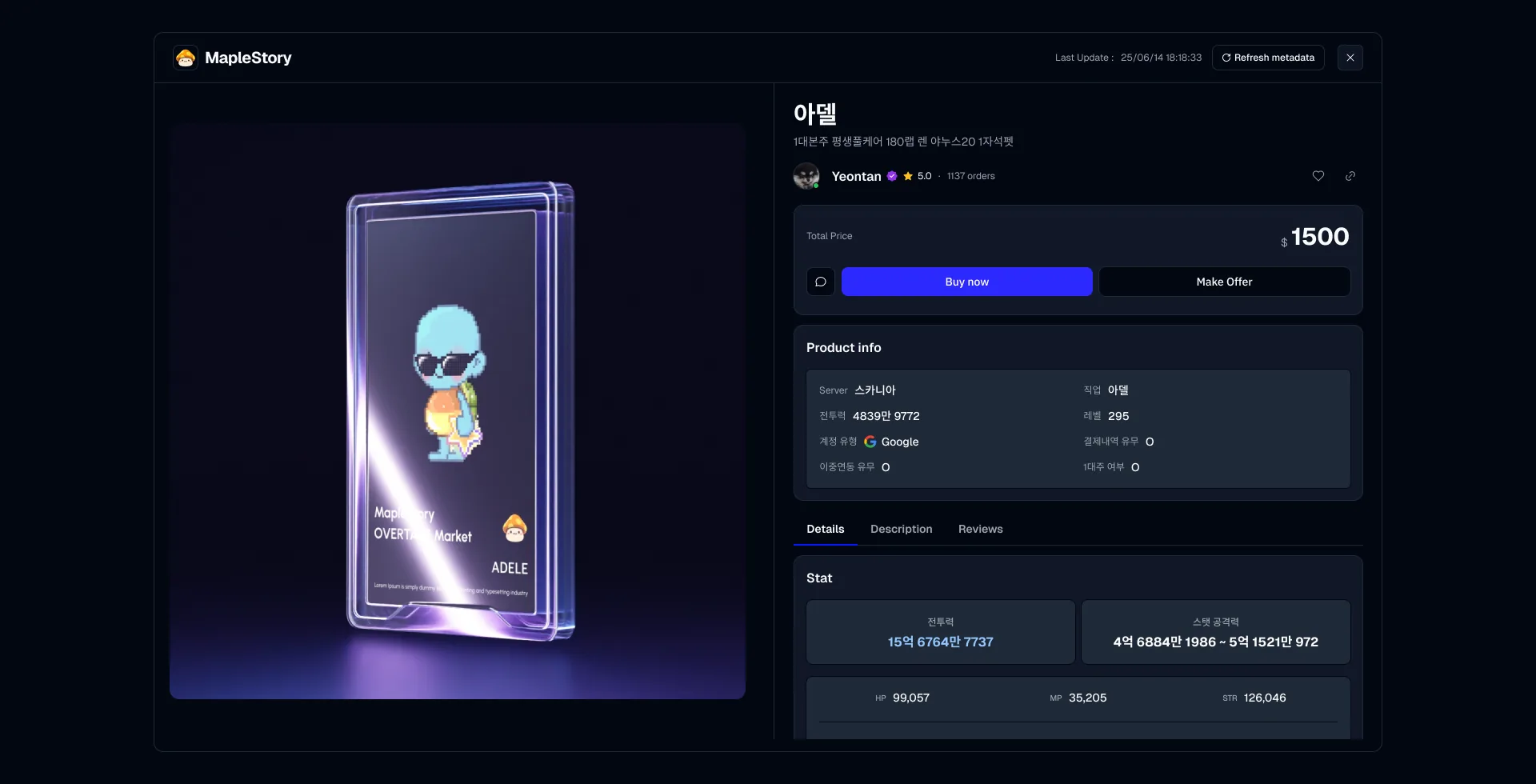
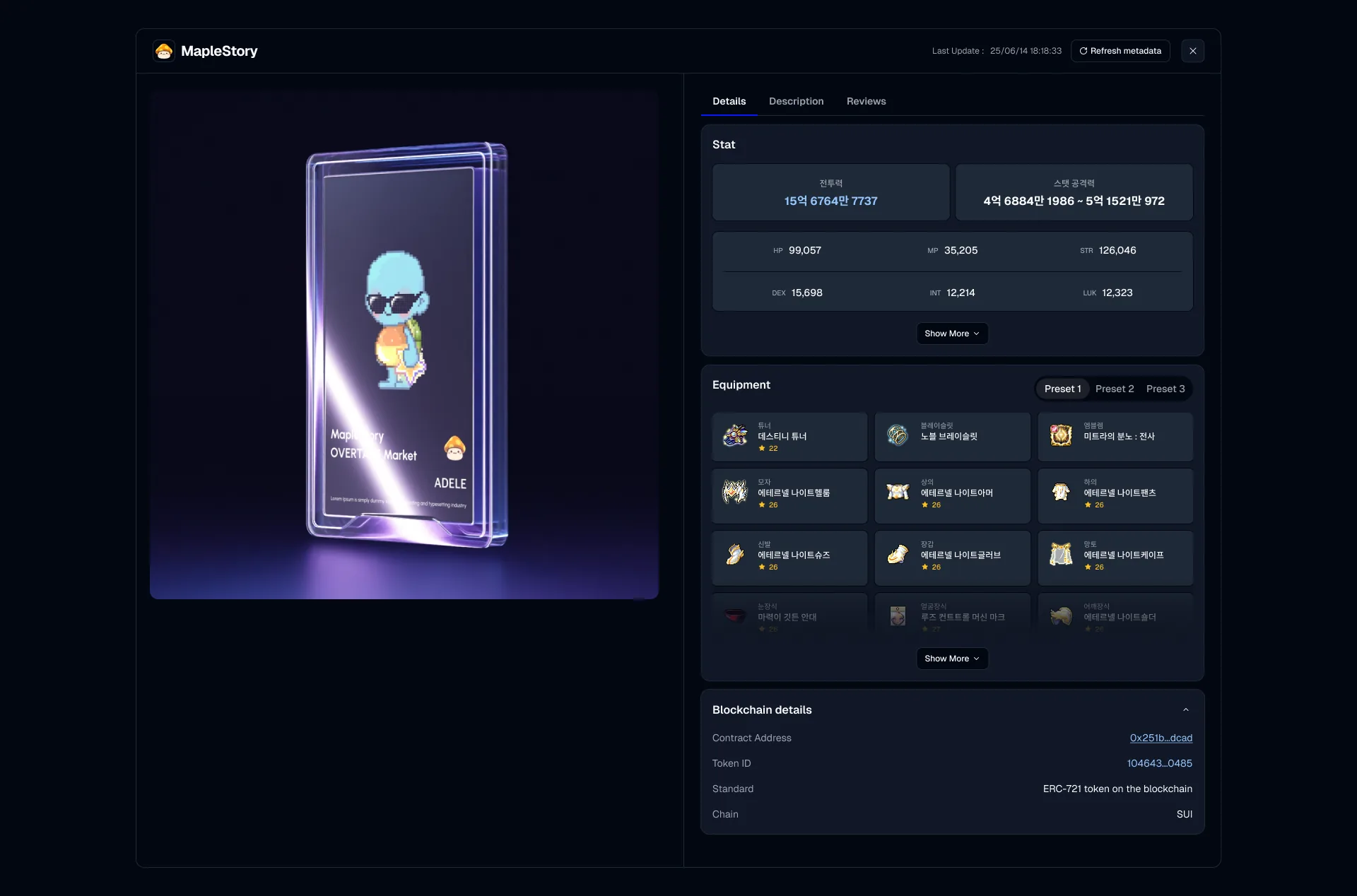
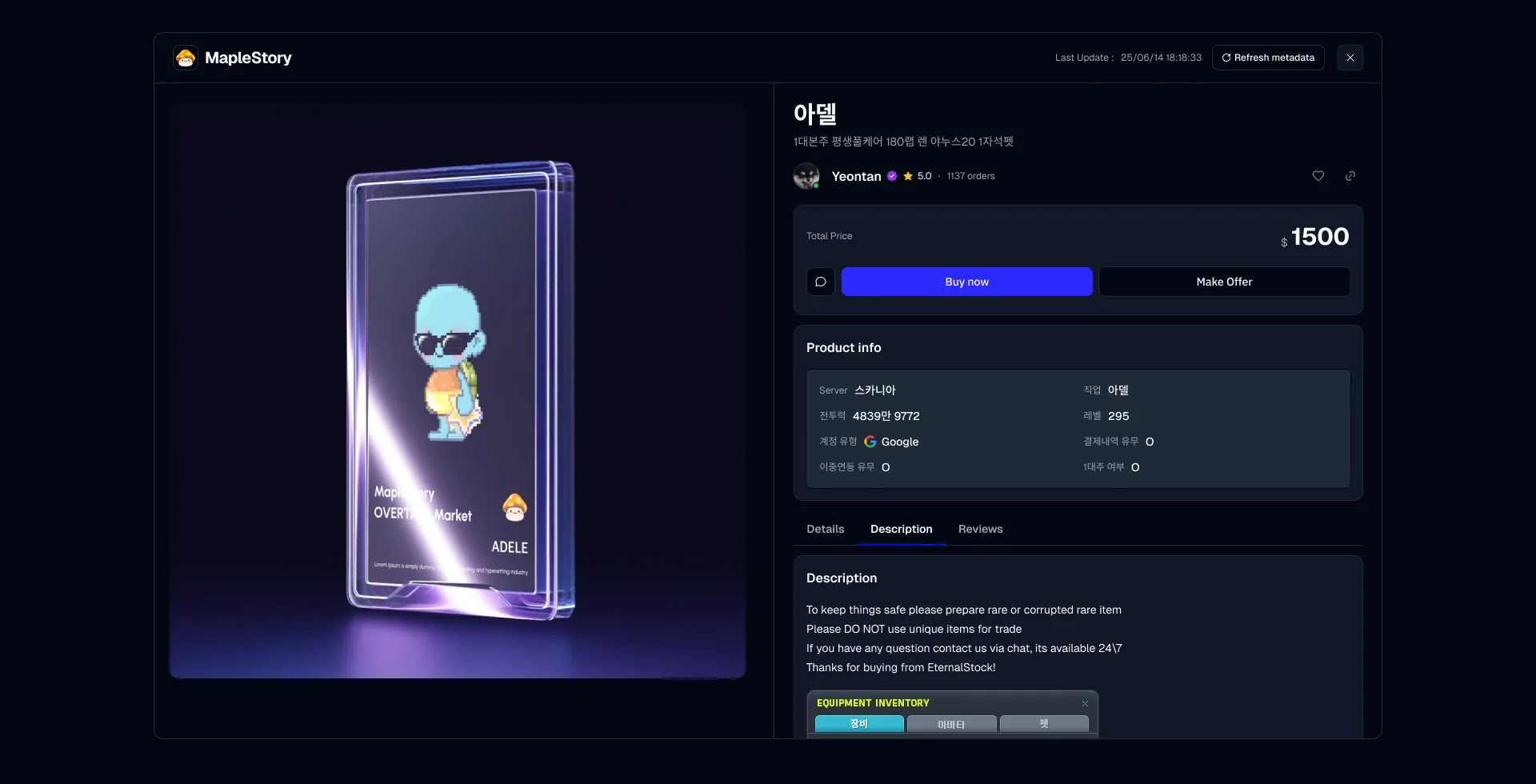
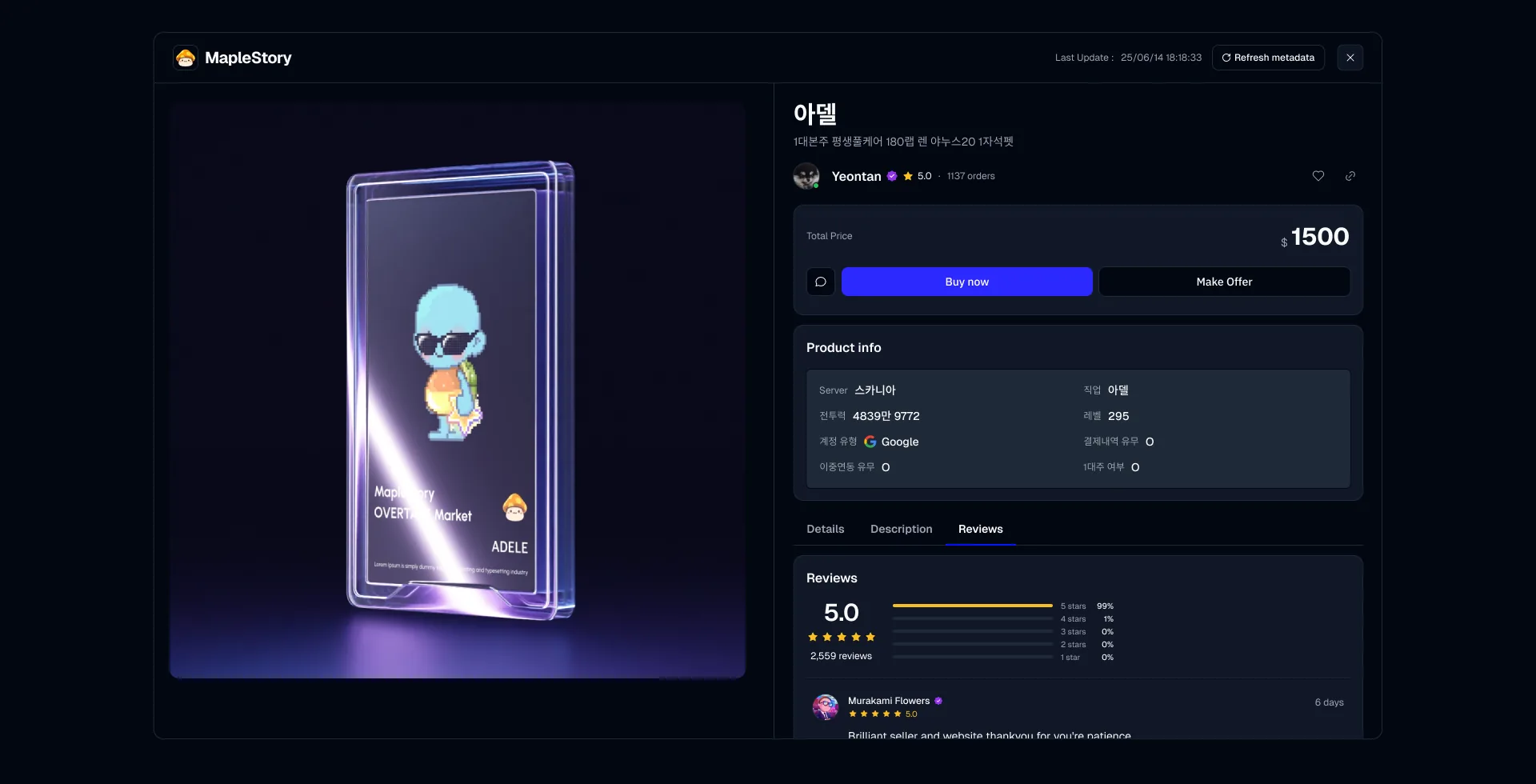
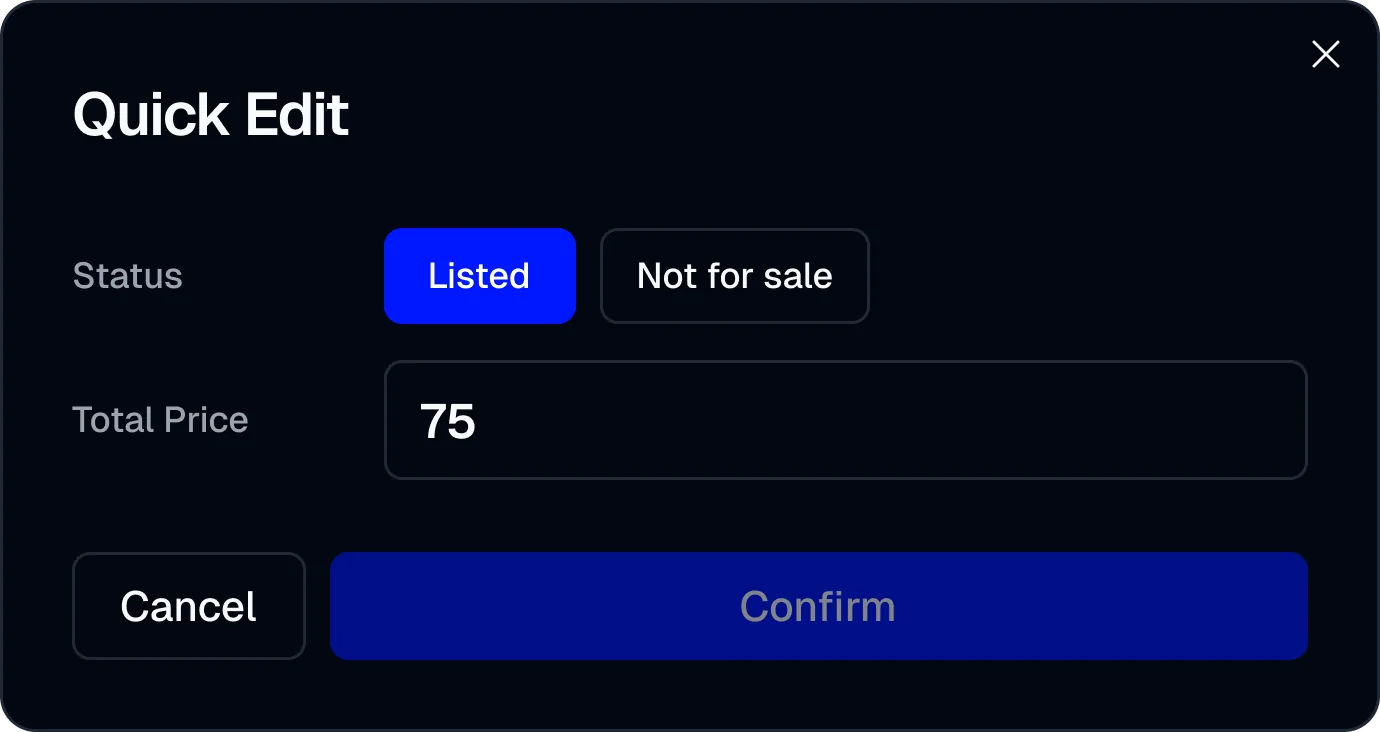
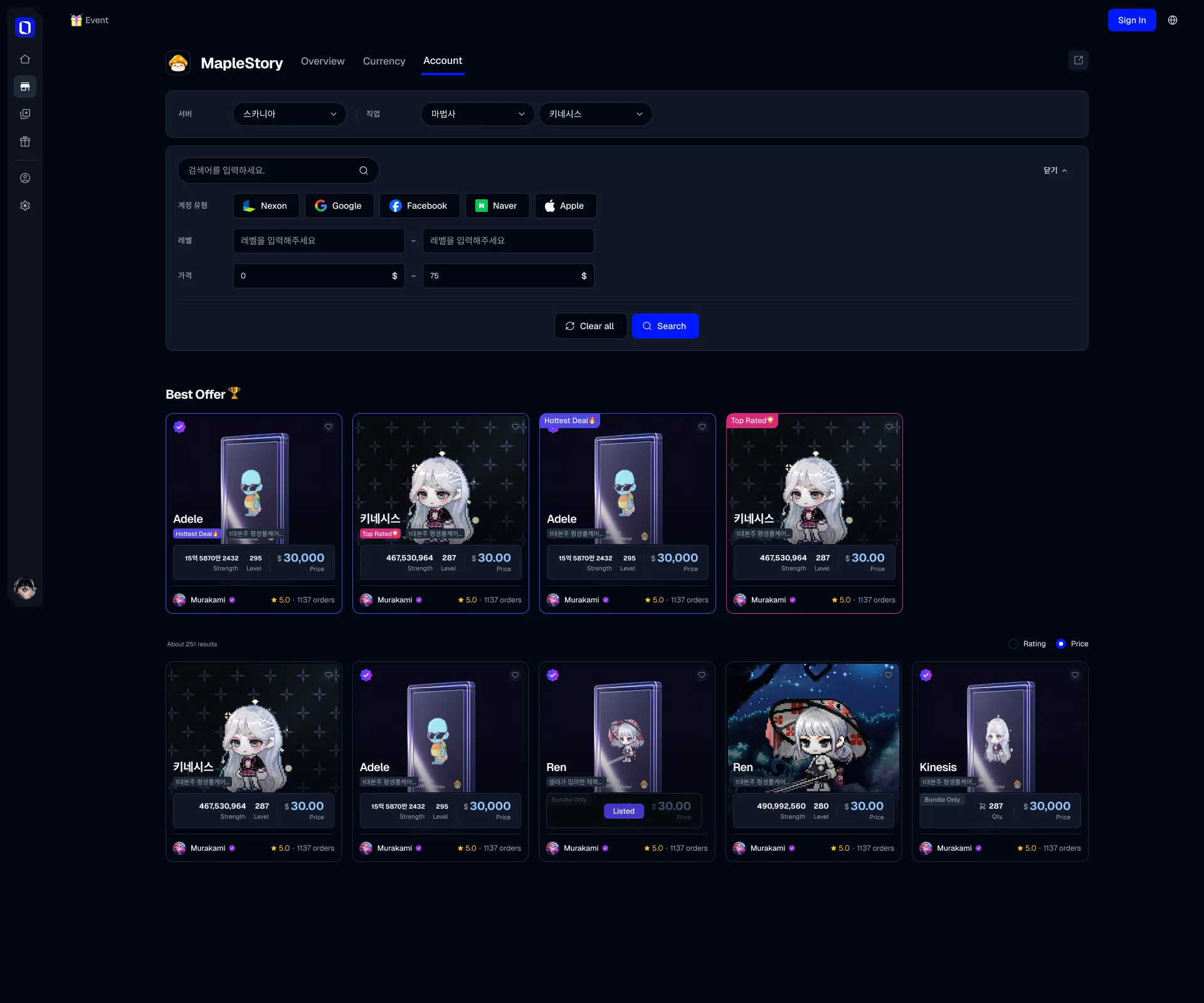
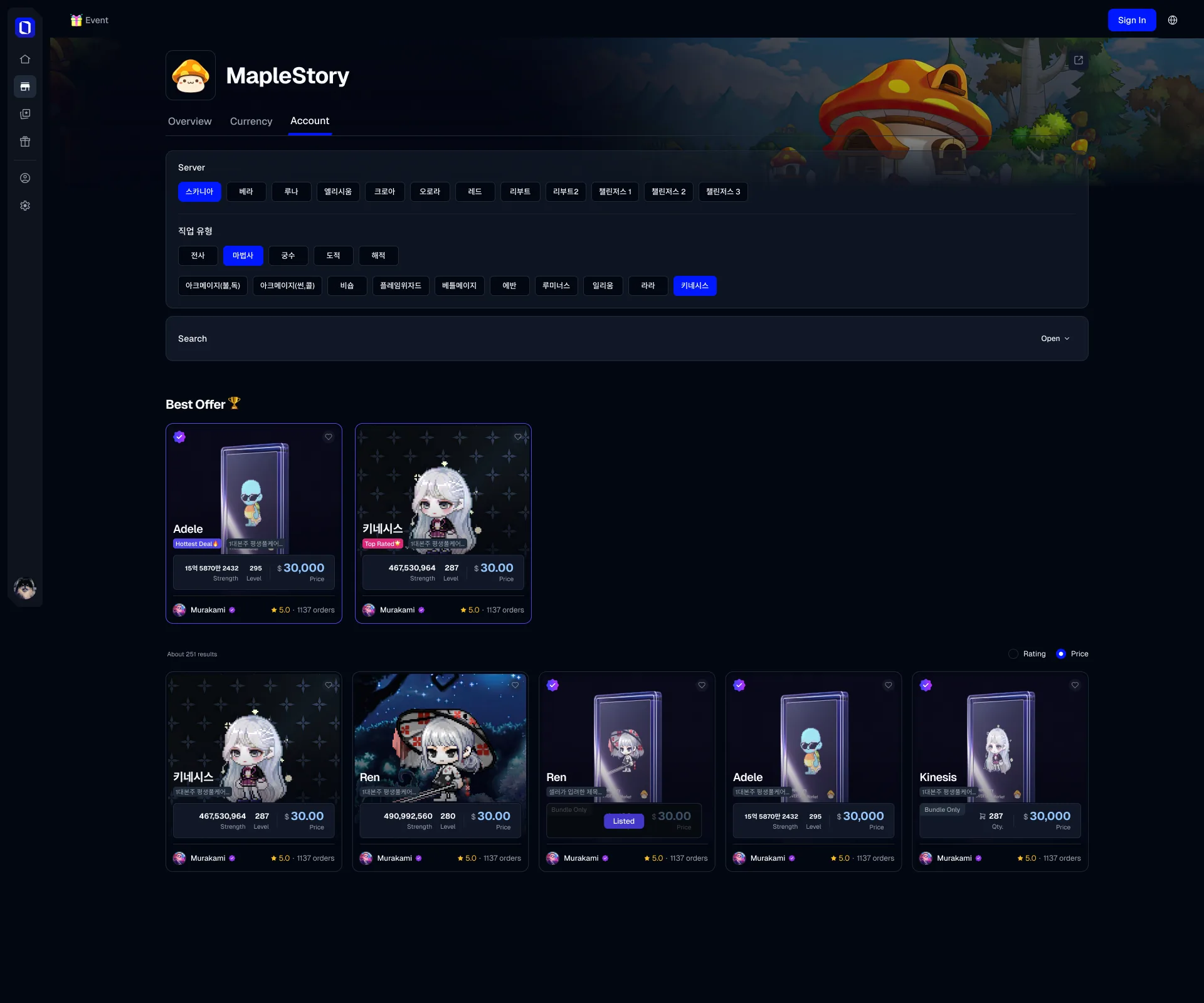
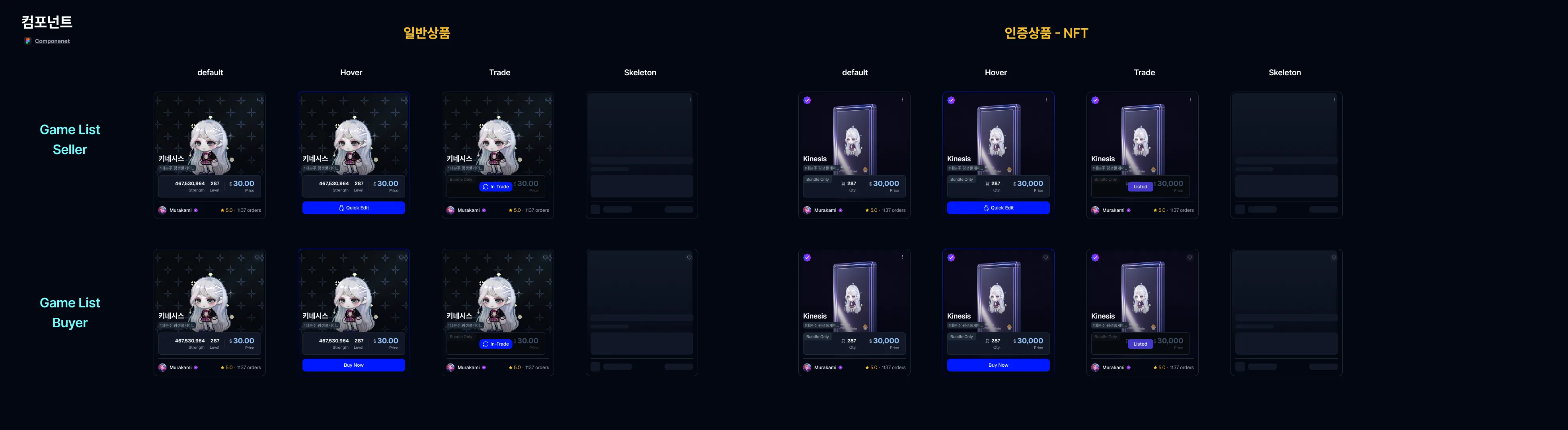
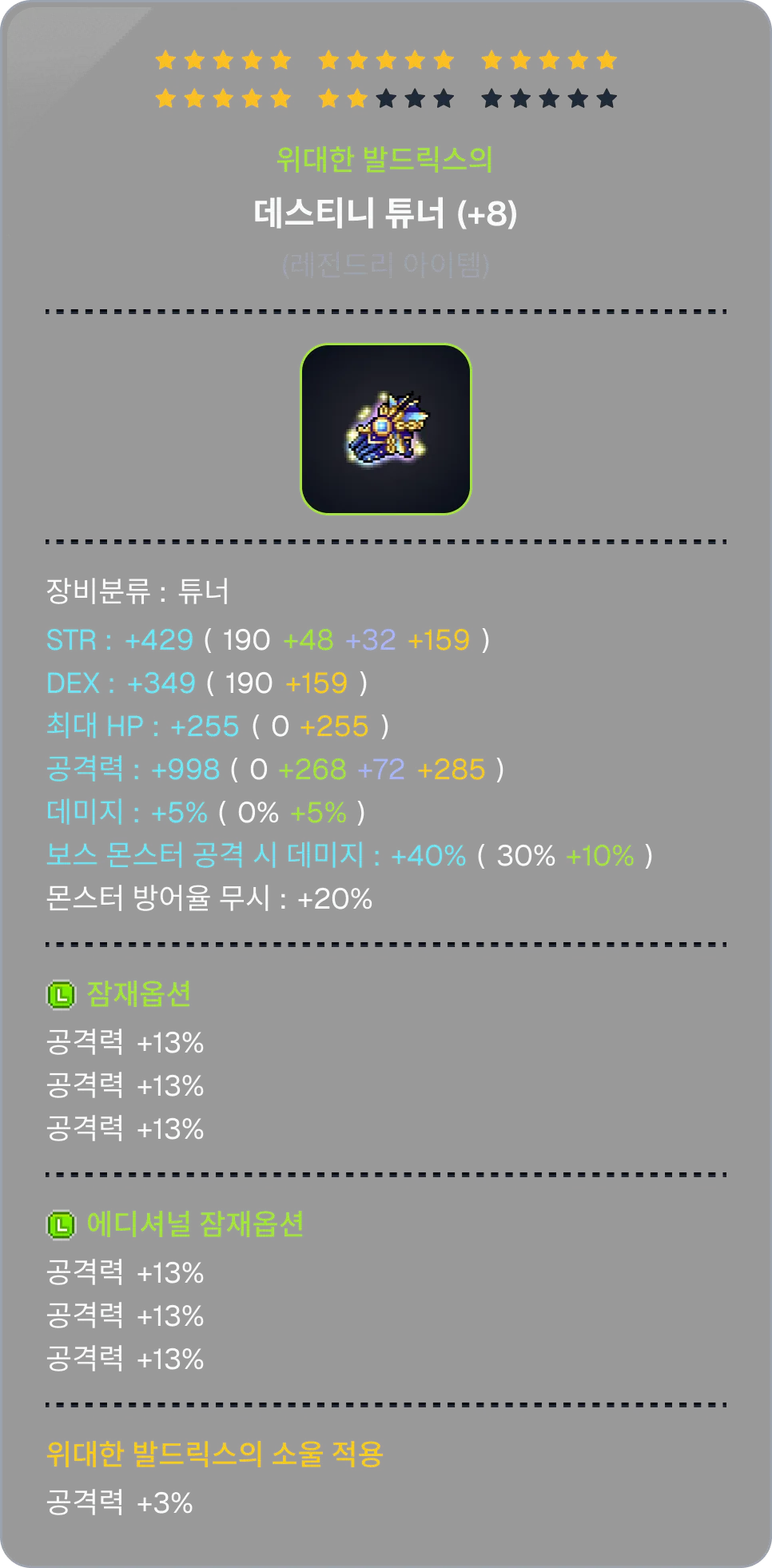
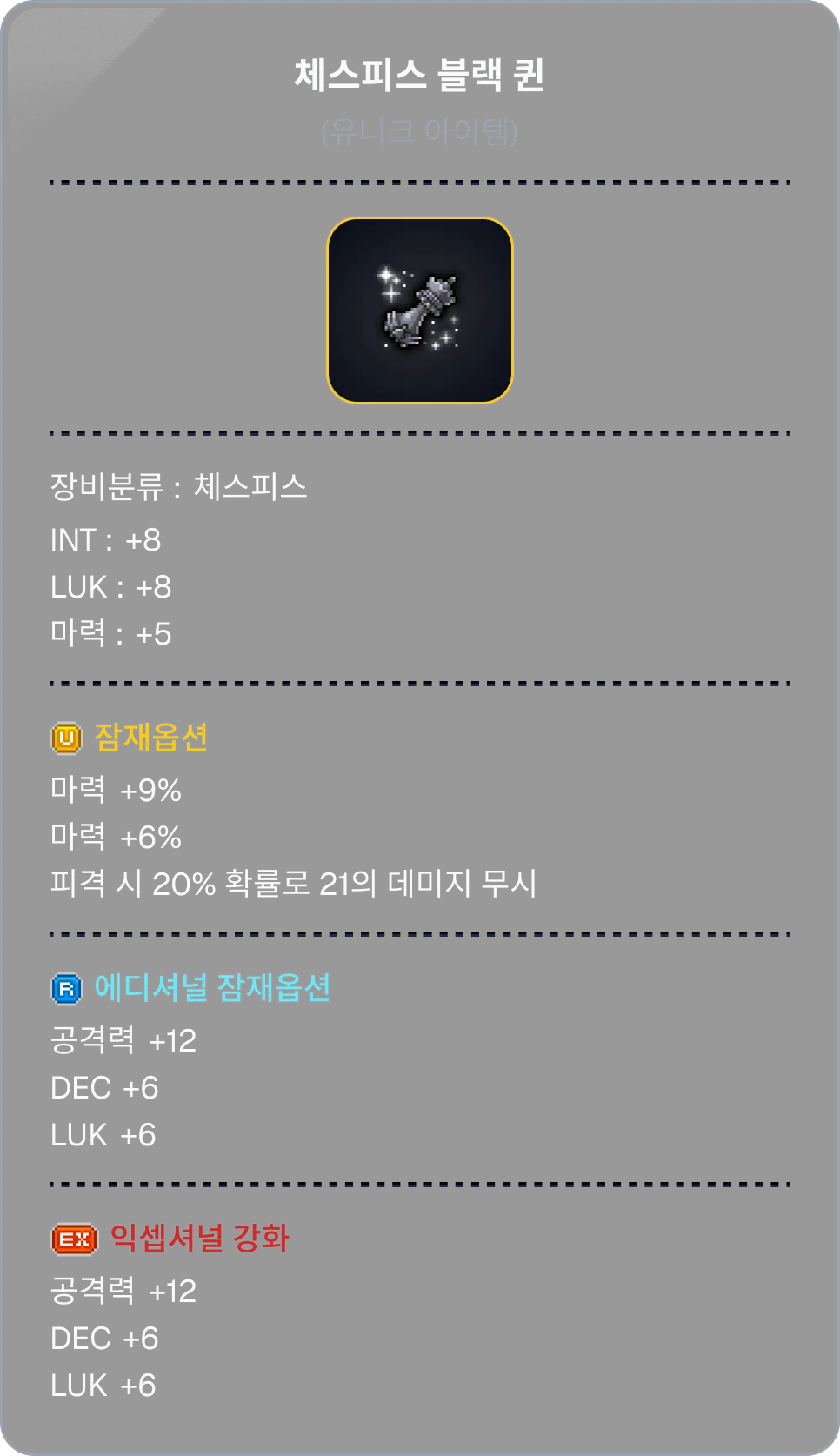
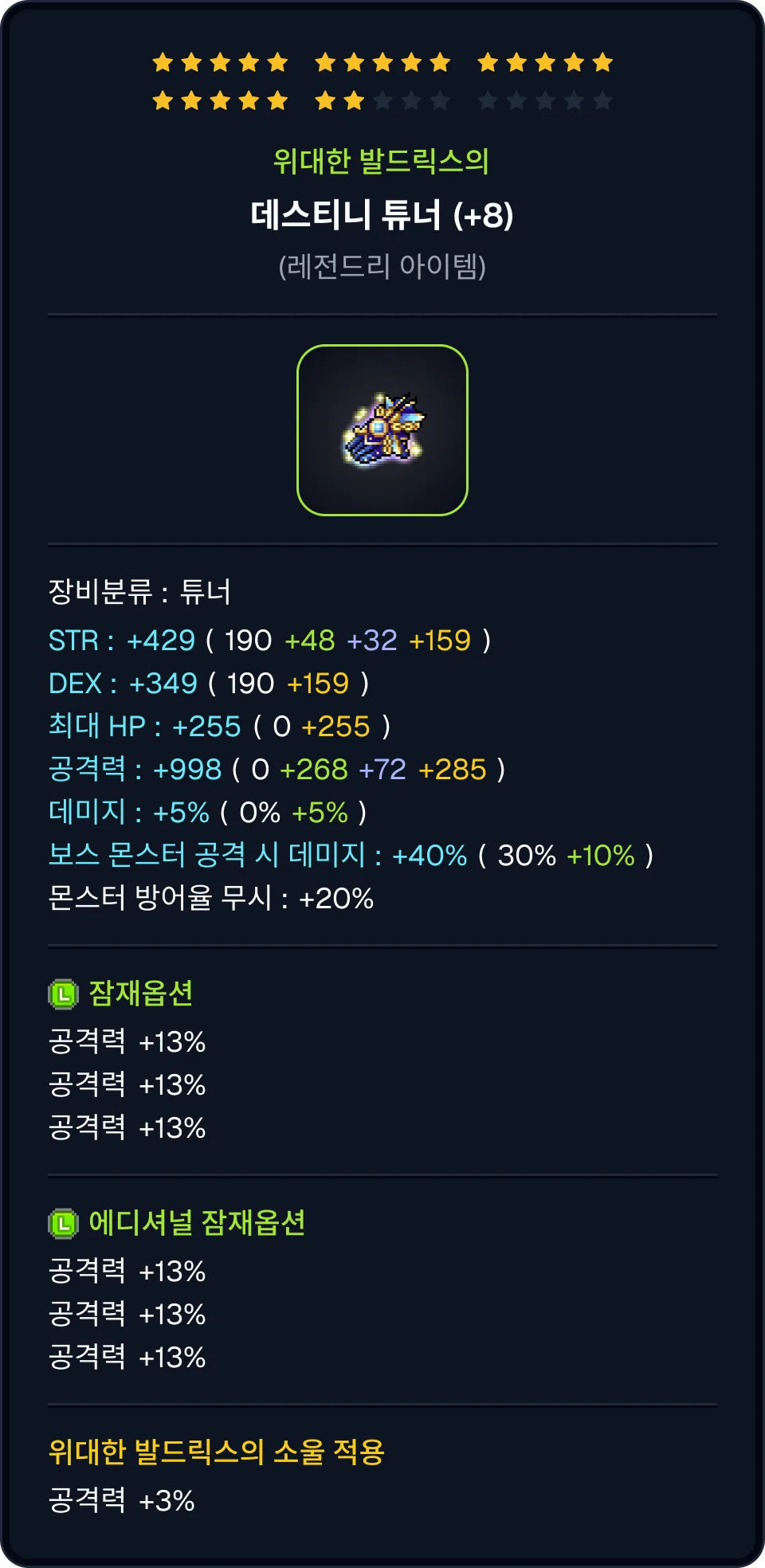
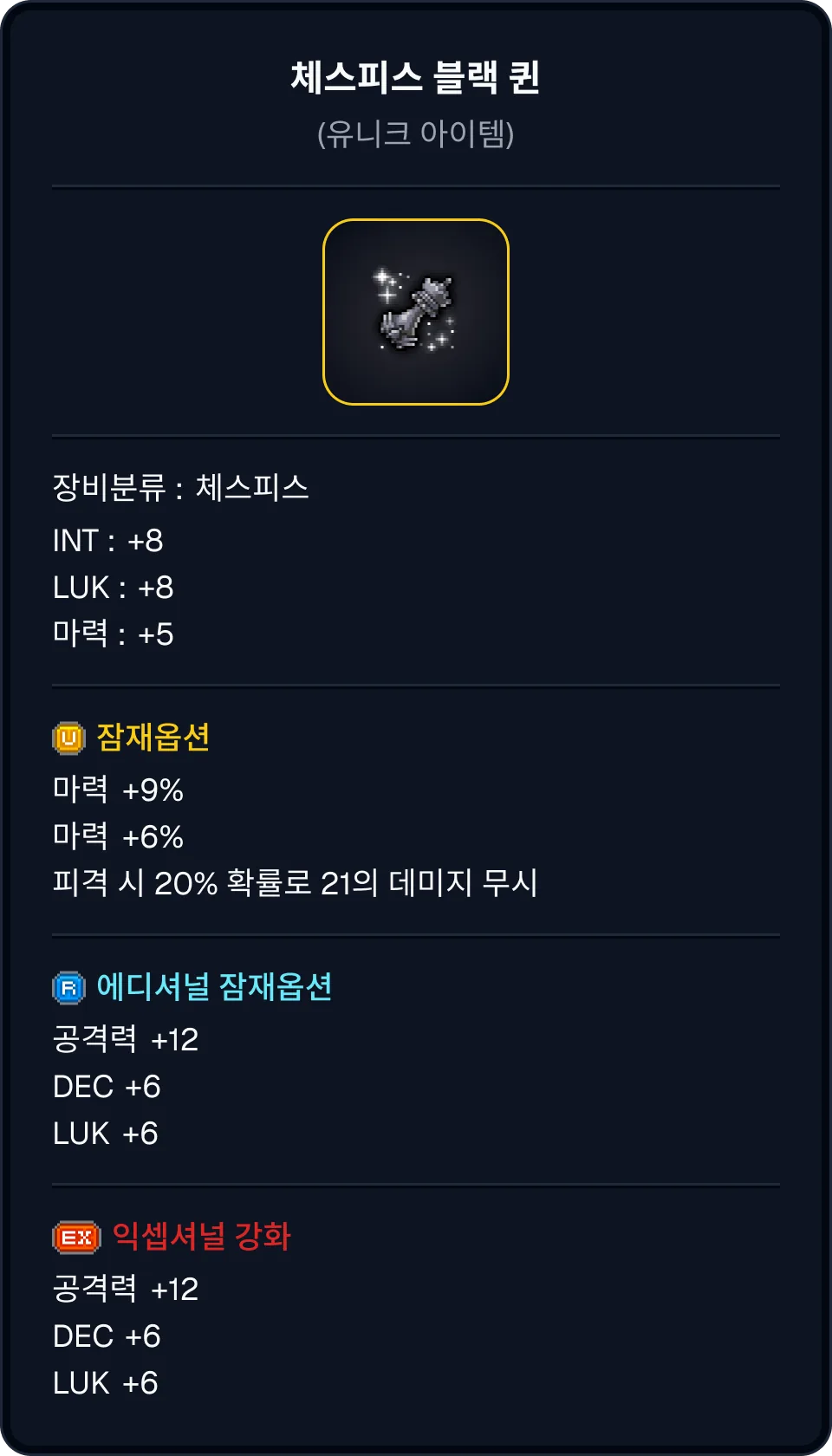
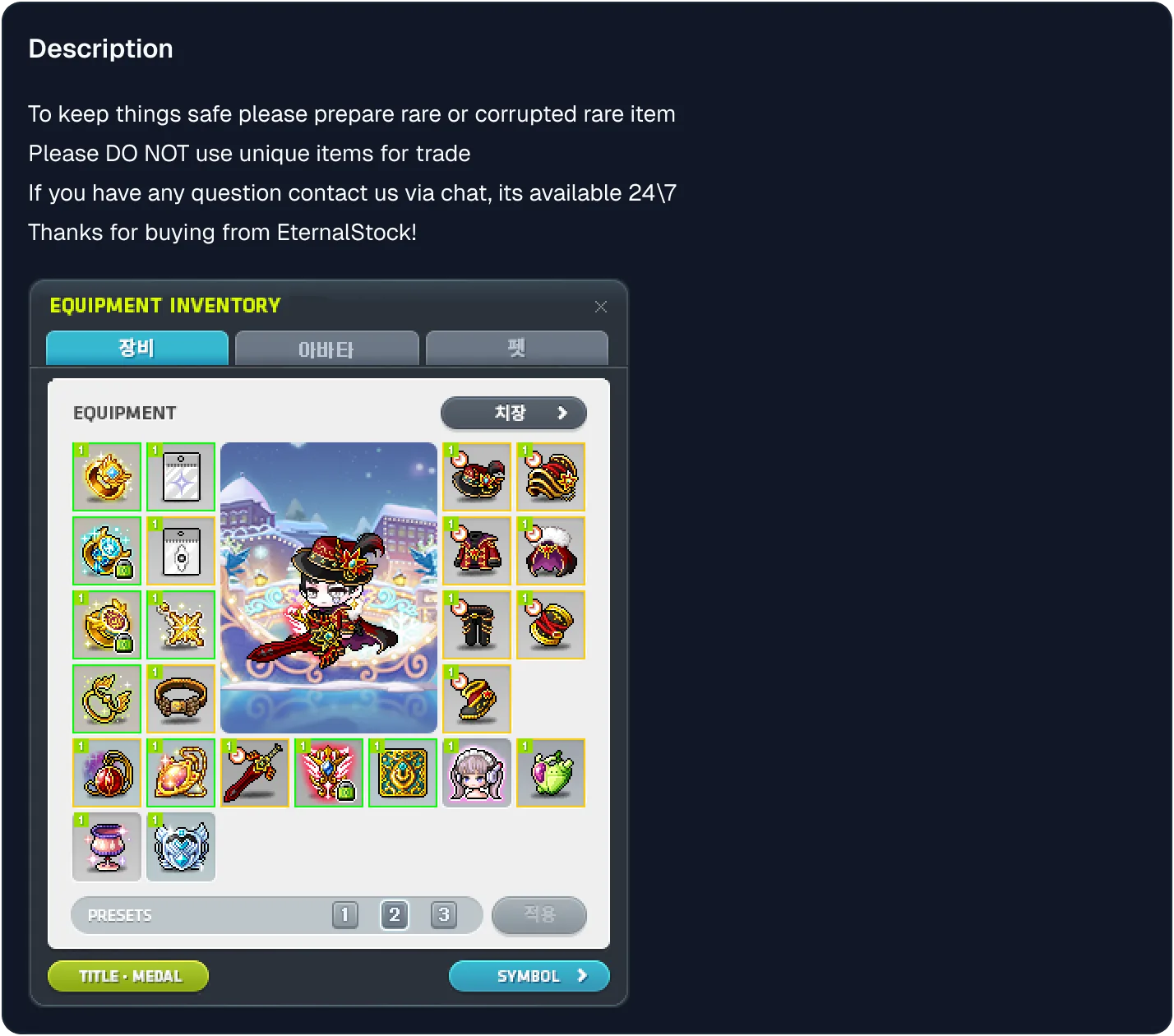
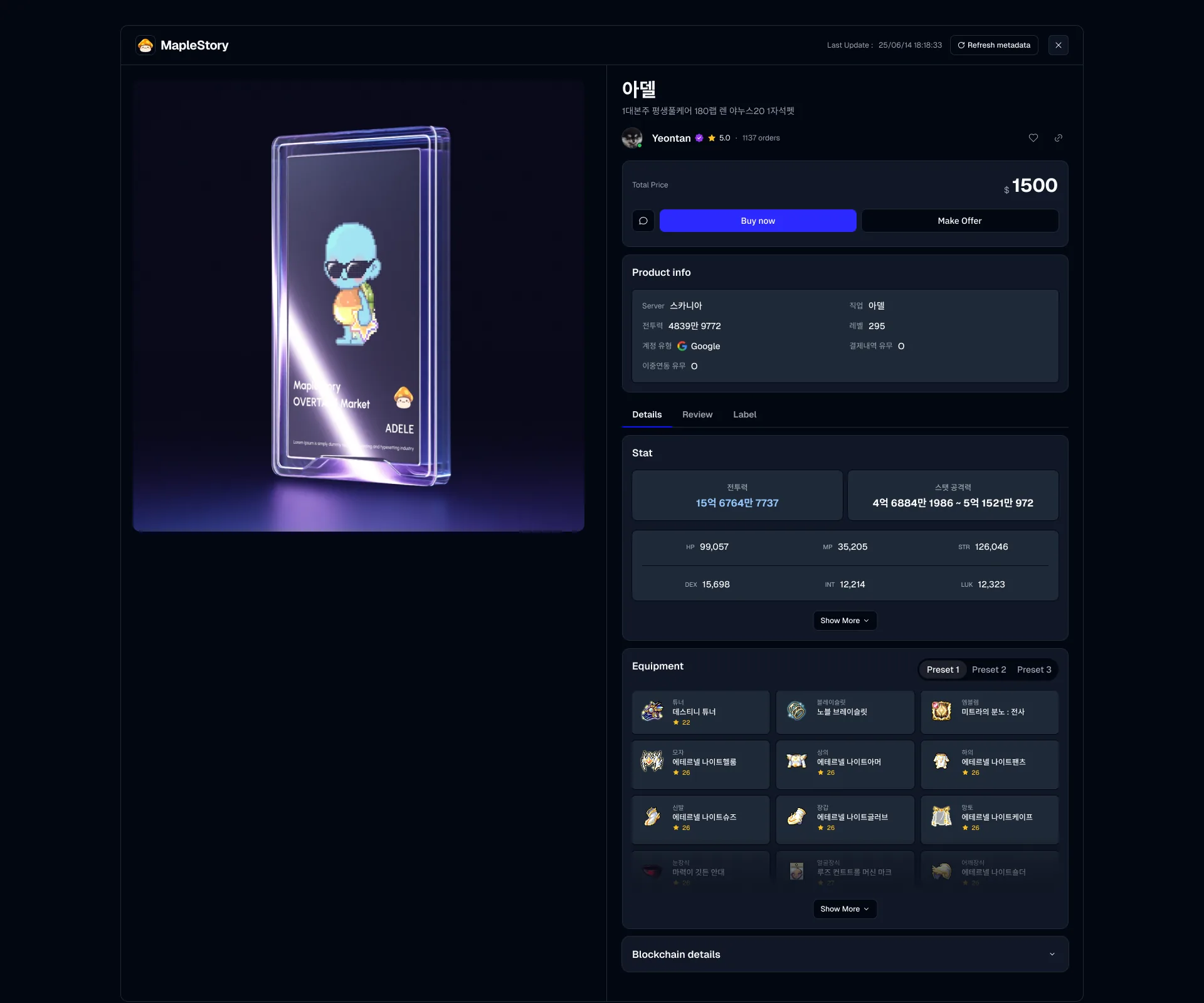
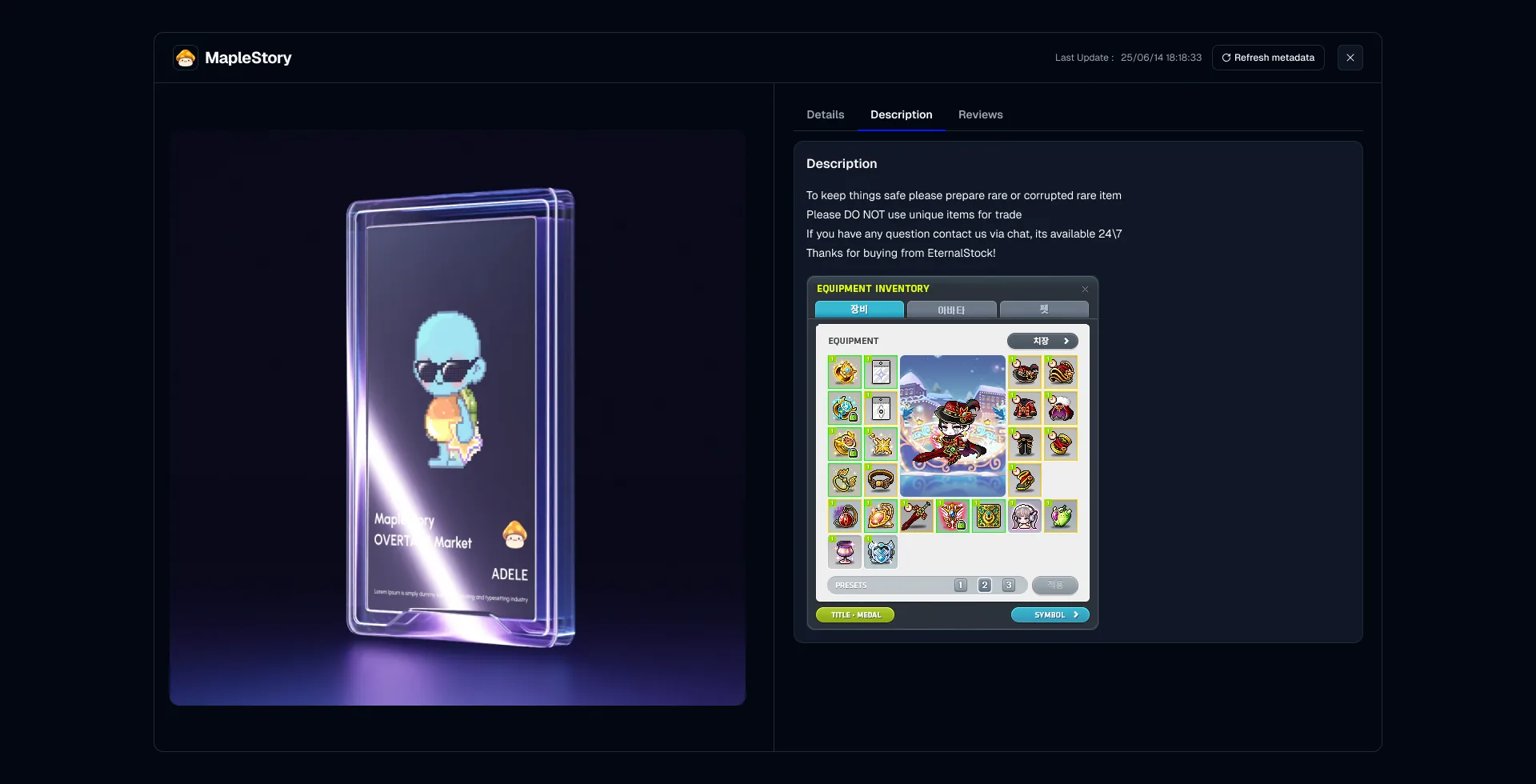
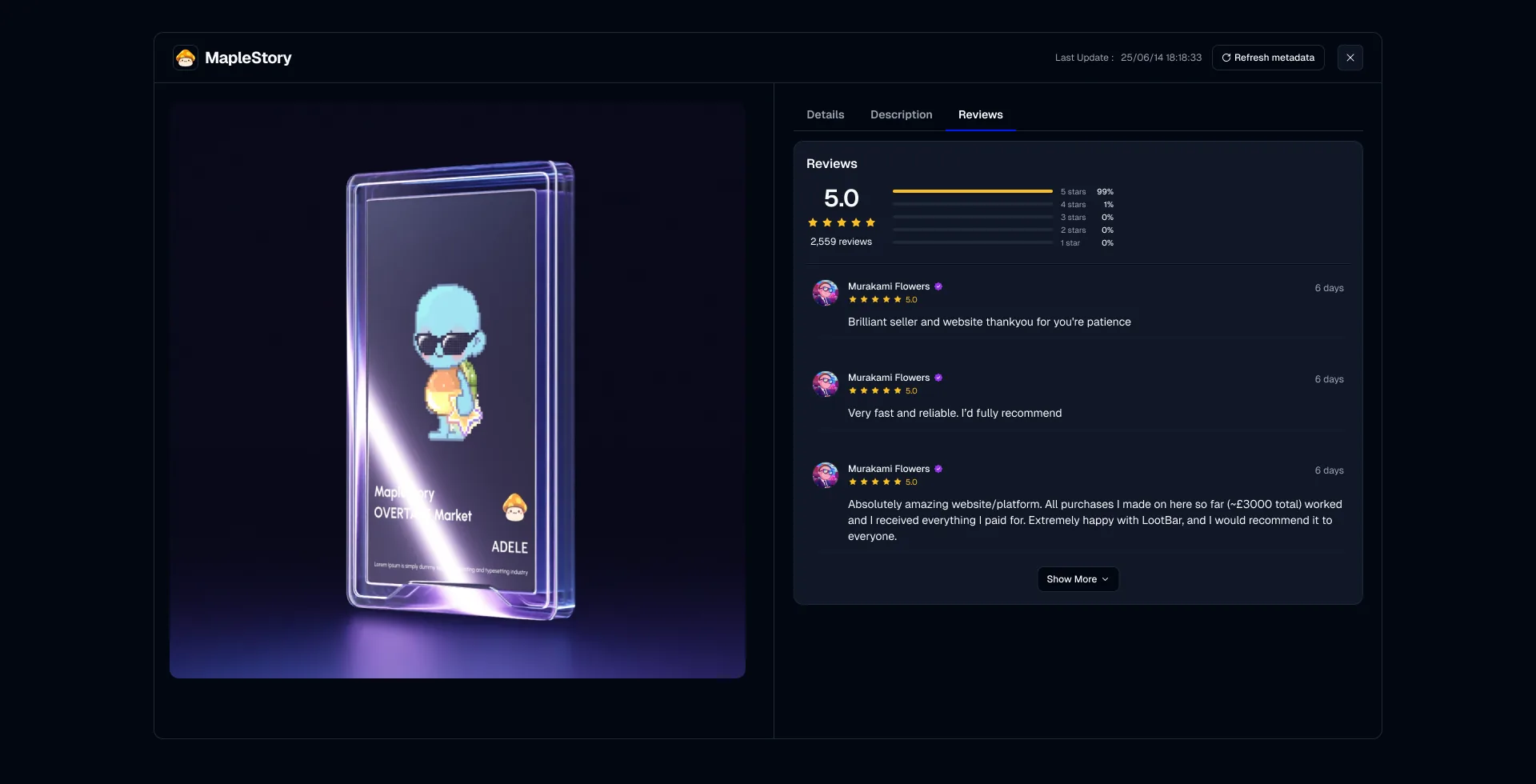
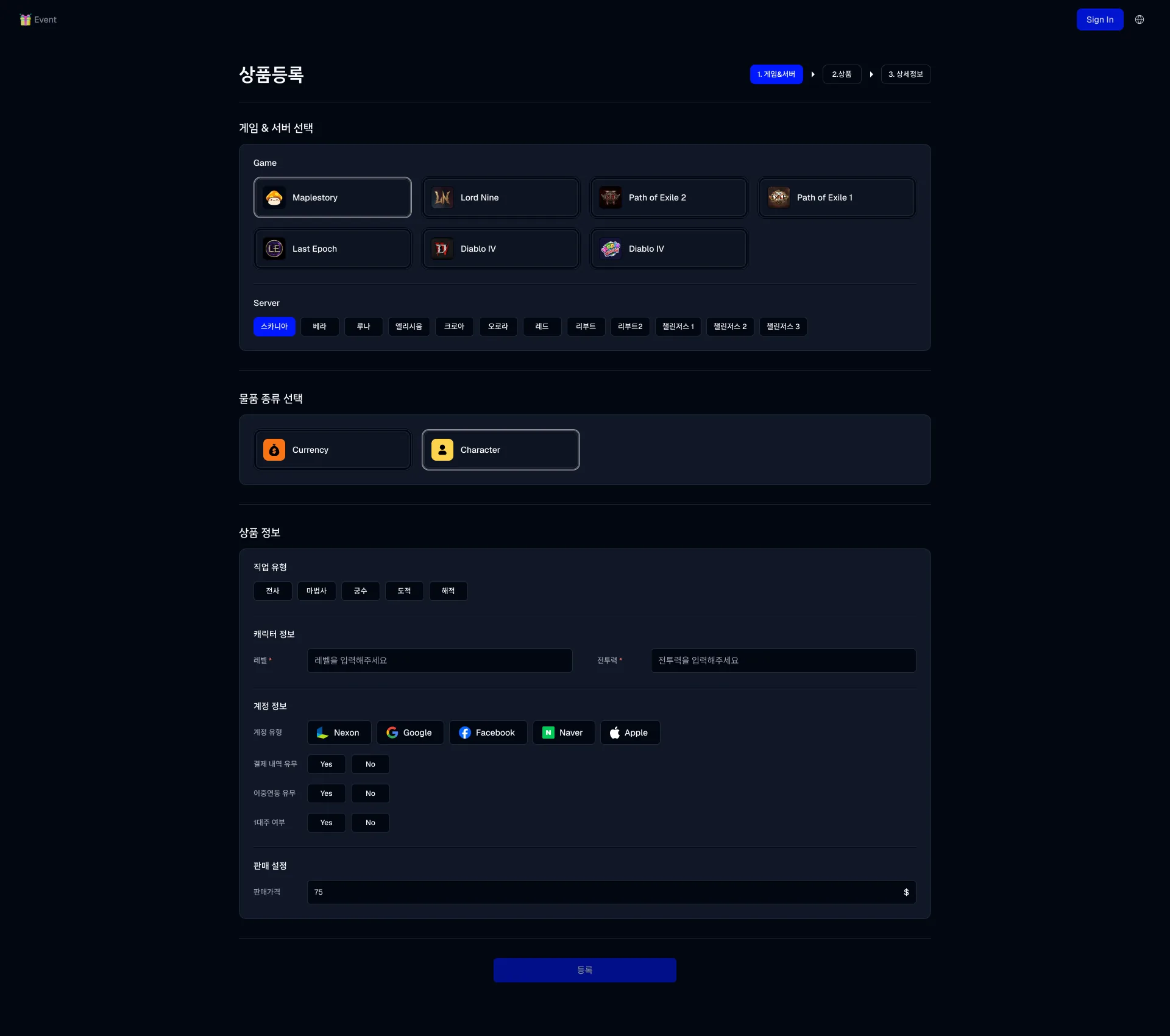
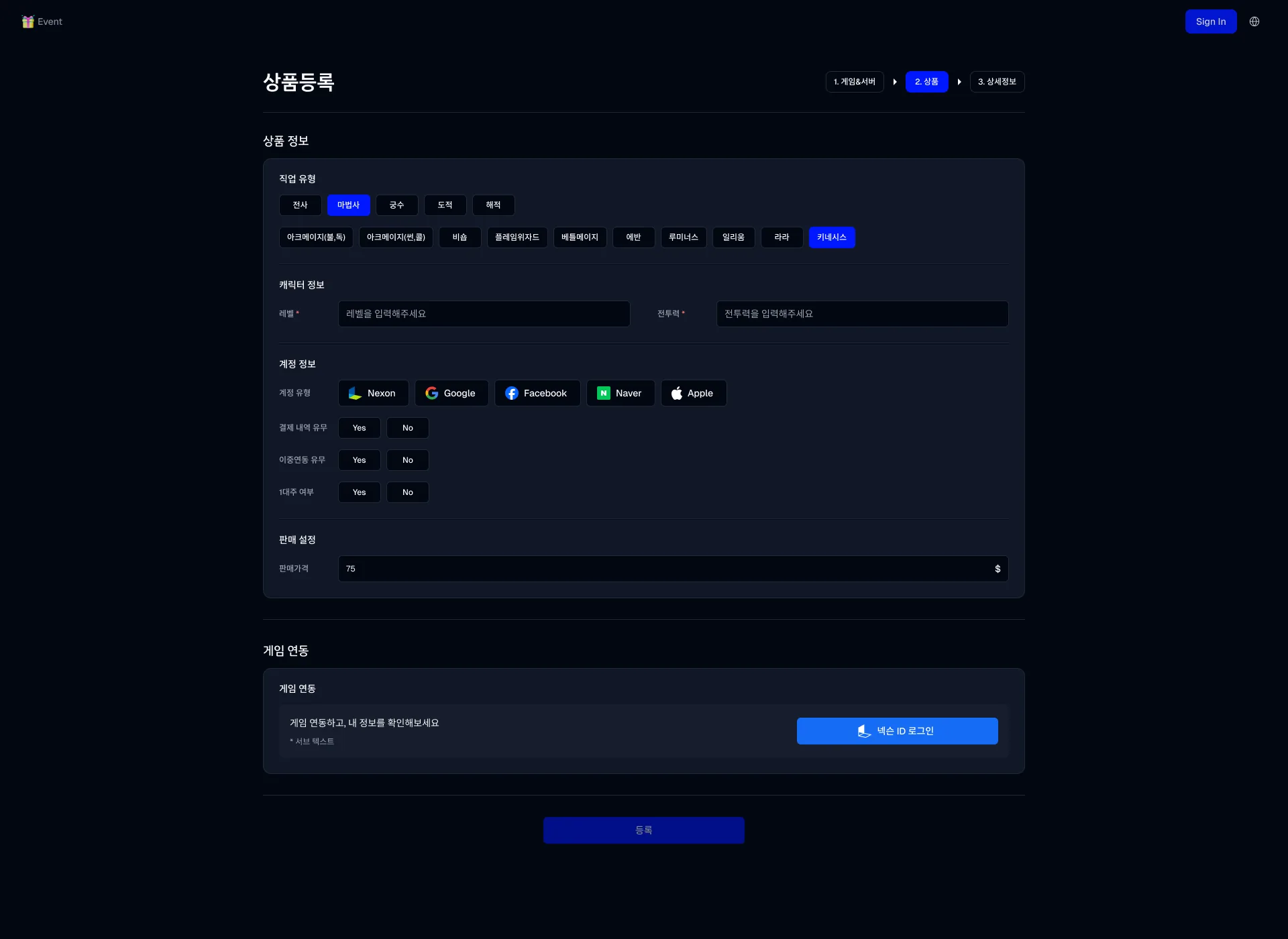
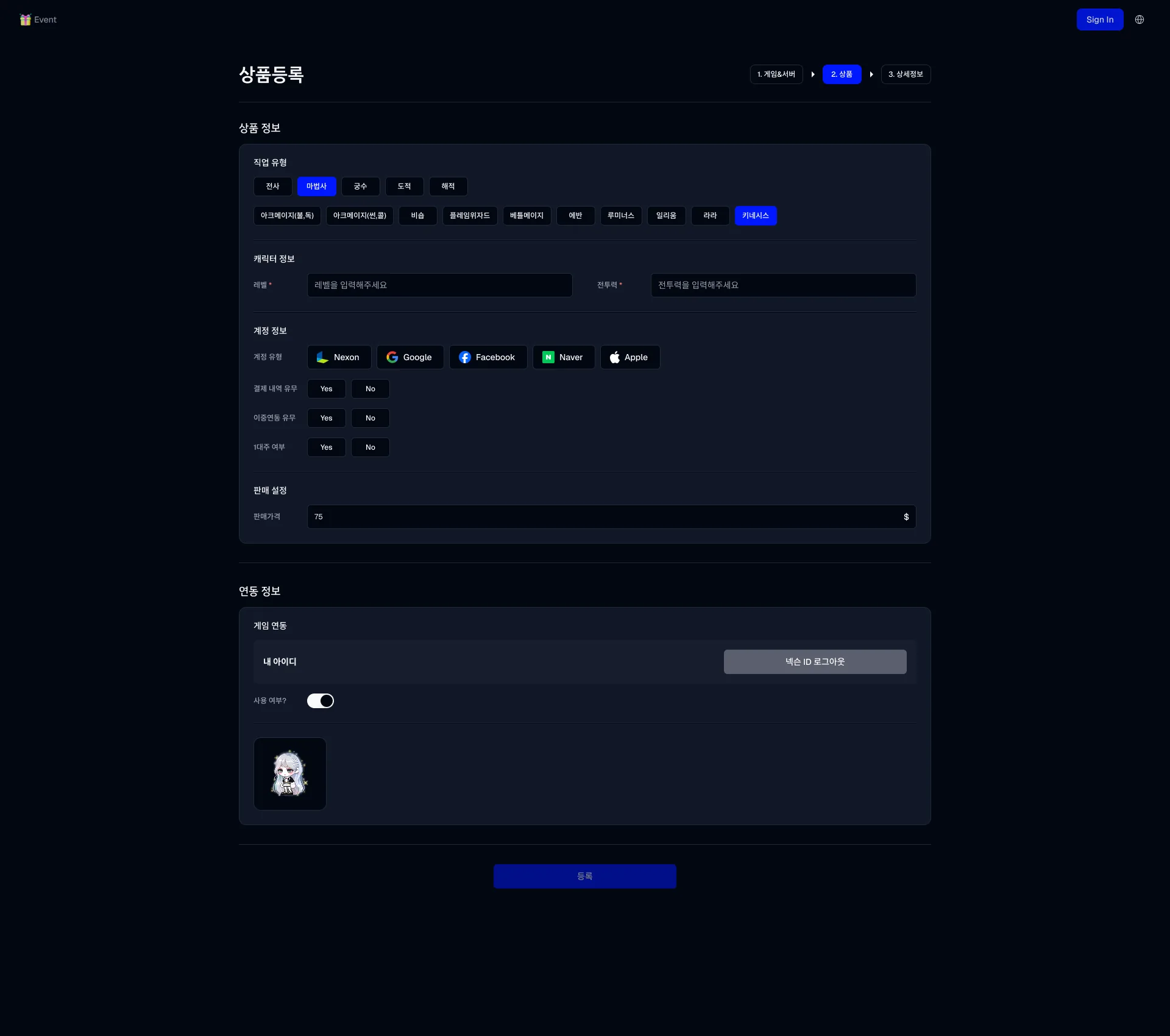
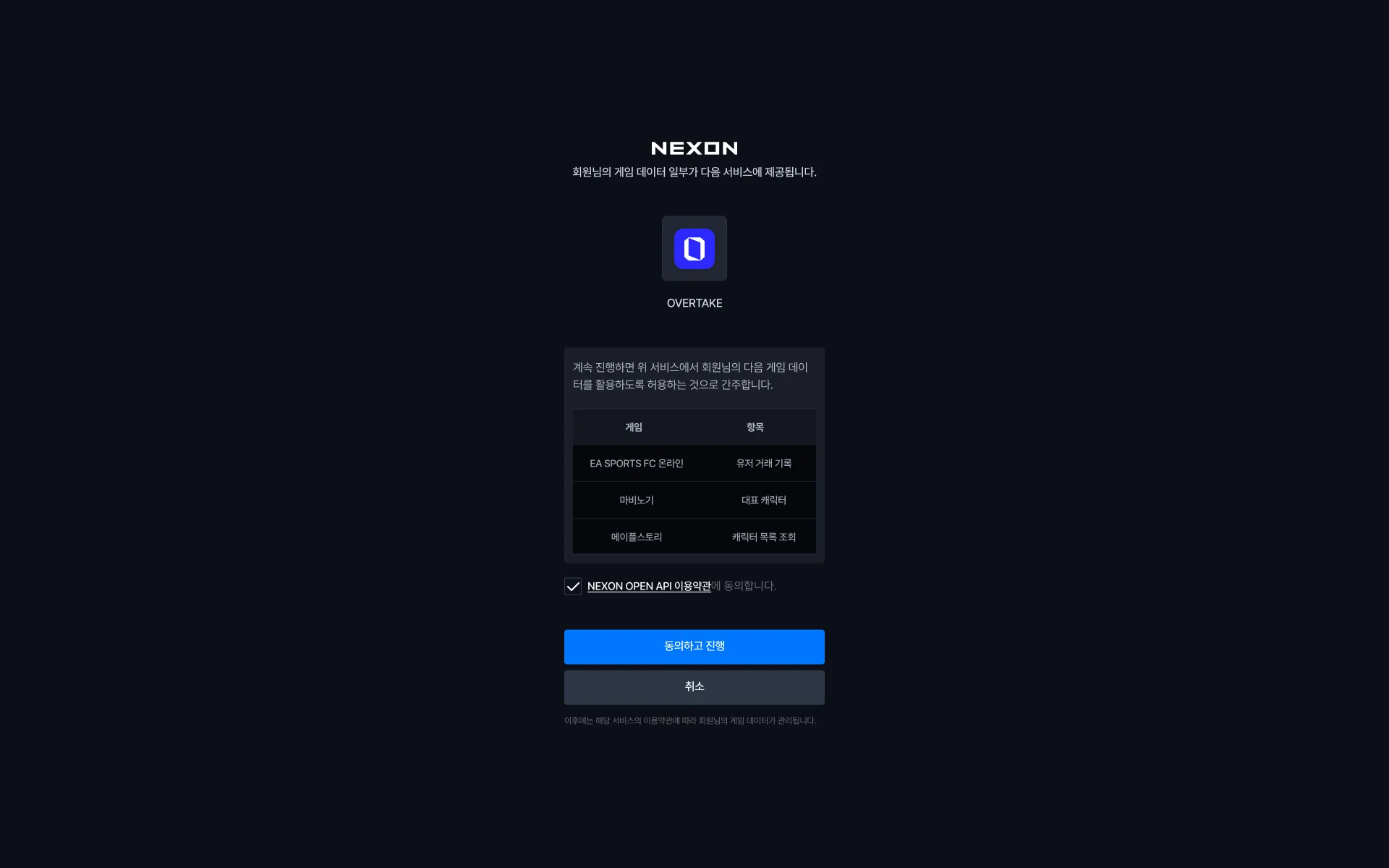
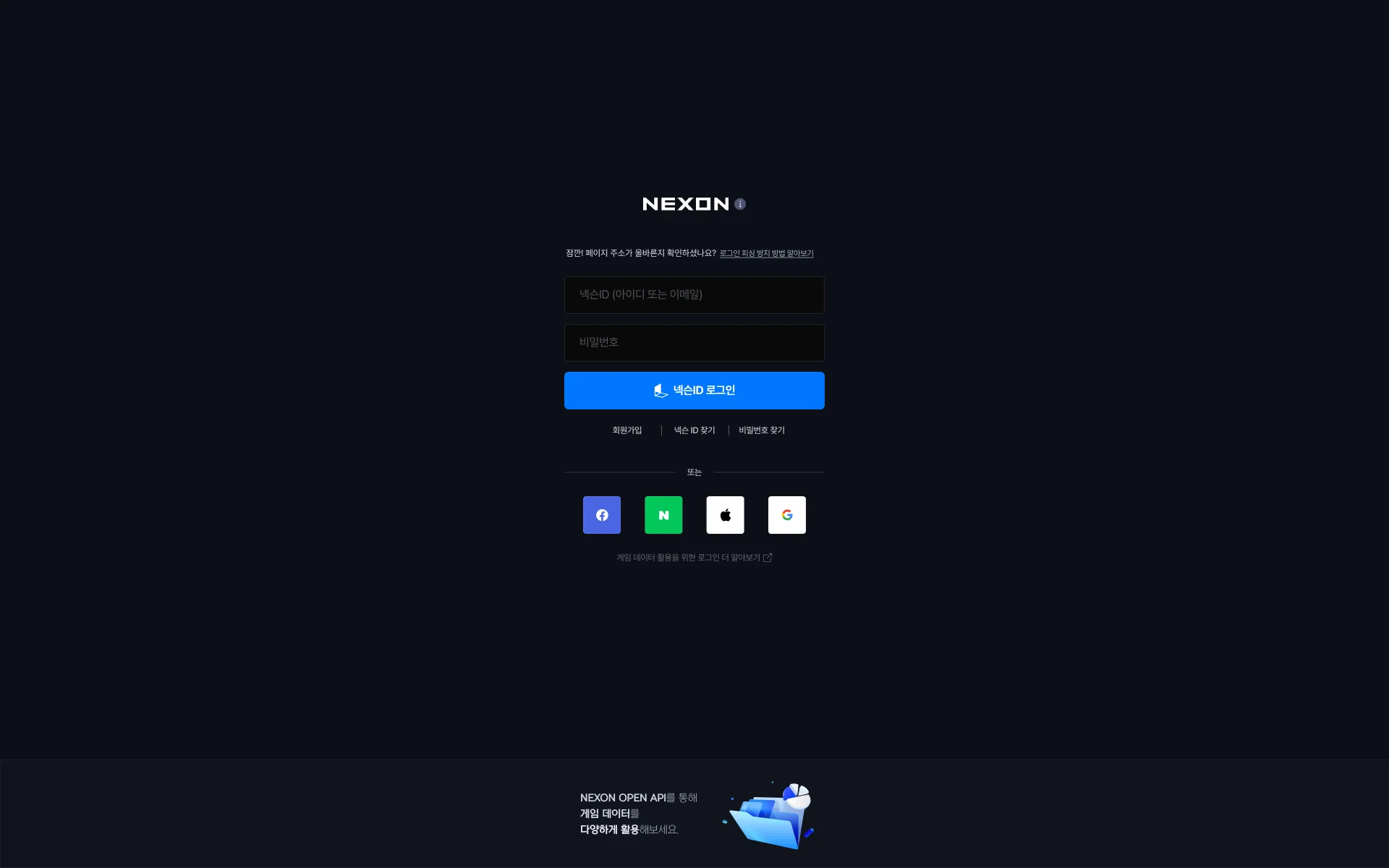
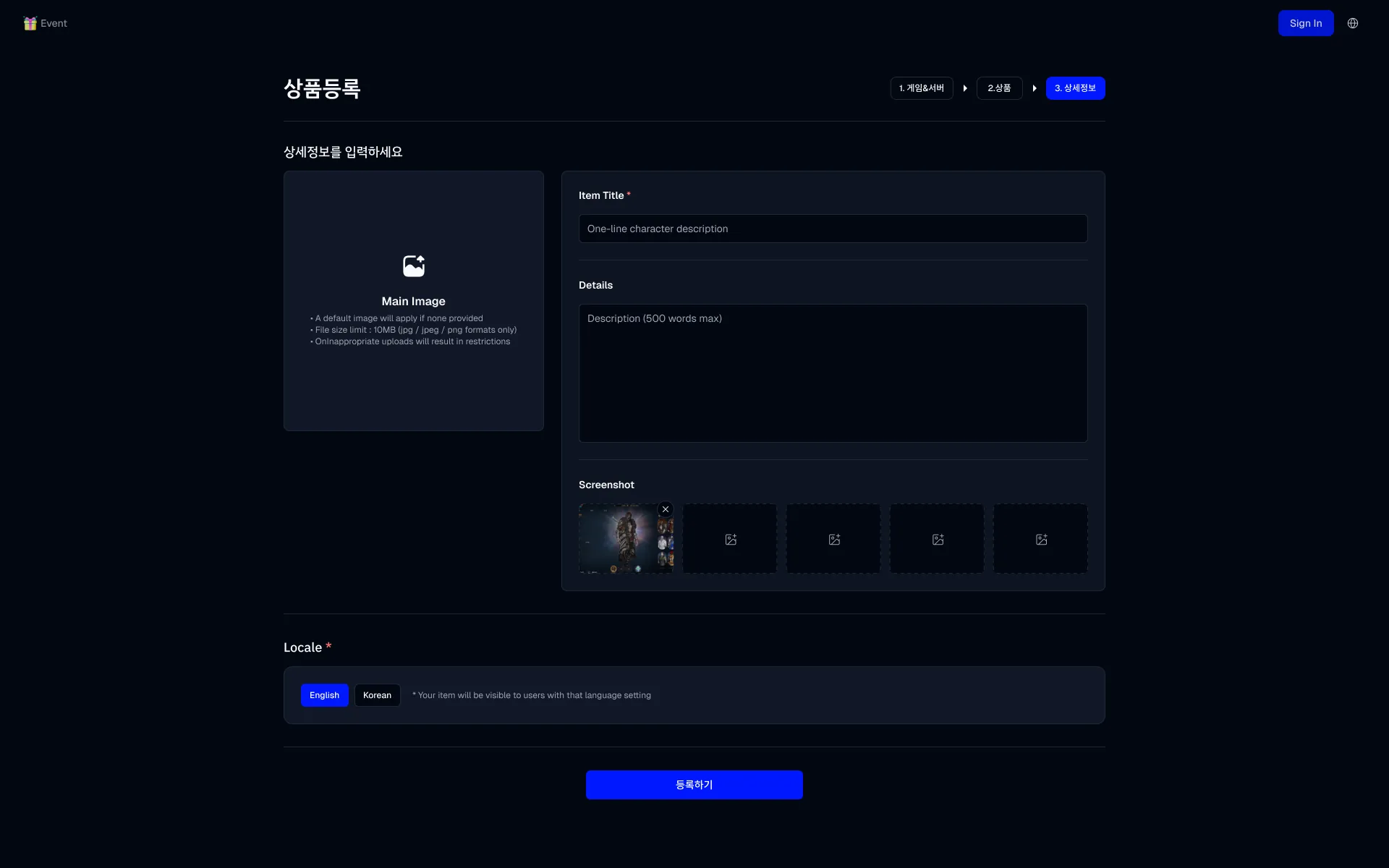
List 1 - game and serverGame and server first, then currency or character. What's being sold decides what the form below asks.List 2 - class and accountPicking a class unfolds its sub-classes on a second row. The owner-count field only appears once Yes is chosen.List 3 - detailsTitle, body, five screenshot slots, and the display language. Verification at the bottom is still empty.Details, after confirmingEnter the character name, confirm, and the game supplies the main image. The grey box explains the verification mark.MintingThe wait while the token is built from what the game API returned, with three lines saying what's happening.Shop, sellerThe owner gets Edit profile and List product. Stock splits into All and Verified.Shop, buyerThe same shop with one button - Chat - and a heart on every card. Hovering a card raises Chat in place.Card spec, my shopA grid of the card in every state - default, hover, in-trade, skeleton - for plain and verified stock, seller and buyer.Shop, verified onlyThe Verified tab keeps only tokenised stock. The three dots hold refresh, edit, and delete.Product detail, plainStock without a token is just a page - breadcrumb, title, and the seller and price on the right.Product detail, verifiedA tokenised item opens as a card modal instead of a page - the minted artwork left, price and info right.Detail, scrolledScrolling moves only the right column; the artwork stays pinned. Stat, equipment, then the blockchain block.Description tabThe seller's own text, with room left wide for the in-game inventory screenshot they tend to paste in.Reviews tabThe average and the star distribution first, then the reviews.Quick editOpened straight from a shop card. Two things only: whether it's listed, and the price.Game page, filters openNarrow by server and class inside a game, then account type, level, and price range. Four Best Offers stand apart on top.Game page, filters closedCollapsing the search row lets the game banner show. Open or closed is how much room the list gets.Card spec, game listThe same card as used in a game list. Unlike the shop version, the seller and rating sit under the card.Item tooltip, A - weaponThe in-game tooltip carried over as-is - notched corner, dashed rules, stat gains coloured by source.Item tooltip, A - chess pieceThe same treatment for an item with stacked potentials, each block led by its grade badge.Item tooltip, B - weaponThe notch dropped and the rules made solid. How far to imitate the game tooltip is what separates A and B.Item tooltip, B - chess pieceB carried through to the long-options item.A game screenshot in the descriptionSellers' descriptions are mostly a pasted inventory screenshot. The block was sized on that assumption.The whole detail pagePrice, product info, stat, equipment, and blockchain in one frame. How it folds by width is in the Breakpoints tab.Description tab, 1920The description tab at the widest breakpoint. The rest are in the Breakpoints tab.Reviews tab, 1920The reviews tab at the widest breakpoint. The rest are in the Breakpoints tab.Step 1, nothing chosenOnly the top-level classes stand; the sub-classes aren't there yet. The rule is visible here: nothing below appears until the row above is answered.Step 2, before linkingA separate Link game block sits under the hand-typed fields, holding just the Nexon sign-in button.Step 2, after linkingLinking brings the account and a sign-out, and the characters arrive as cards. A toggle keeps the choice of using them.Game-side consentNexon's own screen, not ours, listing per game exactly what data is handed over.Game-side sign-inOwnership isn't asked by us - it's proven at the game. On a marketplace for accounts that is the only credible evidence.Step 3, earlier versionTitle, body, screenshots, and language - no Verification block. This is listing before verification existed.