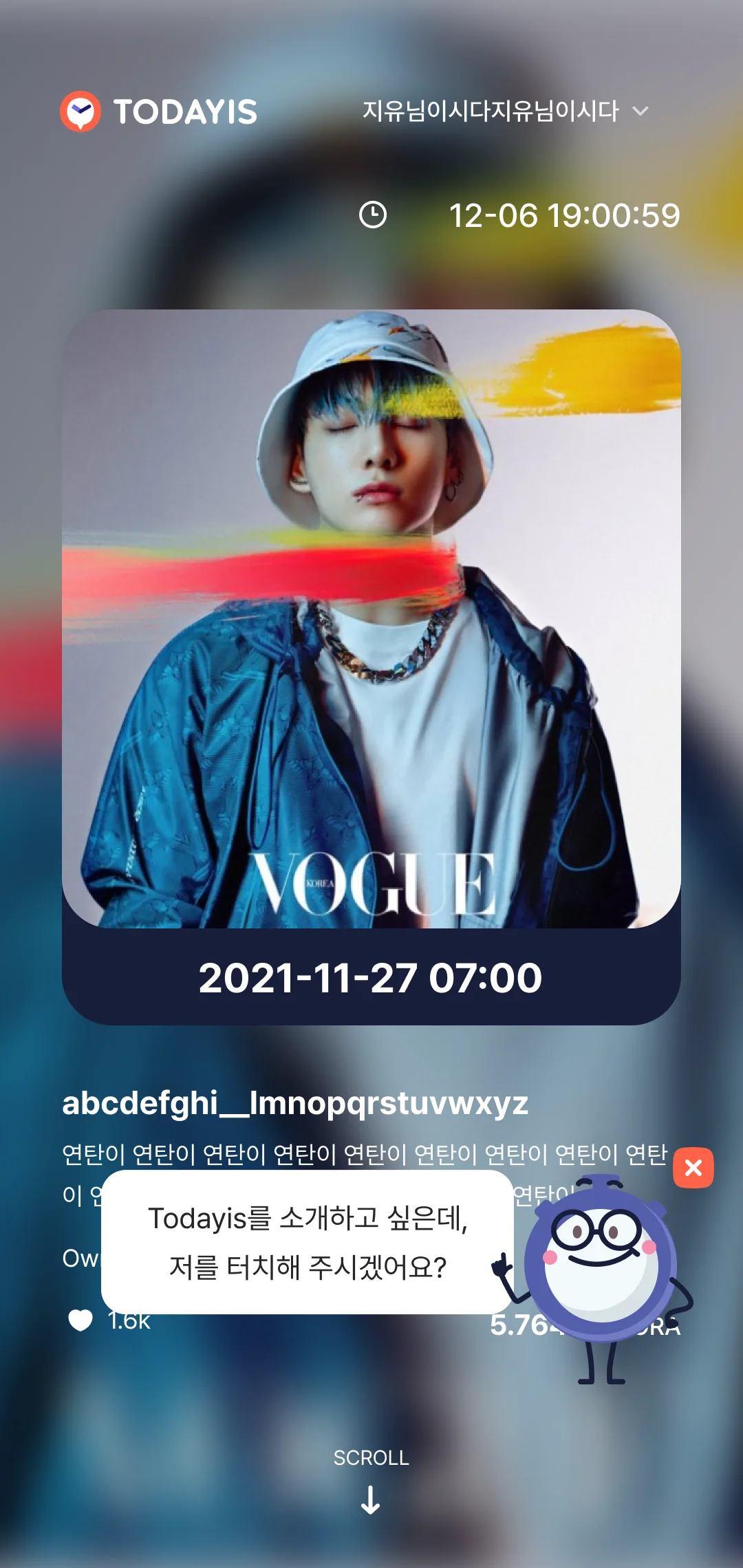
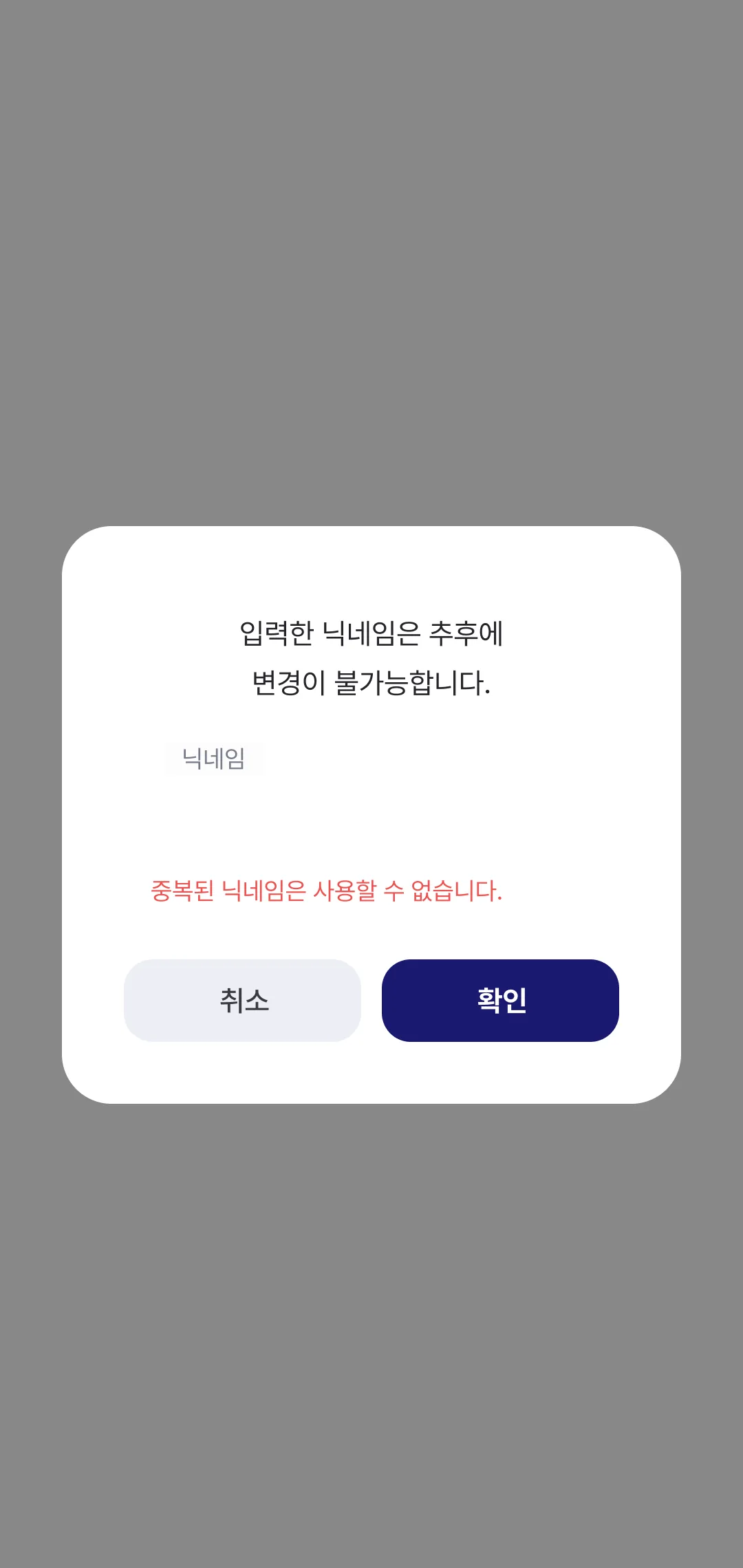
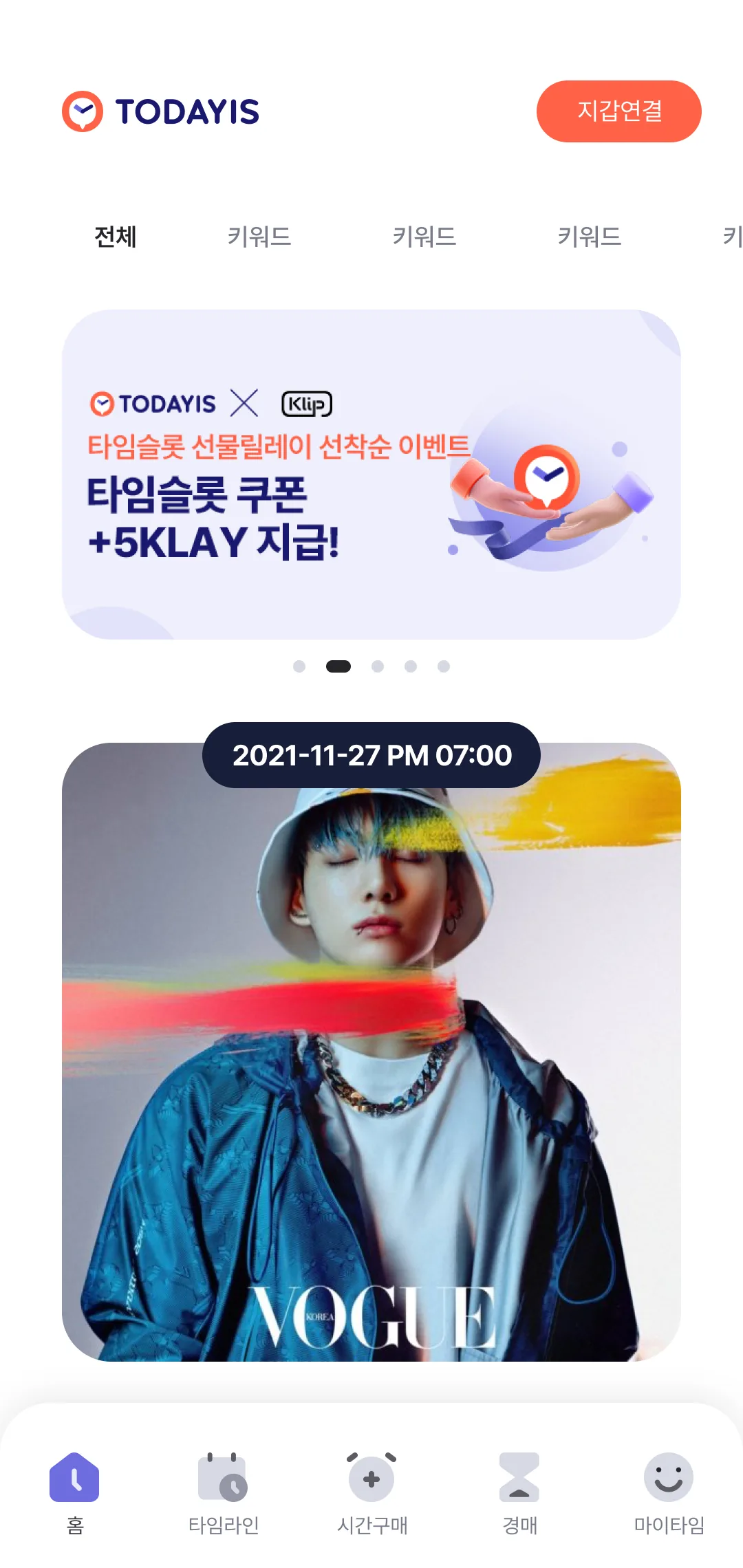
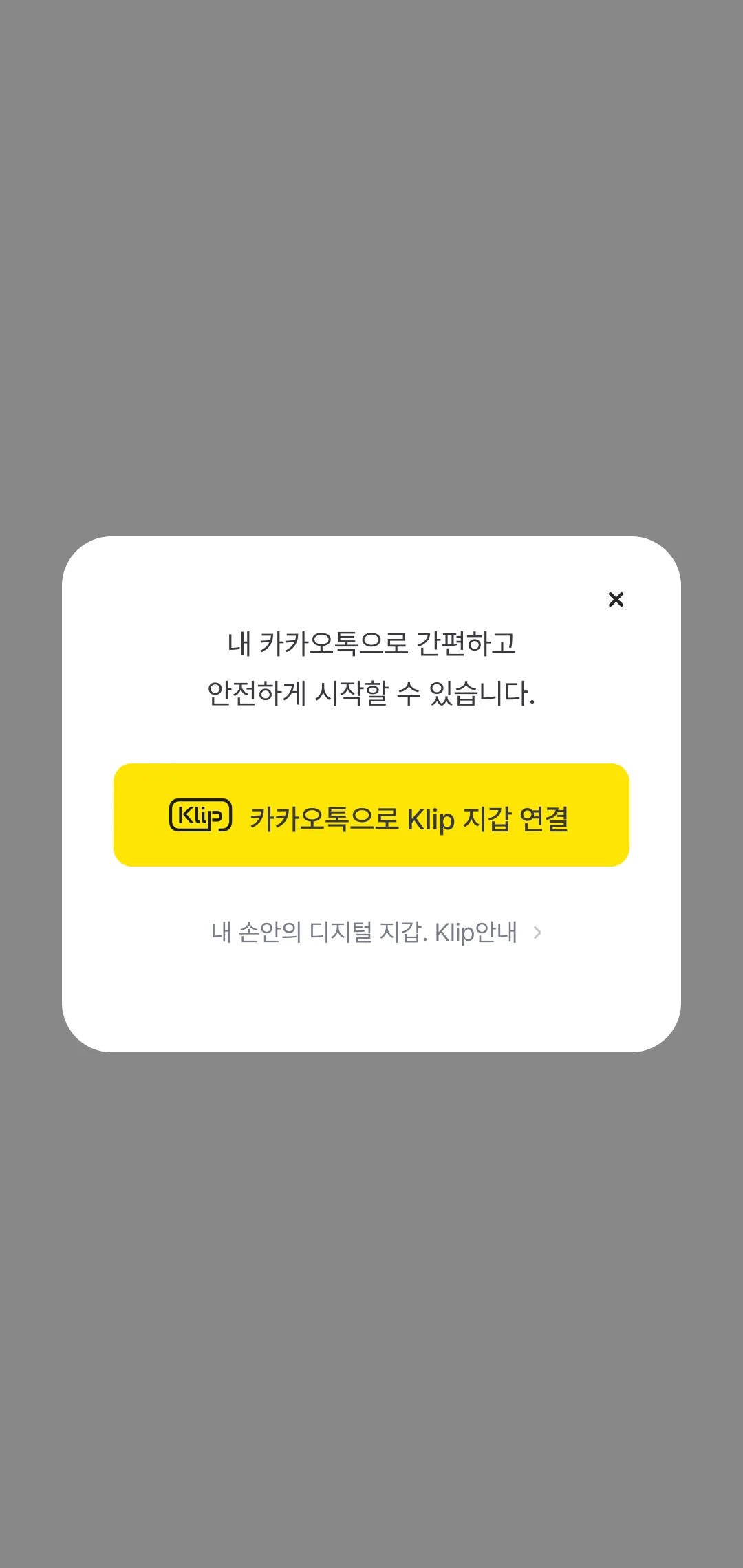
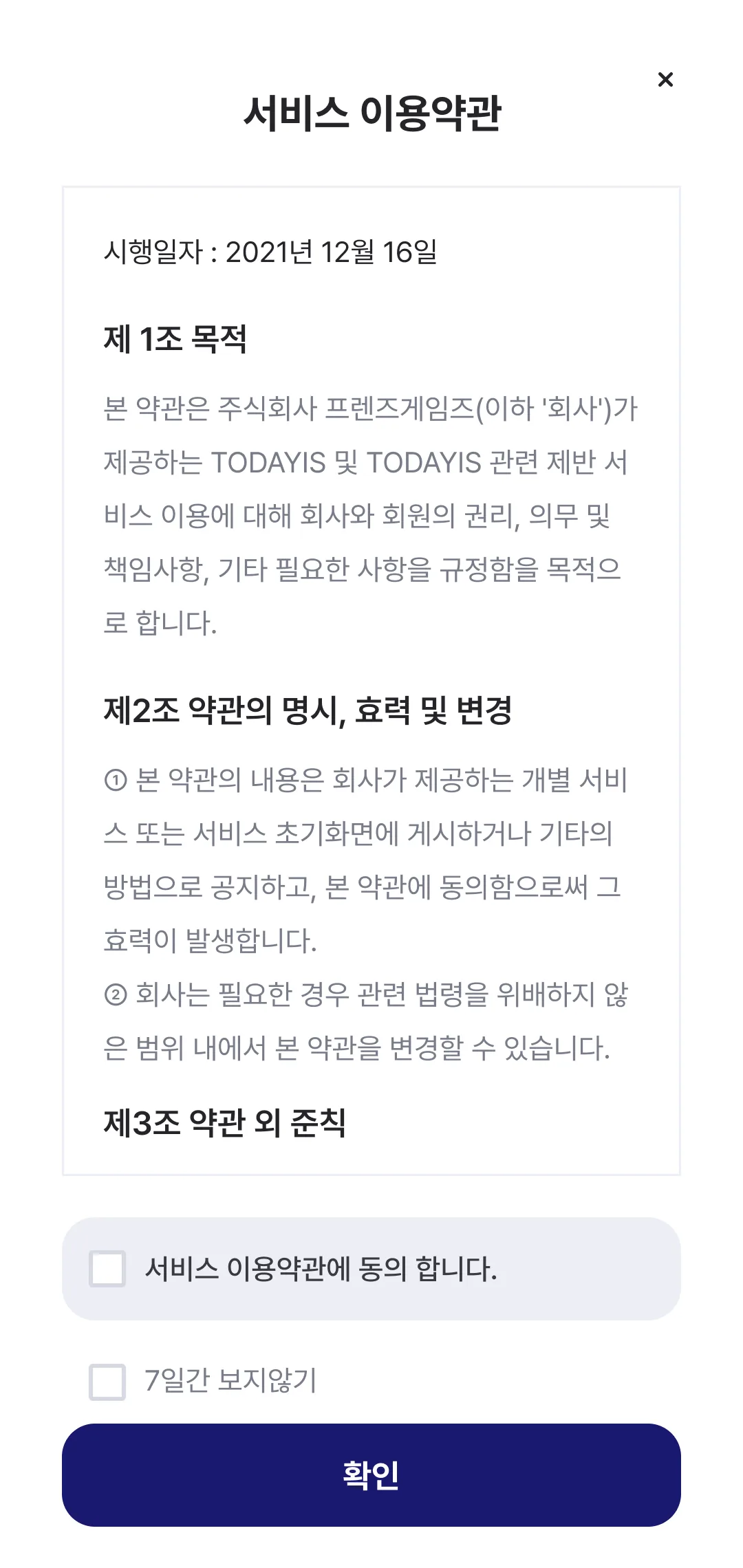
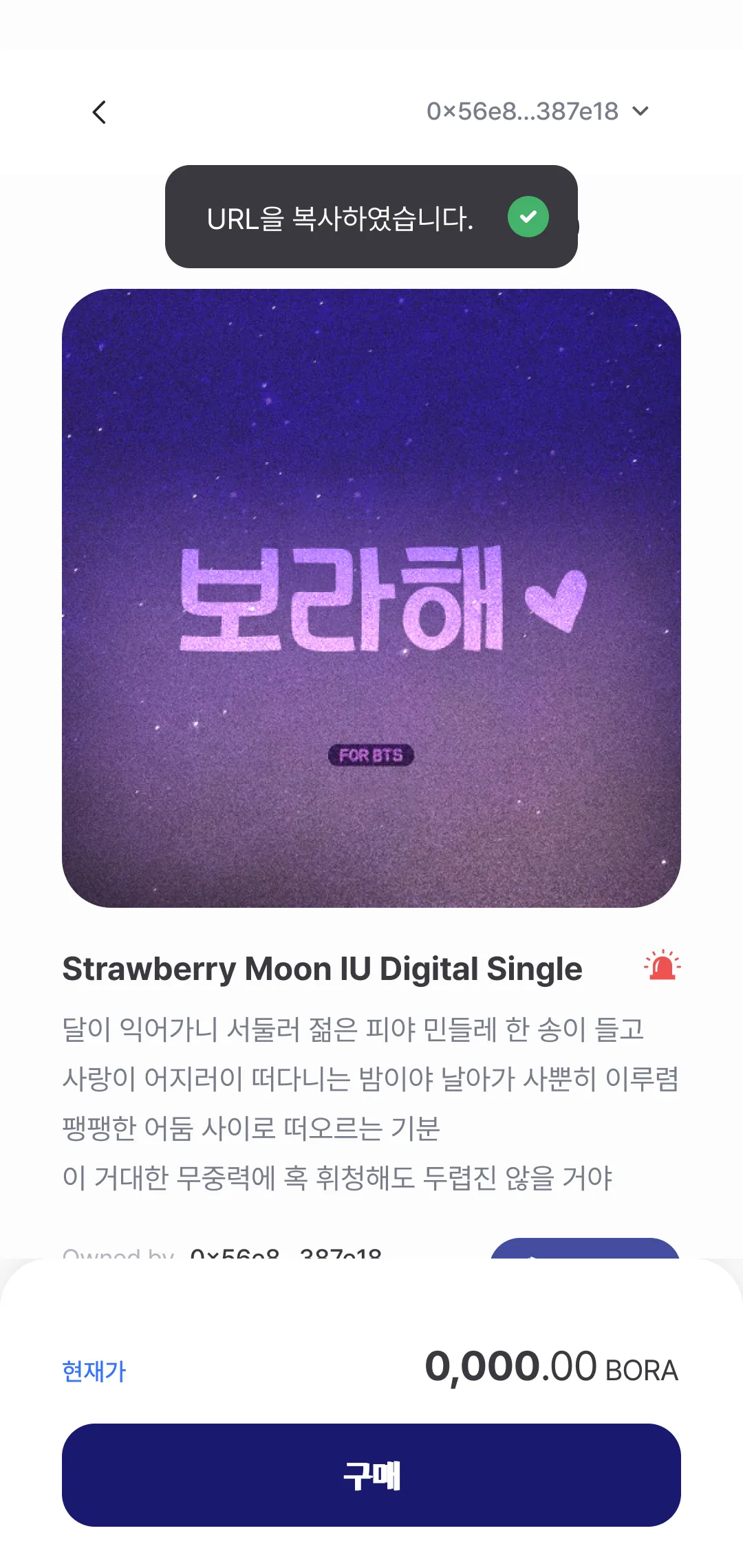
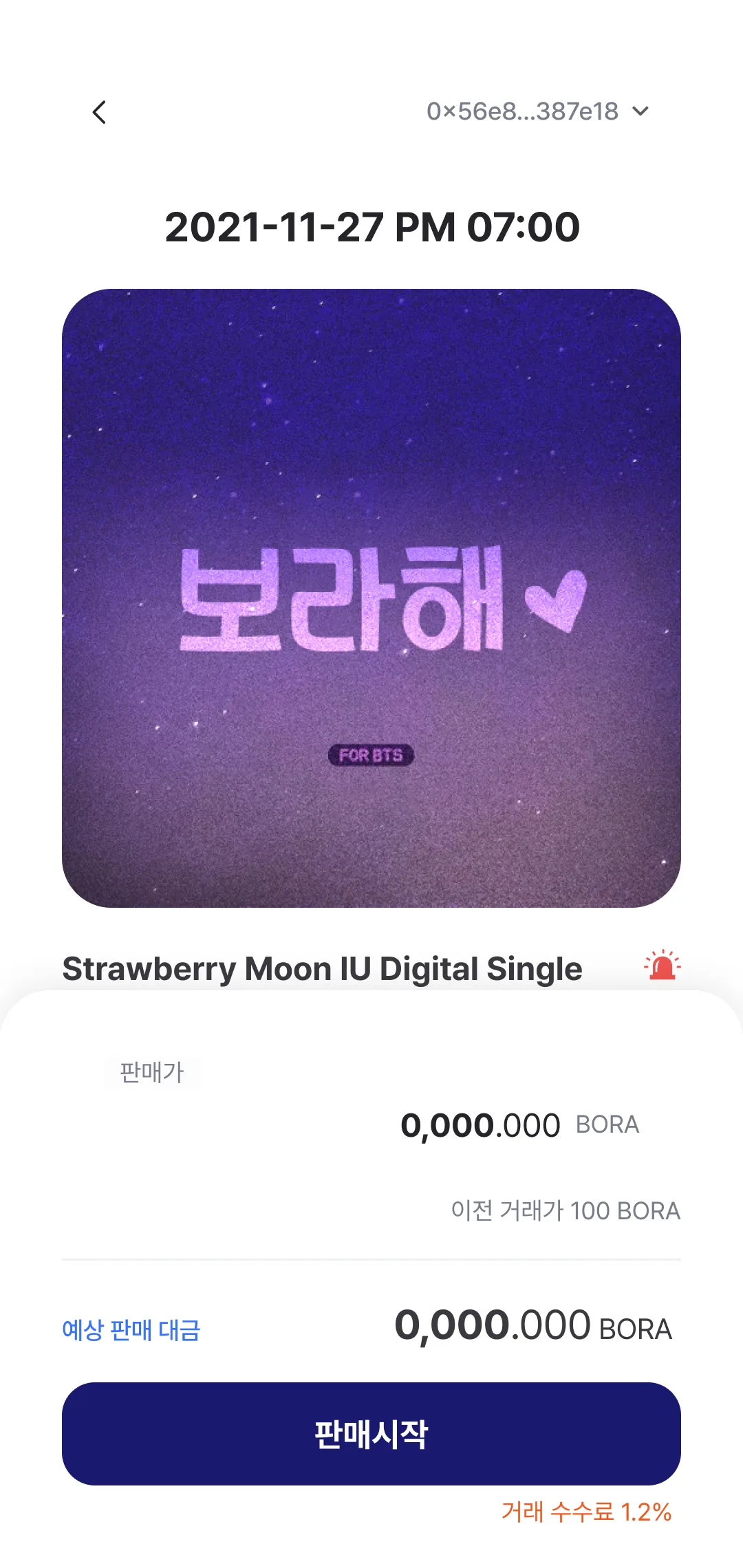
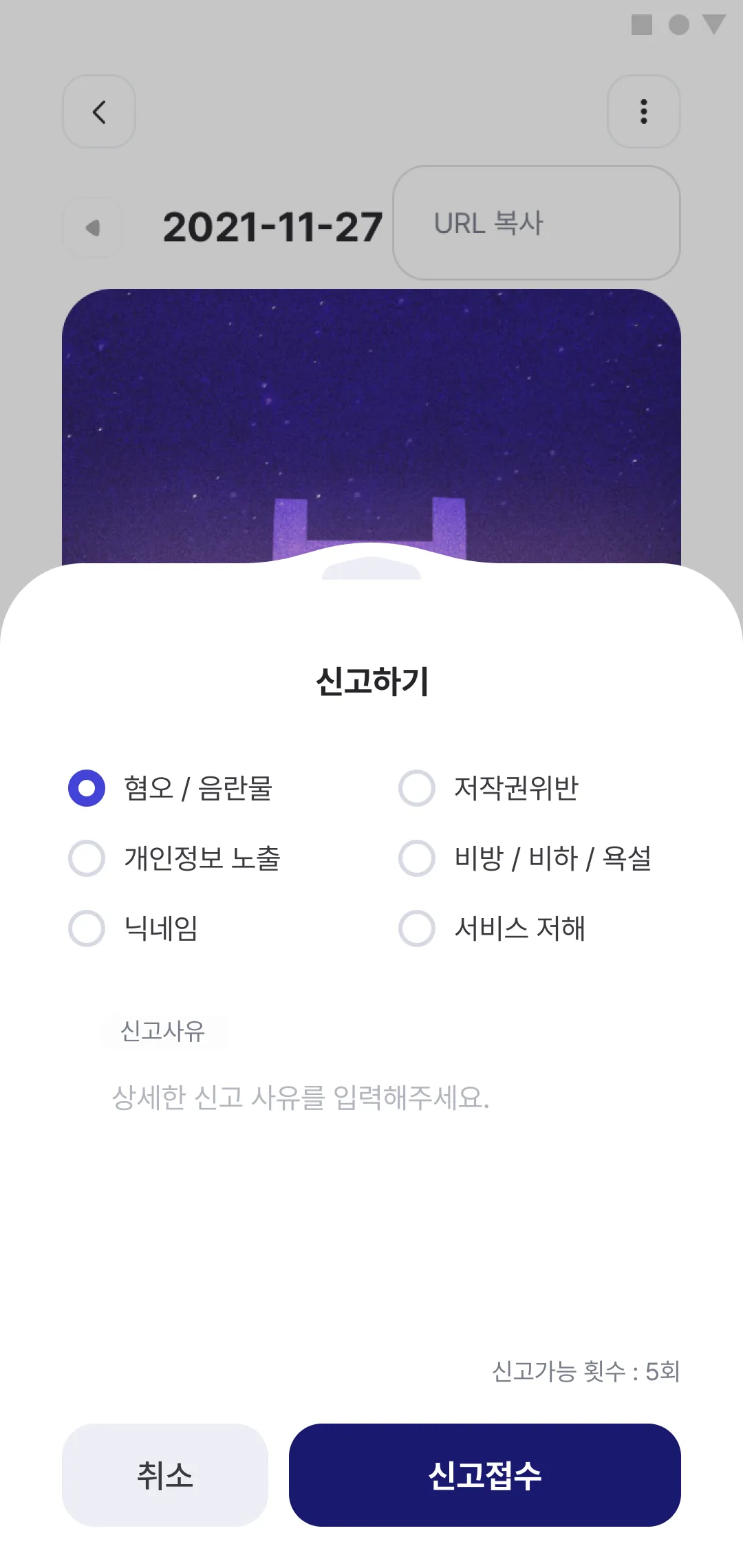
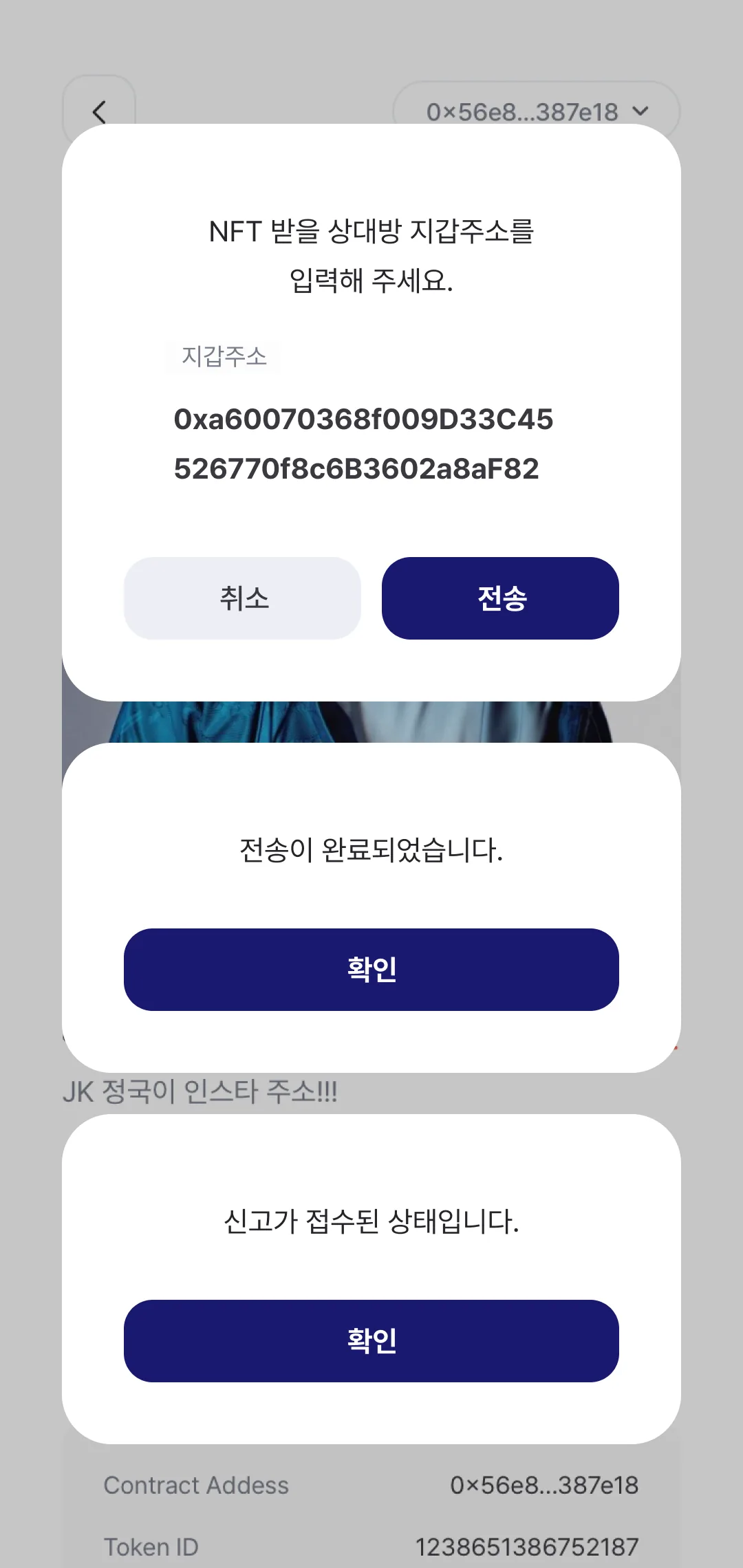
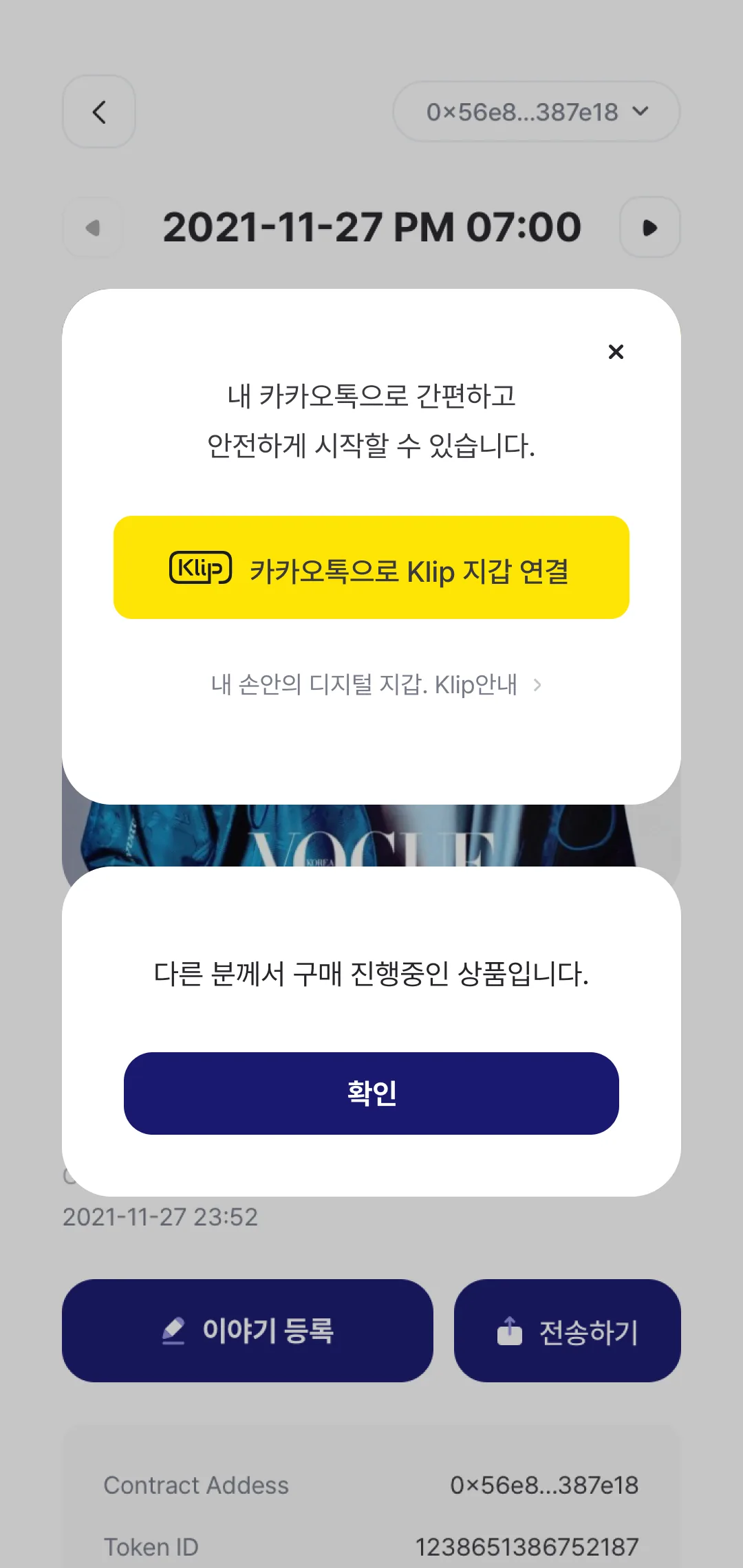
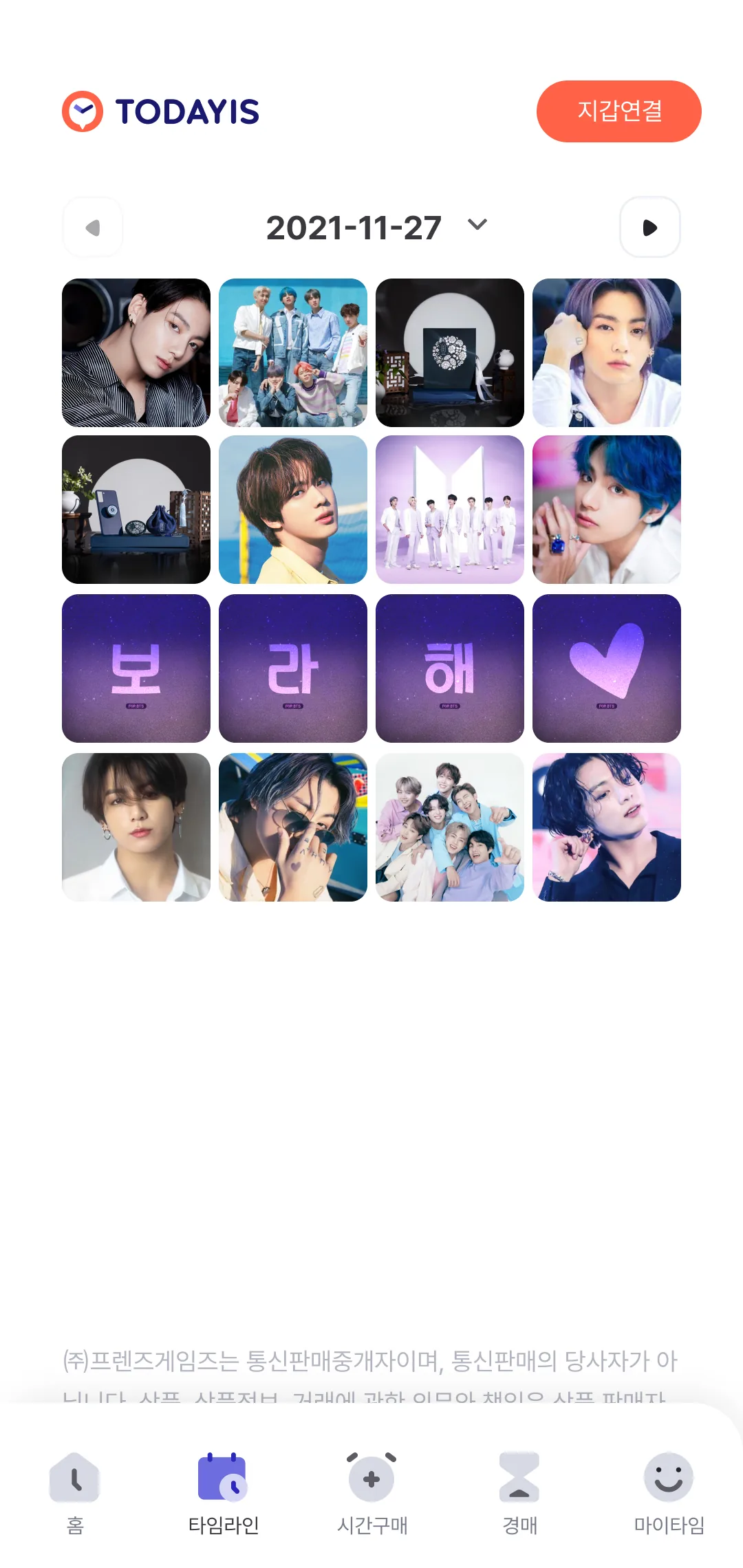
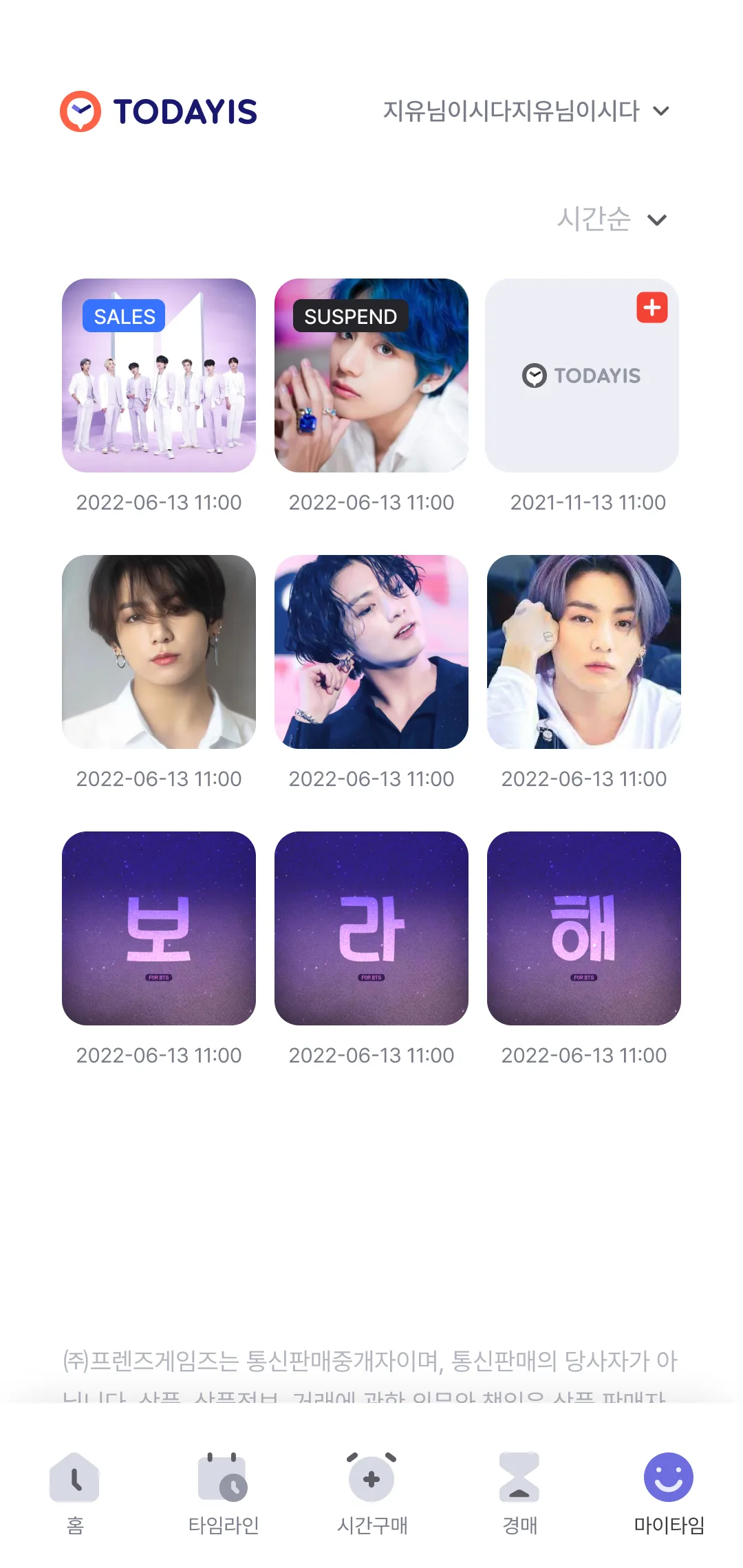
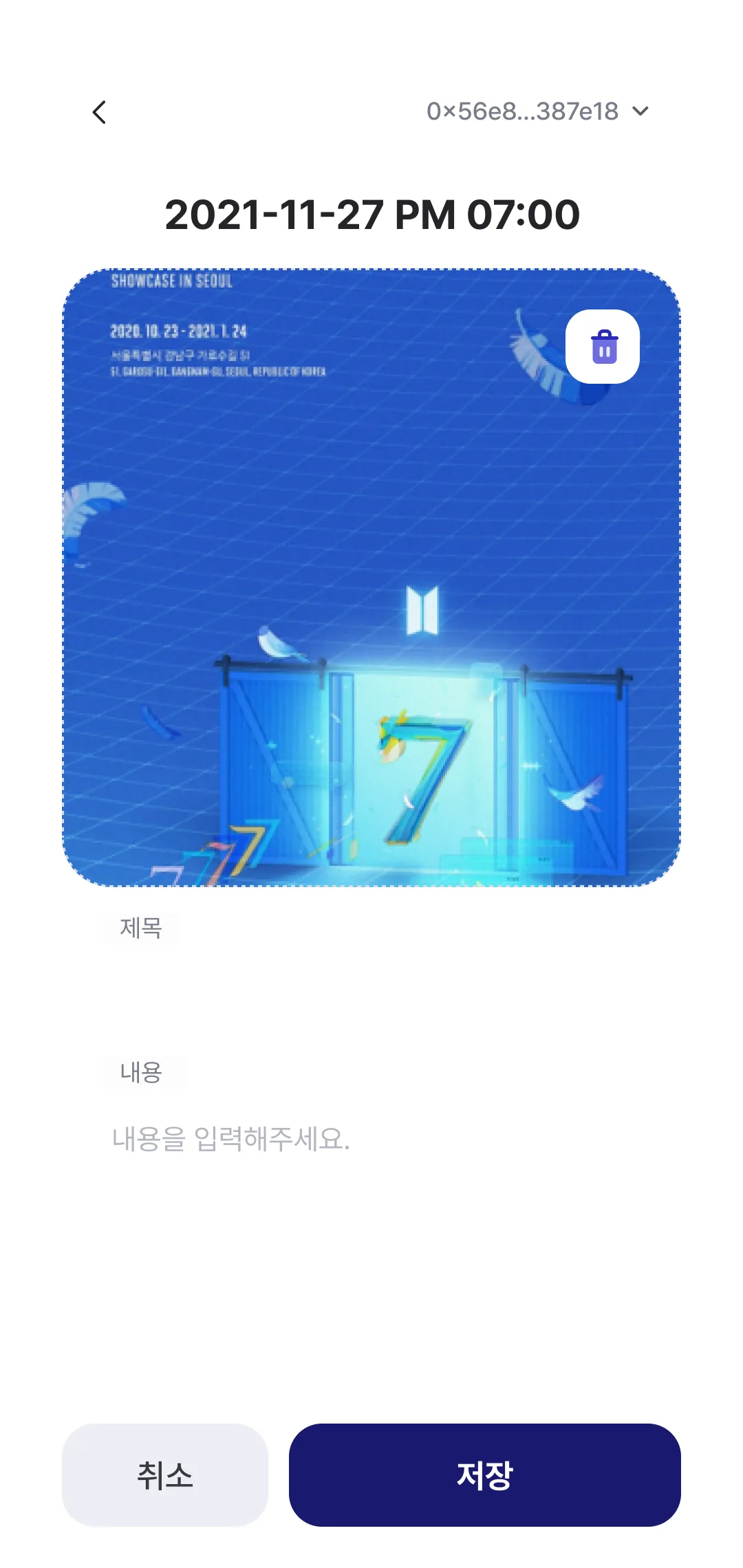
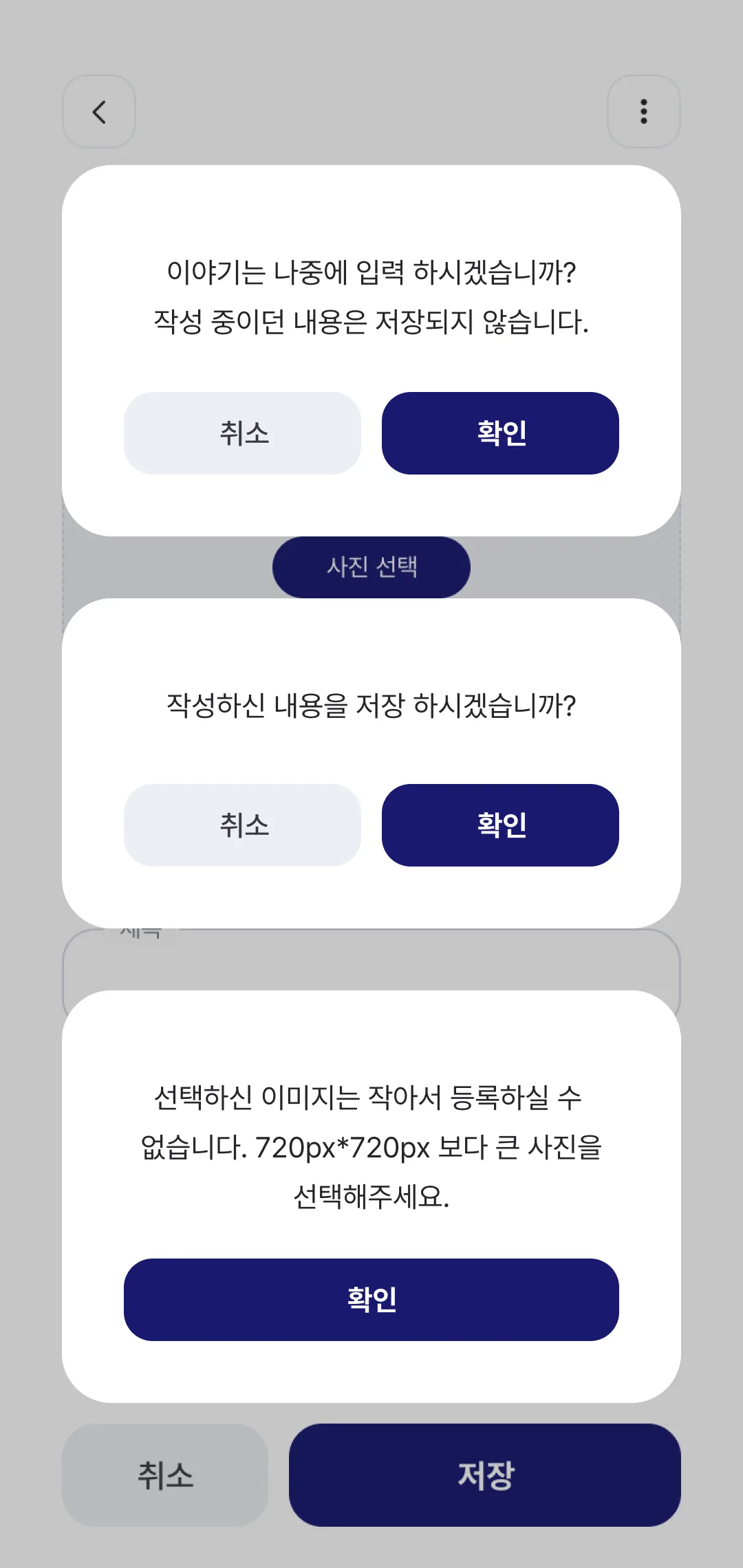
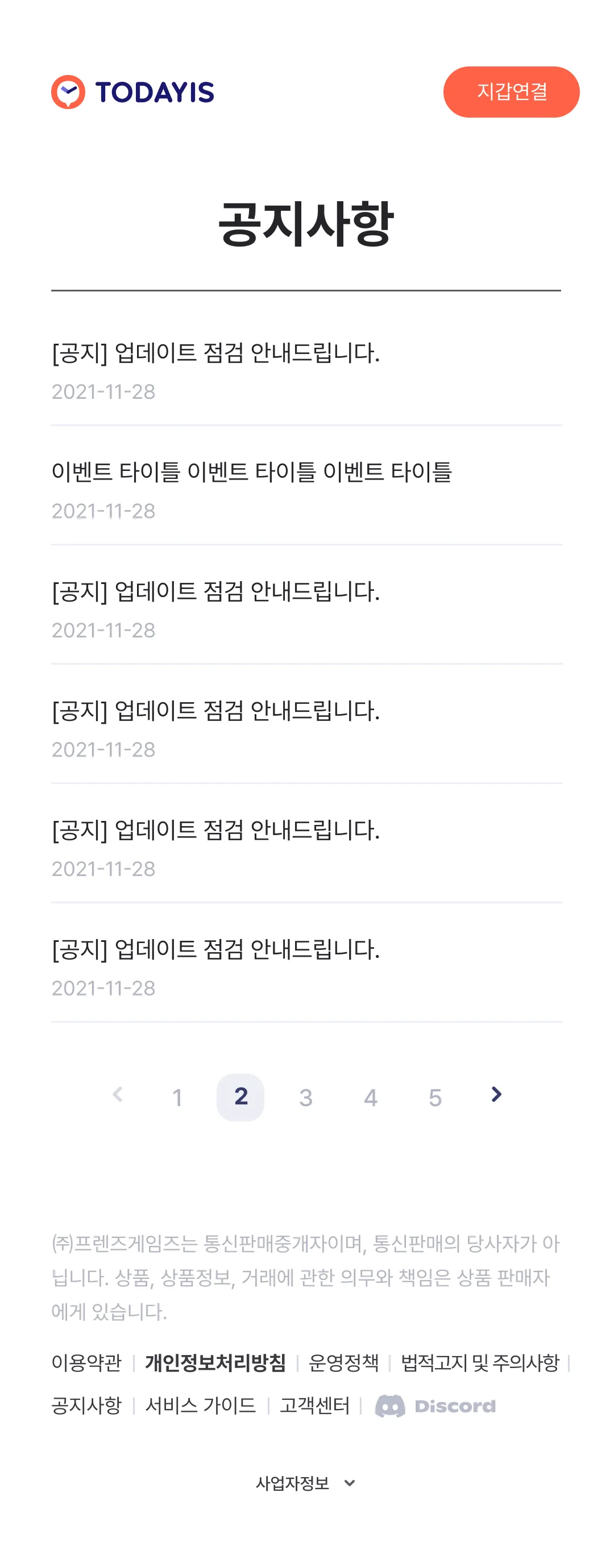
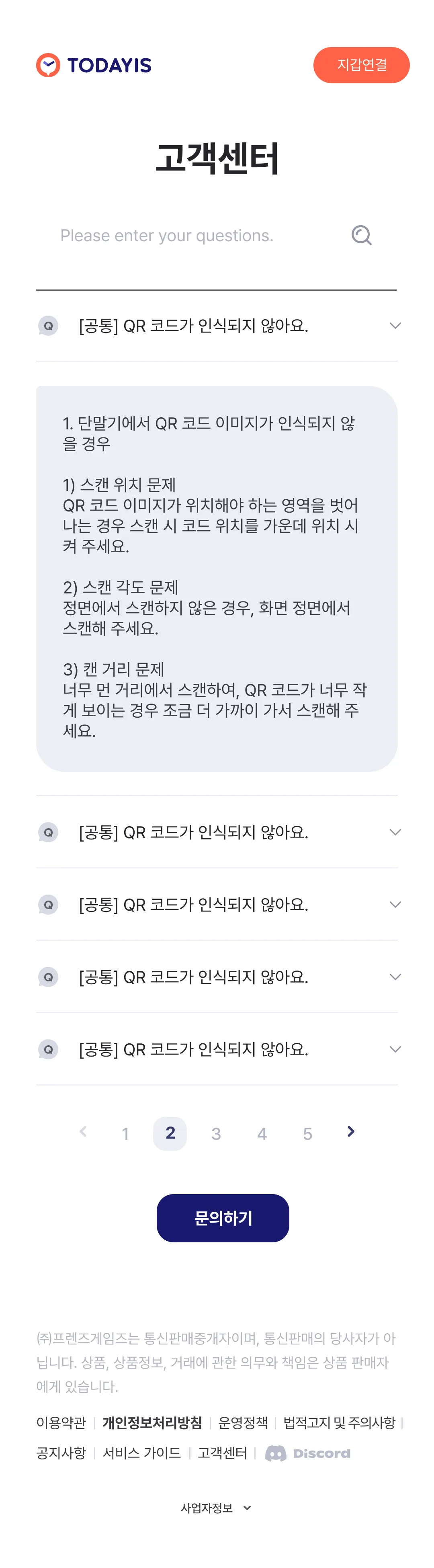
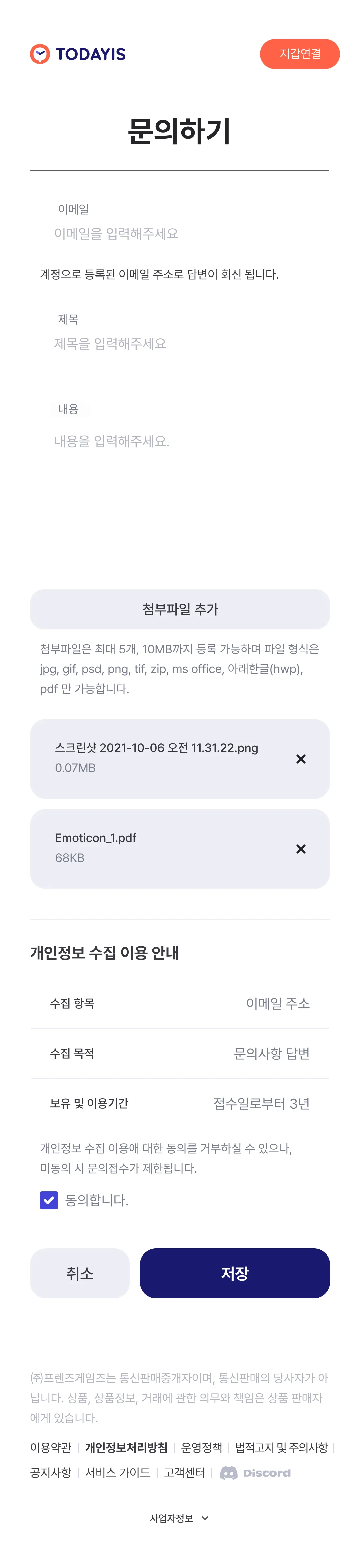
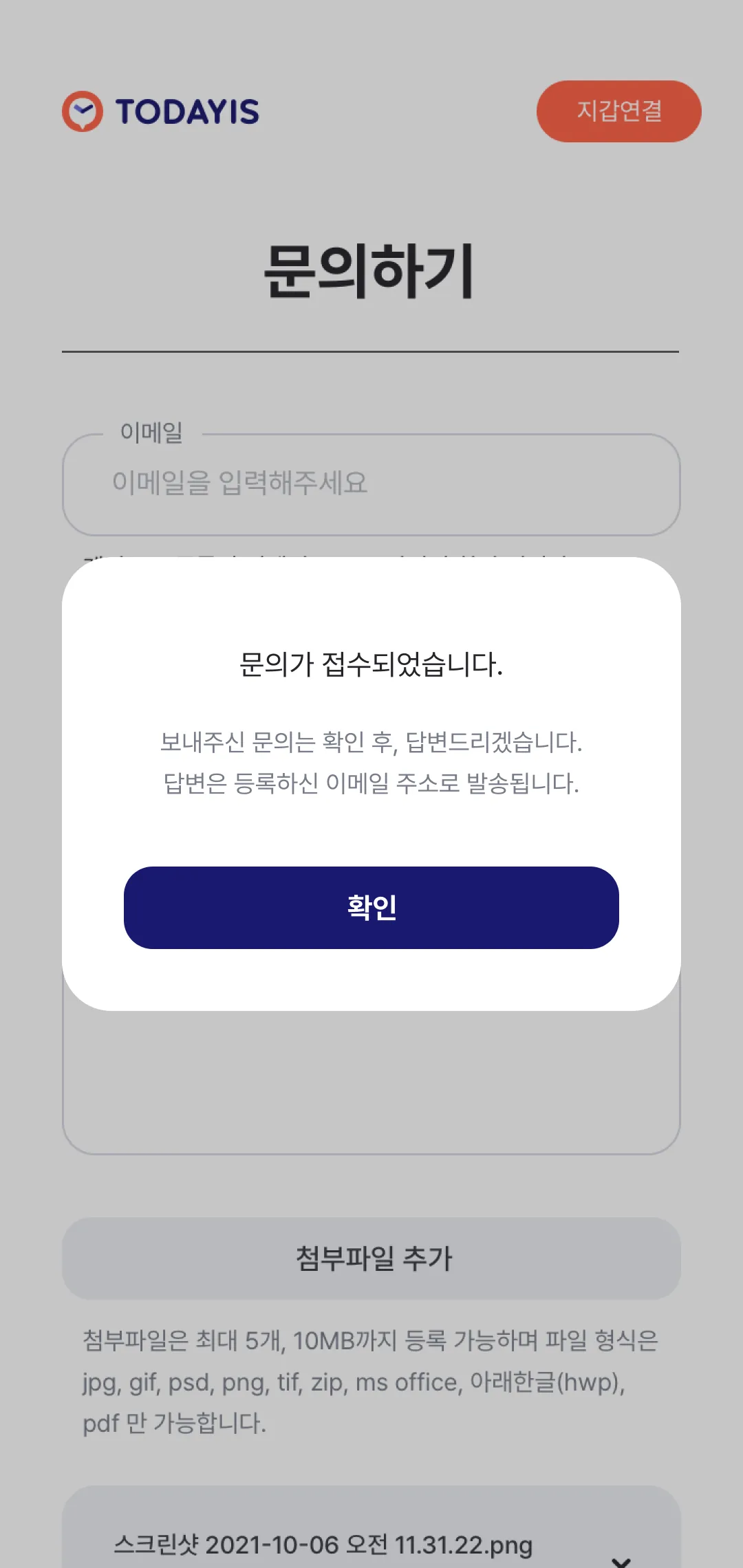
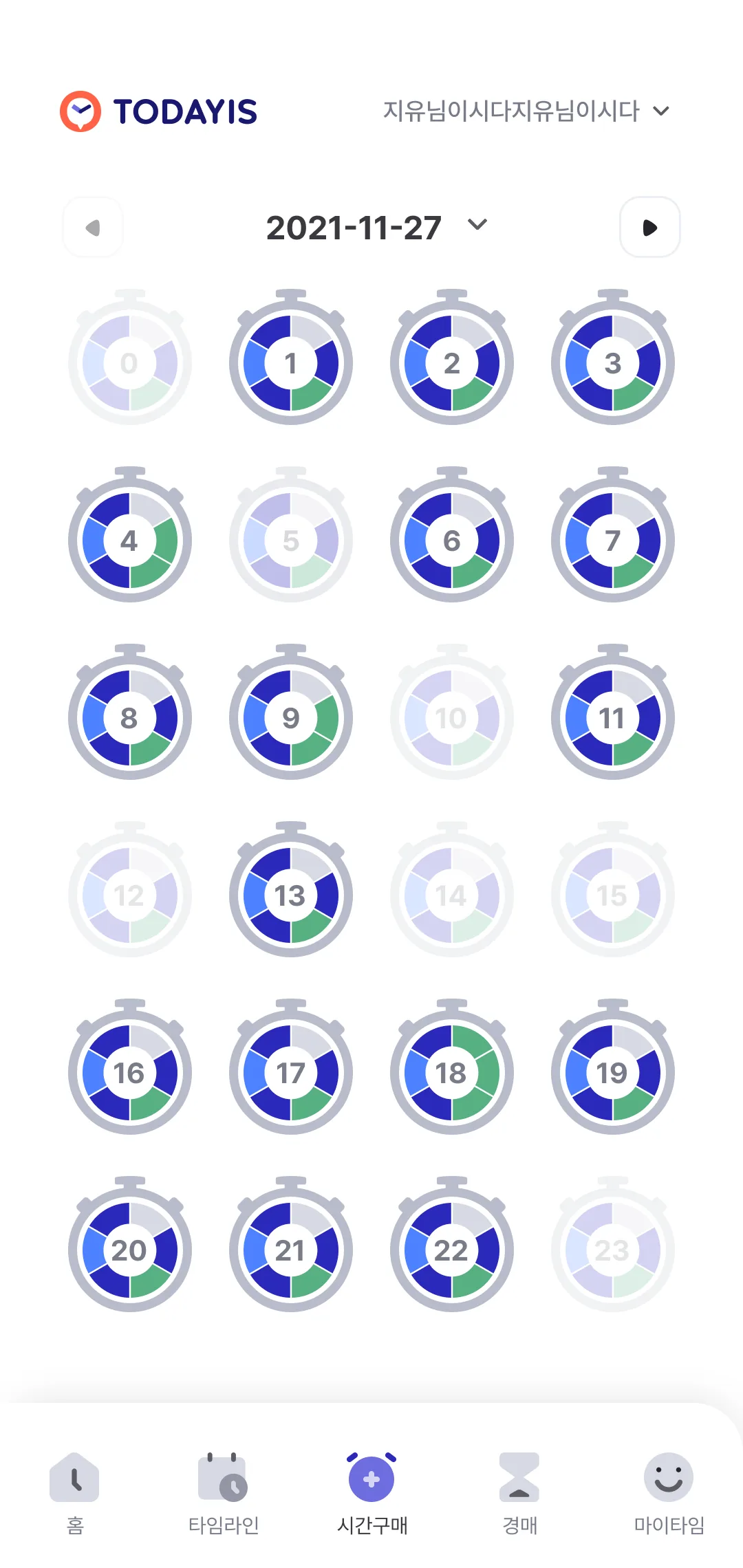
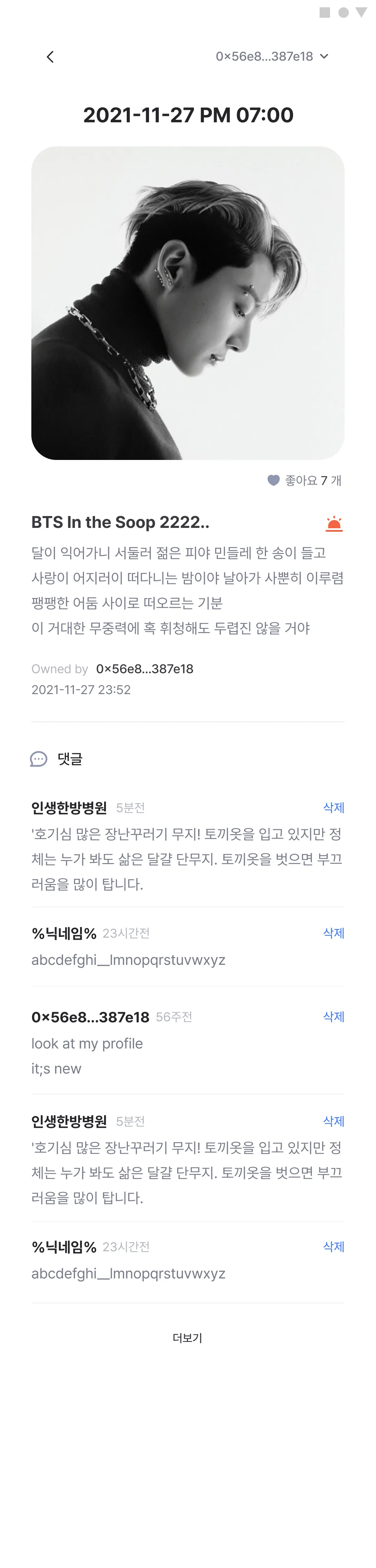
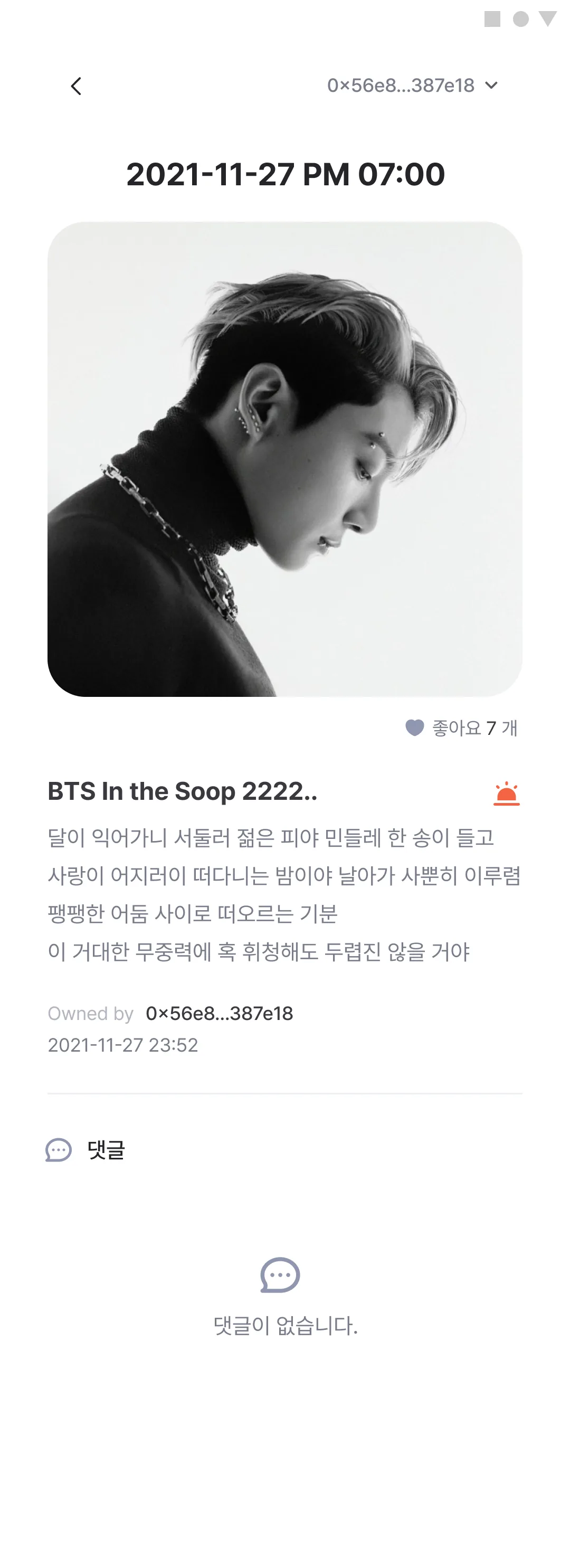
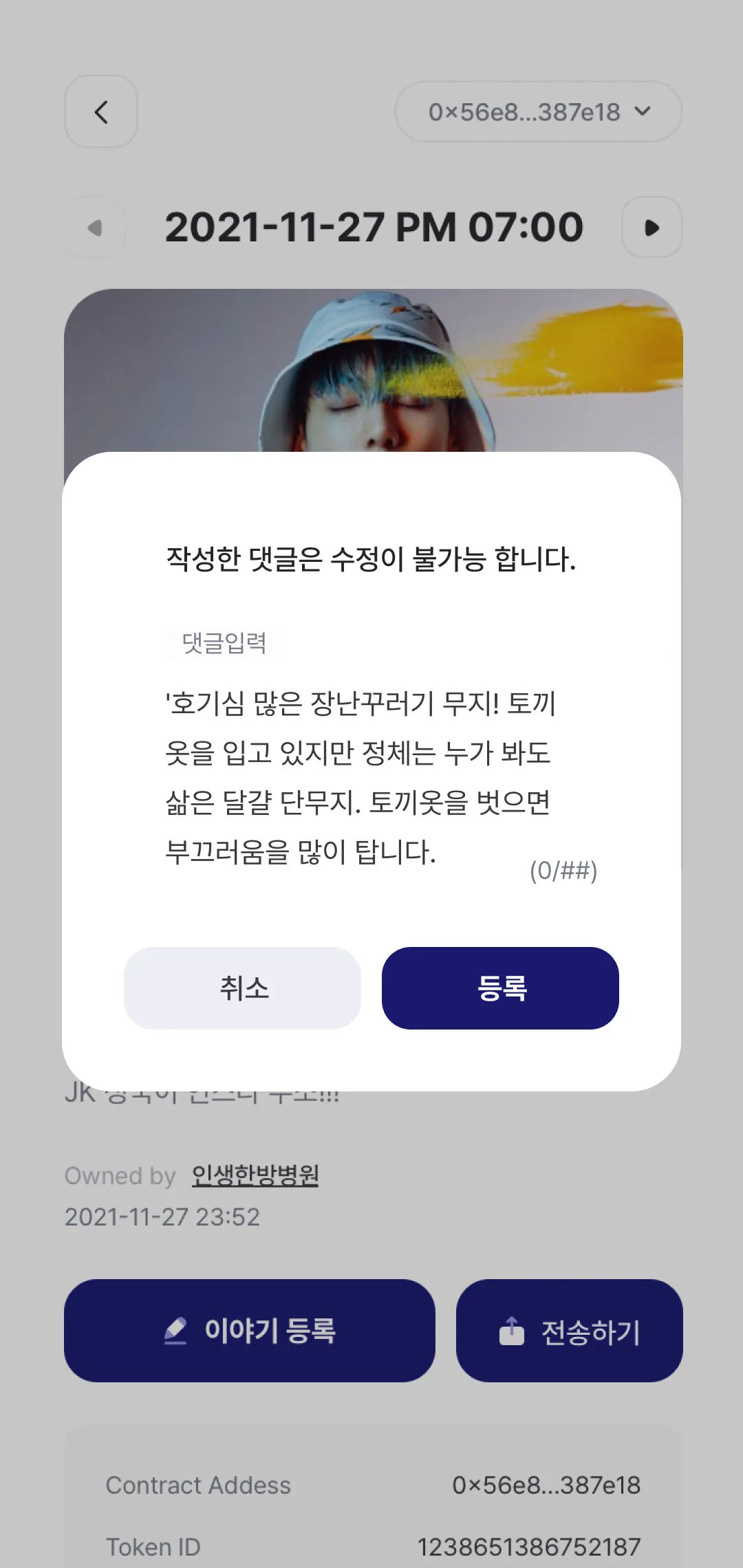
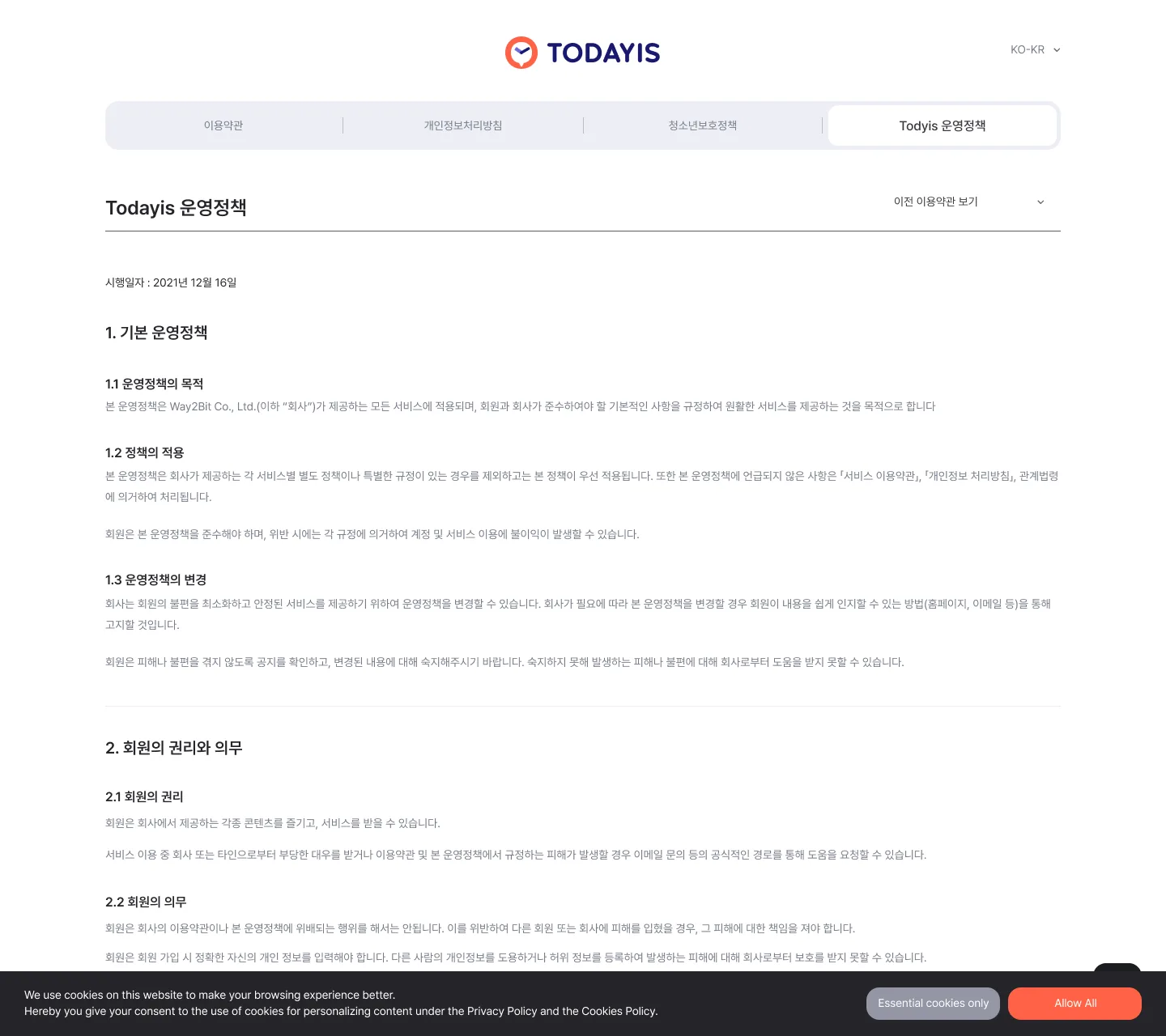
Home - first-visit guideHome once a wallet is connected. One featured time slot fills the screen, blurred into its own backdrop, with a live countdown ticking above it. The stopwatch mascot pops a speech bubble offering a tour.Set your nicknameWarns that the name can never be changed before it opens the field, and blocks a duplicate inline in red rather than after submit.Home - before a walletWith no wallet the top right reads Connect instead of a nickname. Keyword tabs and an event carousel sit above the run of time-slot cards.Connect a Klip walletKakaoTalk's Klip is the only way in - one yellow button and a single help link, nothing to choose between.Agree to the termsThe full terms go into a scrolling box before the wallet is linked, with the consent checkbox and a "hide for 7 days" option below it.Slot detail - link copiedSomeone else's slot, opened. A "URL copied" toast sits over the artwork while the pinned bar below carries the current price and Buy.Slot detail - listing my ownWhen the slot is mine the bar becomes a price field and Start selling. The last trade price sits above it, and the 1.2% fee is spelled out in red under the button.ReportSix radio reasons - hate, copyright, privacy, abuse, nickname, service disruption - plus a free-text note, with the remaining report count (5) tucked bottom right.Transfer alerts, three statesNot one screen but three stacked in a single frame: enter the recipient wallet, transfer complete, and already-reported.Purchase alerts, two statesThe wallet prompt and "someone else is already buying this" laid over each other, with the detail screen showing through behind.TimelineA day's slots in a four-column grid, with arrows to step the date. This pass is still logged out - the top right reads Connect.My timeThe slots I own. SALES and SUSPEND badges ride on the thumbnails, and the plus tile is where an empty slot gets its story.NFT couponA twelve-digit code redeems a coupon; the ones already held sit below as perforated tickets, each with its expiry printed right under the name.My time - emptyNothing owned yet: one glum stopwatch and the line "you don't hold any time."Add a story - pick a photoThe image rules - PNG/JPG/JPEG, under 10MB, at least 720×720 - are printed directly under the picker button, with the title and body fields following.Confirm the photoThe chosen image blown up full-bleed on a dimmed backdrop for one last look.Add a story - photo in placeThe photo settles into its slot with a trash button in the corner. Title and body are still empty, which makes plain what Save is actually saving.Upload alerts, three statesWrite it later (the draft won't survive), save what you wrote, and the image is under 720px - three alerts stacked in one frame.Default artworkThe grey logo plate that stands in for a slot with no story yet. An asset, not a screen.NoticesA title-and-date list under a five-page pager. Most rows are the same placeholder - "update maintenance notice" - repeated.Policy - privacyThe file is named terms but the document open here is the privacy policy. A dropdown swaps documents; the top right switches language (EN_GL).Under maintenanceThe maintenance window is pinned in red with a contact address beneath it. Being a dead end, the screen offers no way back.Error 999The catch-all failure: a puzzled cloud with a question mark and a single Home button.404Page not found - a downcast sheet of paper and one Home button.Footer - collapsed and openThe business-registration block closed and open, stacked one above the other. A component sheet, not a screen.Notice detailThe headline is placeholder text while the body is a real launch announcement listing Friends Games titles. The mismatch is in the source, not the capture.Help centreA search field over a collapsed FAQ list, a five-page pager, and Contact us at the bottom. Every row is the same placeholder question about QR codes.Help centre - no resultsWhen search finds nothing, the list is replaced by the mascot and a no-results line - but Contact us stays put.Help centre - answer openOne row expanded. The answer drops into a grey block, splitting the fix into numbered causes - scan position, angle, distance.Contact usEmail, subject, body, and up to five attachments. Before consent it lays out what is collected, why, and for how long (three years) as a table.Enquiry receivedThe receipt alert, which also says where the reply will land - the address on file.Buy time - the 24 dialsThe screen the whole product turns on. One stopwatch is one hour, and the six wedges inside it are ten minutes each. Filled wedges are for sale; a faded dial is an hour closed outright.Pick a ten-minute wedgeOpening one dial splits it into six wedges, 00 to 50. A wedge someone is already selling shows its seller, price, and a link to the NFT, with the no-refund notice trailing below.Pick a wedge - discountedThe same sheet with the list price struck through and 80% stamped on it. Only two blue wedges remain open here.Confirm the purchaseThe chosen time is quoted back with its price. The grid behind dims away so only the pick remains.Waiting on KlaytnWhile the payment settles on chain. It states up front that confirmation can take ten minutes, and offers a link to reopen Klip if it never launched.Home, end to endOne frame from the guide bubble through the keyword tabs, banner, slot feed, More button, footer, and tab bar. Only the first screen is dark; everything below it turns to white.Slot detail, end to endArtwork, likes, owner, contract facts, comments, History, and the selling bar in one frame. The source errors cluster here: the token standard reads ERC-720 (it should be 721) and the label is misspelled Contract Addess.Detail - account menuTapping the wallet address drops a menu - set nickname, redeem coupon, disconnect. It also covers the time half of the date, leaving only 2021-11-27 visible.Detail - actions lockedEdit story and Transfer greyed out - a slot that is listed cannot be touched. Everything else matches the full detail page.Story detail - with commentsComments stack under the like count, each with its own Delete on the right. Five rows show and the rest fold behind More.Story detail - no commentsThe same page with nothing said yet - the comment area becomes a single bubble and one line.Write a commentThe warning that a comment can never be edited stands where a title would, and the field opens under it. The counter is still a placeholder, (0/##).Operating policy (desktop web)The only desktop frame here. Four tabs run across the top - terms, privacy, youth protection, operating policy - with a dropdown for earlier revisions. It is also the one place the company is named Way2Bit Co., Ltd.; every other screen says Friends Games.UI ELEMENTS 1/3 - colour, type, layoutPrimary blue and secondary tomato, four system colours, and a grey ramp; the typeface is Pretendard. The layout sheet pins what stays fixed - the top bar and tab bar on main, the back row and buy bar on sub. The primary swatch is misspelled Mdinight Blue.UI ELEMENTS 2/3 - componentsButtons (primary and secondary across three sizes and three states), fields, checkboxes and radios, switches, dropdowns, and two- and three-segment tabs. Sheet 3/3 was never pulled, so it is missing from this set.